
Manage rooms, chairs & equipment
Requirements
- Available on: All plans (Beta)
- Device access: Web & mobile browser
- Permission: Owner or Manager
Resources are the physical things appointments need — treatment rooms, styling chairs, and equipment. Adding them lets SalonHub360 keep track of your salon's capacity. This feature is in Beta.
How to add a resource
-
In the left menu, open Resources (under Catalog). You'll see a Beta label next to the heading.
<!-- CAPTURE: route=/catalog/resources | login=owner | state=resources list with Beta badge | highlight=Beta label and Add button | viewport=1440x900 -->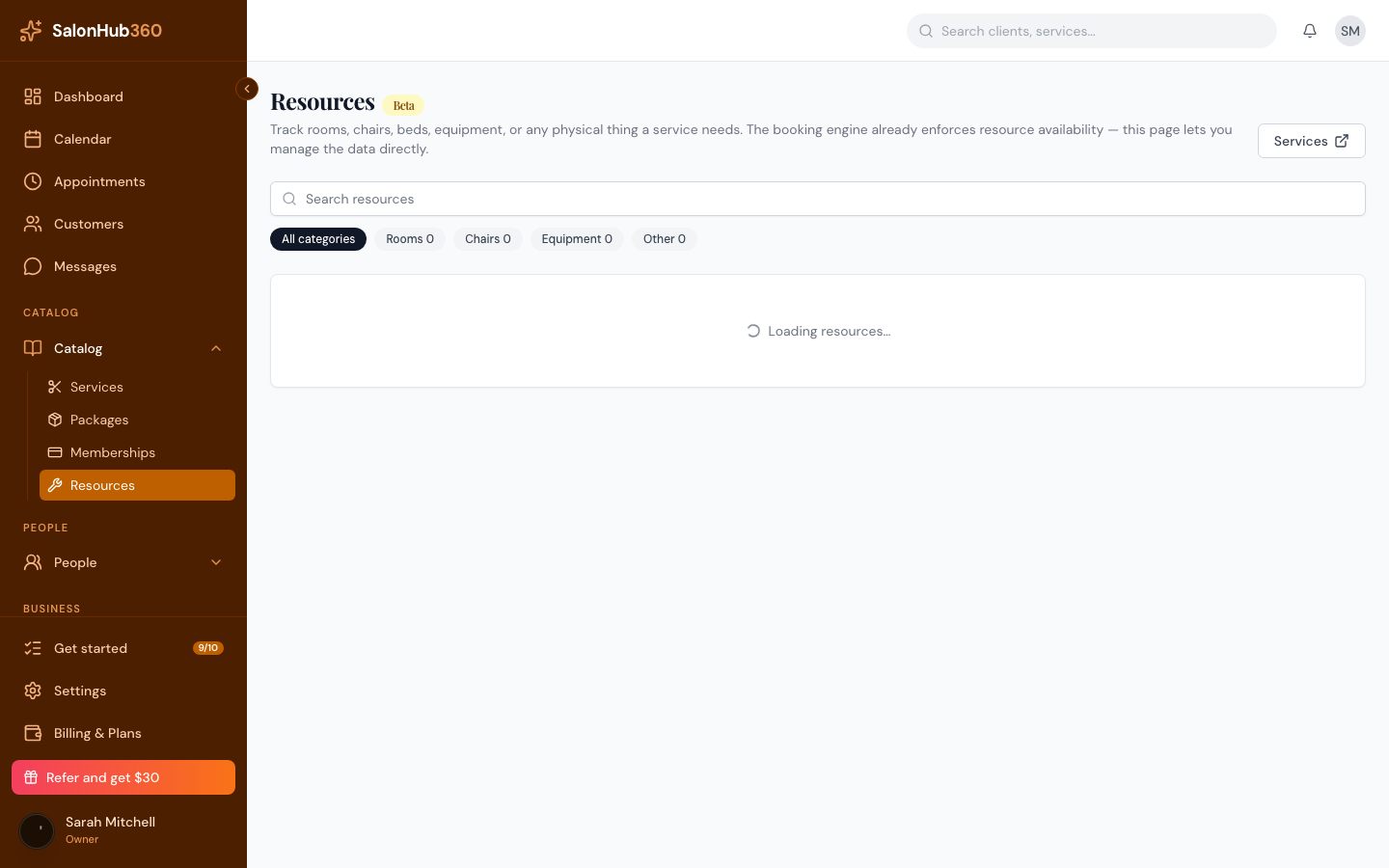
-
Click Add. Enter a Resource name, pick a Category — Rooms, Chairs, Equipment, or Other — and set the Capacity (how many clients can use it at once).
<!-- CAPTURE: route=/catalog/resources | login=owner | state=new resource dialog | highlight=Resource name and Category fields | viewport=1440x900 -->
-
To create several at once, turn on Add multiple and enter a count. SalonHub360 numbers them automatically — entering "Chair" with a count of 5 creates Chair 1 through Chair 5.
<!-- CAPTURE: route=/catalog/resources | login=owner | state=new resource dialog, Add multiple on, count=5 | highlight=Add multiple control | viewport=1440x900 -->
-
Save. Your resources appear grouped by category.
Manage your resources
Resources are grouped under Rooms, Chairs, Equipment, and Other. Use the Search resources box or the category filters to find one. Click a resource to edit it; in the editor you can rename it, change its capacity, toggle Active, or delete it. Turning a resource off (or deleting it) hides it from new bookings but leaves existing appointments untouched.
Tip: Starting from scratch? Each category offers a one-click starter set — for example, Use suggested chairs adds a few common chairs instantly.
Note: Custom resource categories aren't supported yet — every resource lands in one of the four buckets. For something like facial beds, use Equipment and describe it in the resource's details.
Related articles