
Assign services to staff
Requirements
- Available on: All plans
- Device access: Web & mobile browser
- Permission: Owner or Manager
Control which team members can perform each service so clients only see the right staff when they book. You can set this up two ways — from a service, or from a staff member's profile.
How it works
By default, a service has no staff restriction — every bookable staff member can perform it. As soon as you check one or more staff, the service becomes opt-in: only the staff you select can be booked for it. Both screens below write to the same place, so changes made in one show up in the other.
Option 1: From a service
-
Open Services and click the service you want to edit.
<!-- CAPTURE: route=/services | login=owner | state=services list | highlight=a service row | viewport=1440x900 -->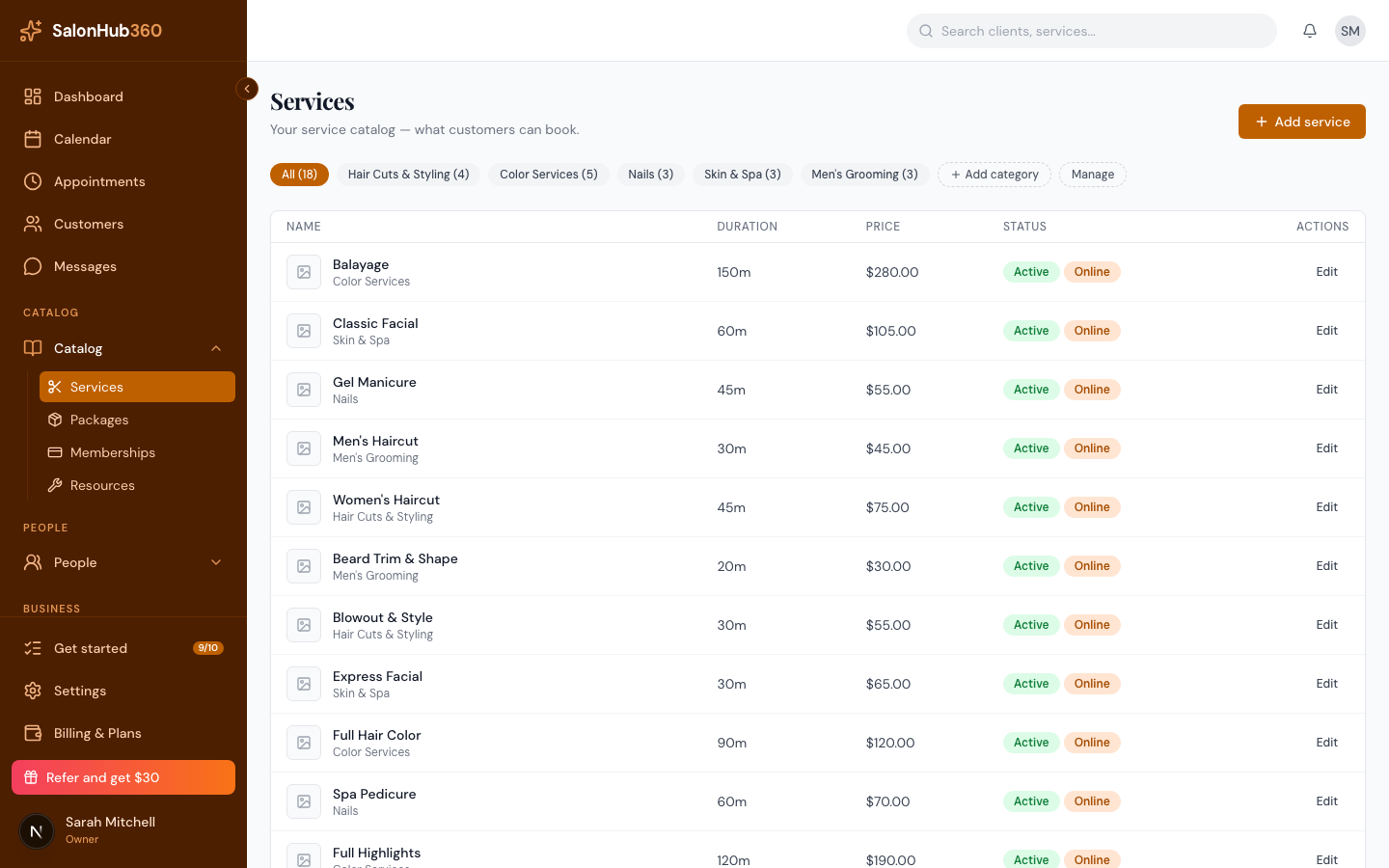
-
Open the Staff section and check the team members who can perform this service. Leave every box unchecked to allow all bookable staff.
<!-- CAPTURE: route=/services | login=owner | state=service edit dialog, Staff tab | highlight=staff checkboxes | viewport=1440x900 -->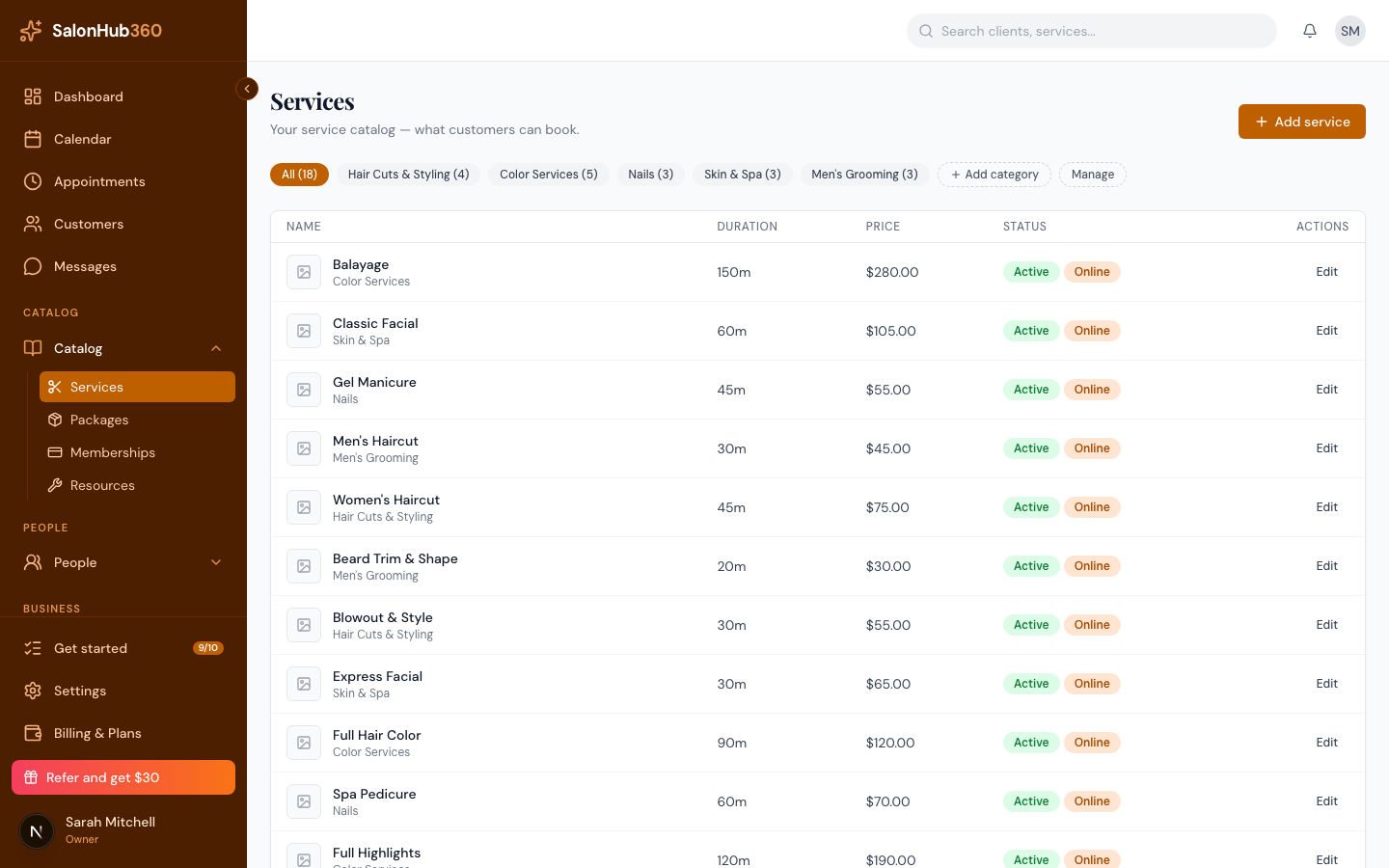
-
Your selections save automatically.
Option 2: From a staff member
-
Open Staff from the left menu and select a team member.
<!-- CAPTURE: route=/staff | login=owner | state=staff list | highlight=a staff member row | viewport=1440x900 -->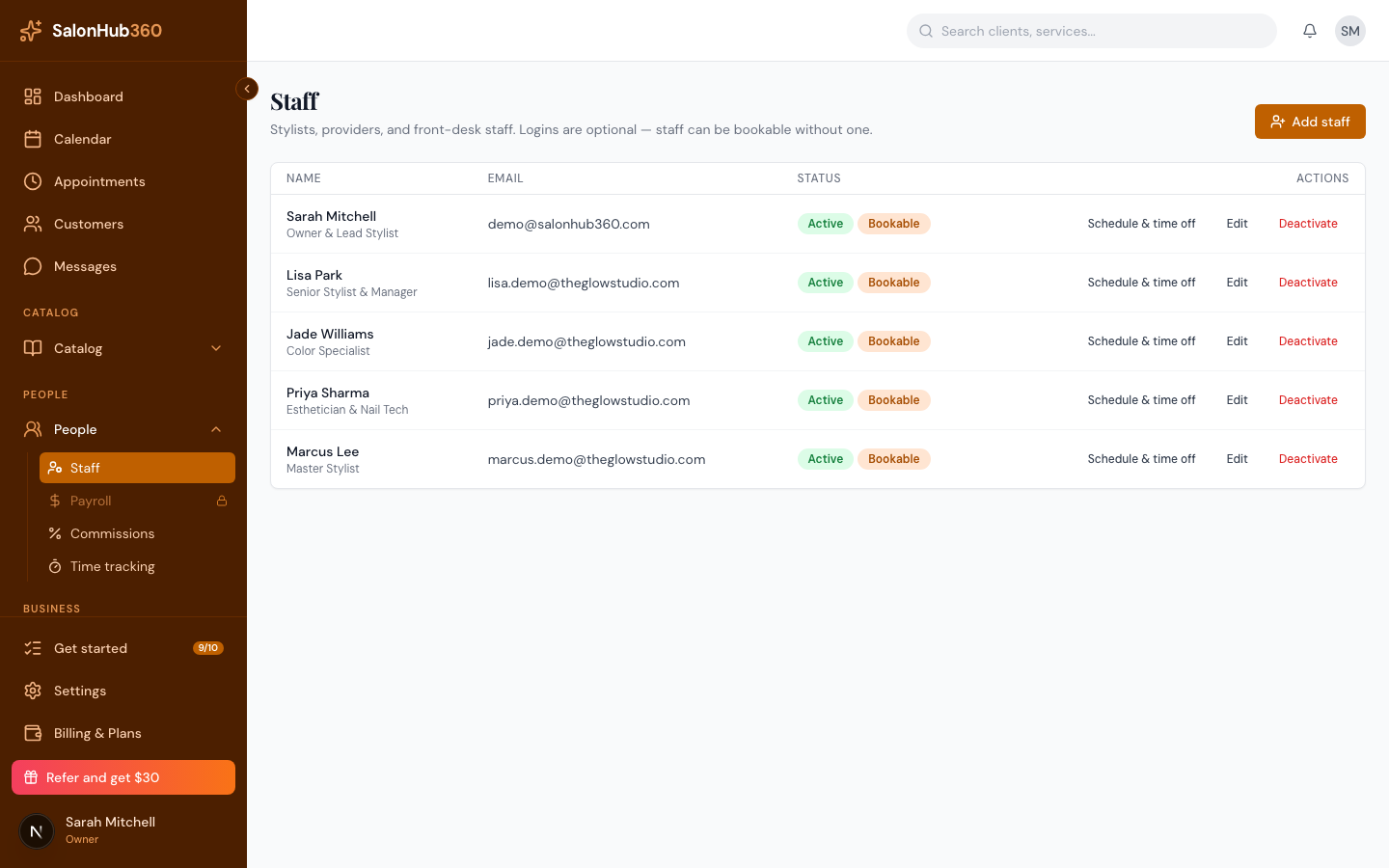
-
Scroll to the Services section and check the services this person performs. Leaving everything unchecked means they can be booked for any unrestricted service.
<!-- CAPTURE: route=/staff/[staffId] | login=owner | state=staff detail, Services section | highlight=service checkboxes | viewport=1440x900 -->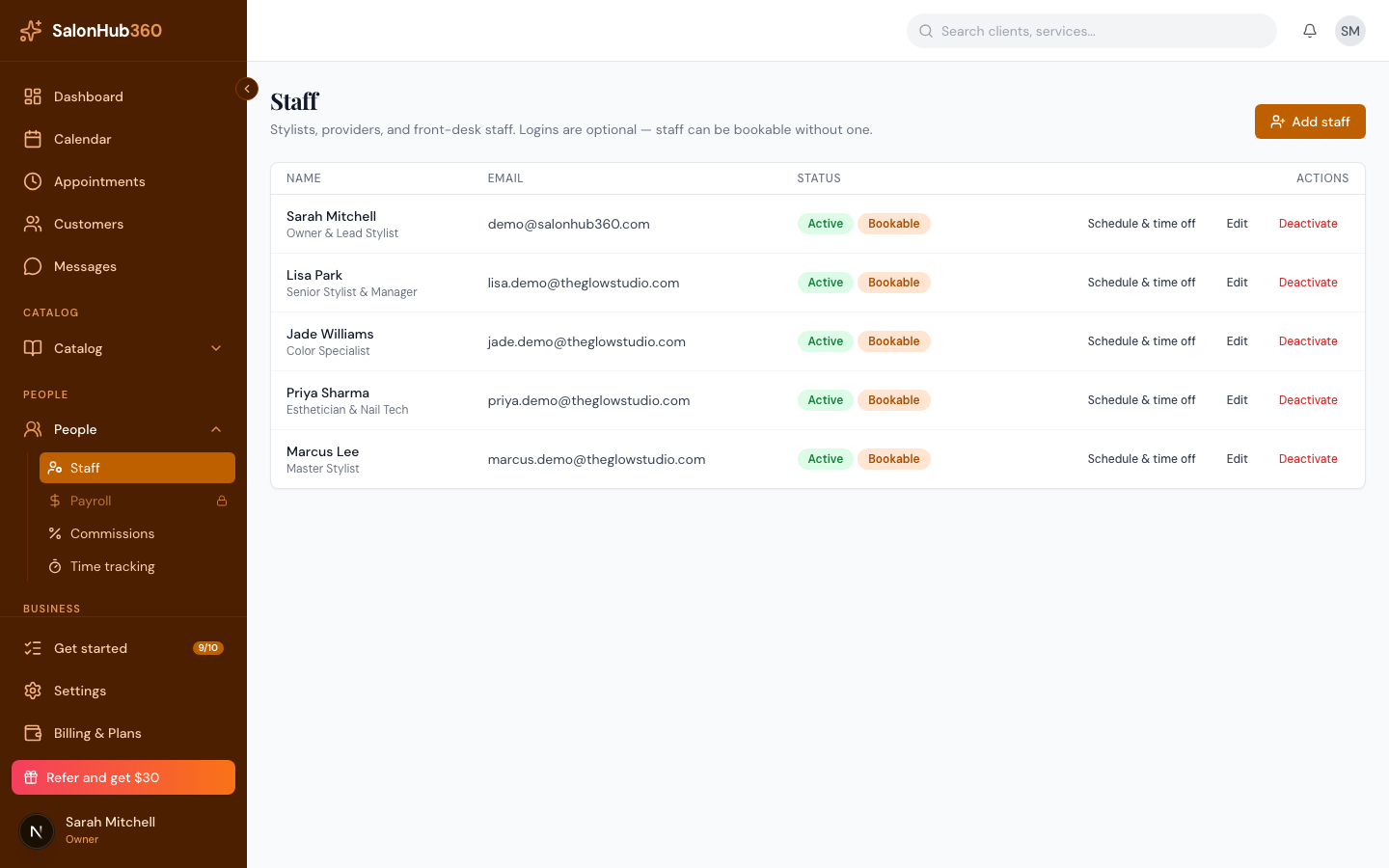
-
Changes save as you check or uncheck each box.
Note: A staff member must also be active and scheduled to appear as bookable. Assigning a service only controls which services they offer, not when they're available.
Related articles