
Create a membership
Requirements
- Available on: Starter and above
- Device access: Web & mobile browser
- Permission: Owner or Manager
Memberships turn services into a recurring plan — clients pay every period and get a set of service credits to use, like a monthly "Glow Club." You can build and manage plans now; charging members on a recurring schedule turns on with SalonHub360 Payments.
How to create a membership
-
In the left menu, open Memberships (under Catalog), then click New membership.
<!-- CAPTURE: route=/catalog/memberships | login=owner | state=memberships list with payments banner | highlight=New membership button | viewport=1440x900 -->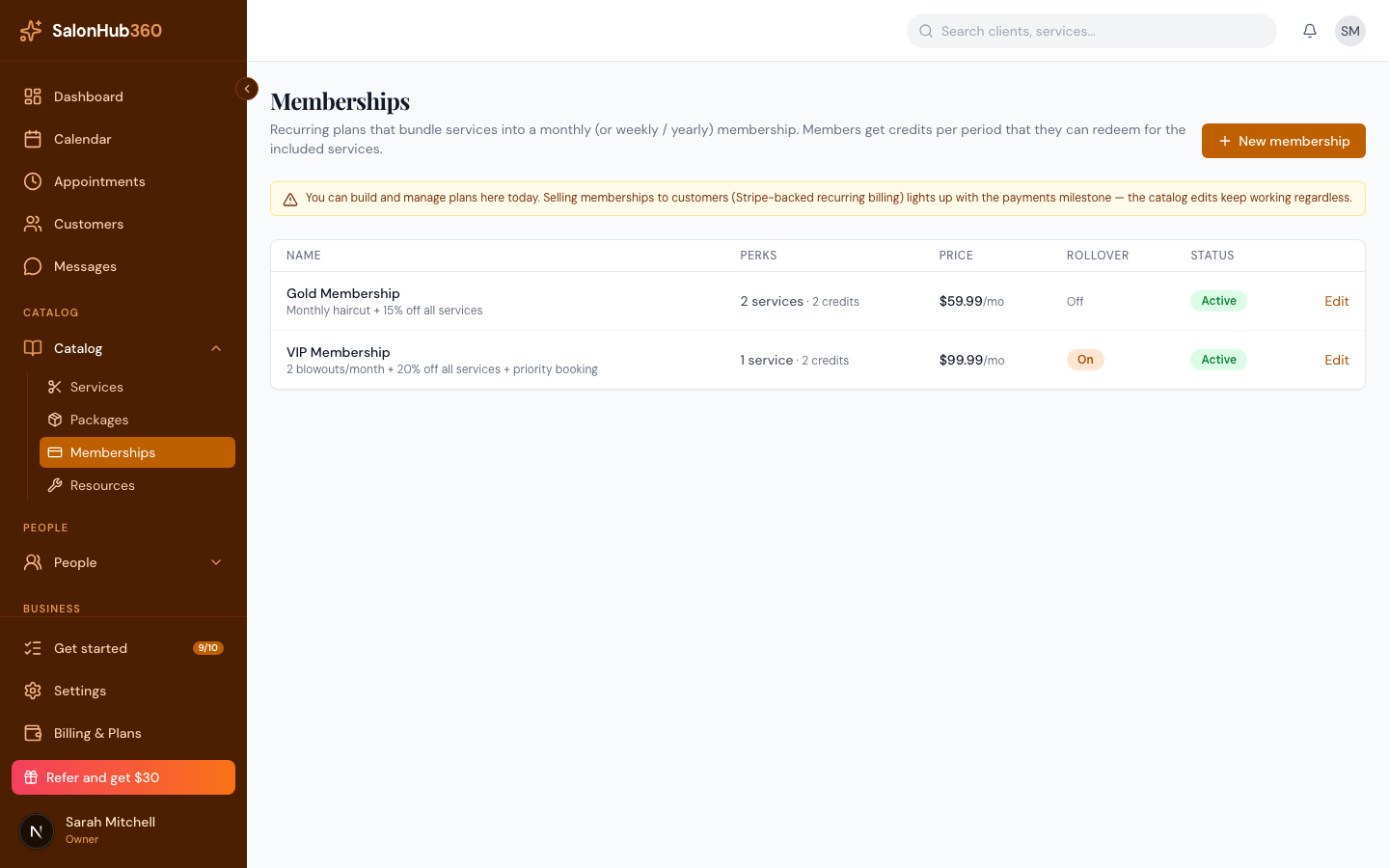
-
In Basic details, enter a Name and Description.
<!-- CAPTURE: route=/catalog/memberships/new | login=owner | state=new membership, Basic details | highlight=Name field | viewport=1440x900 -->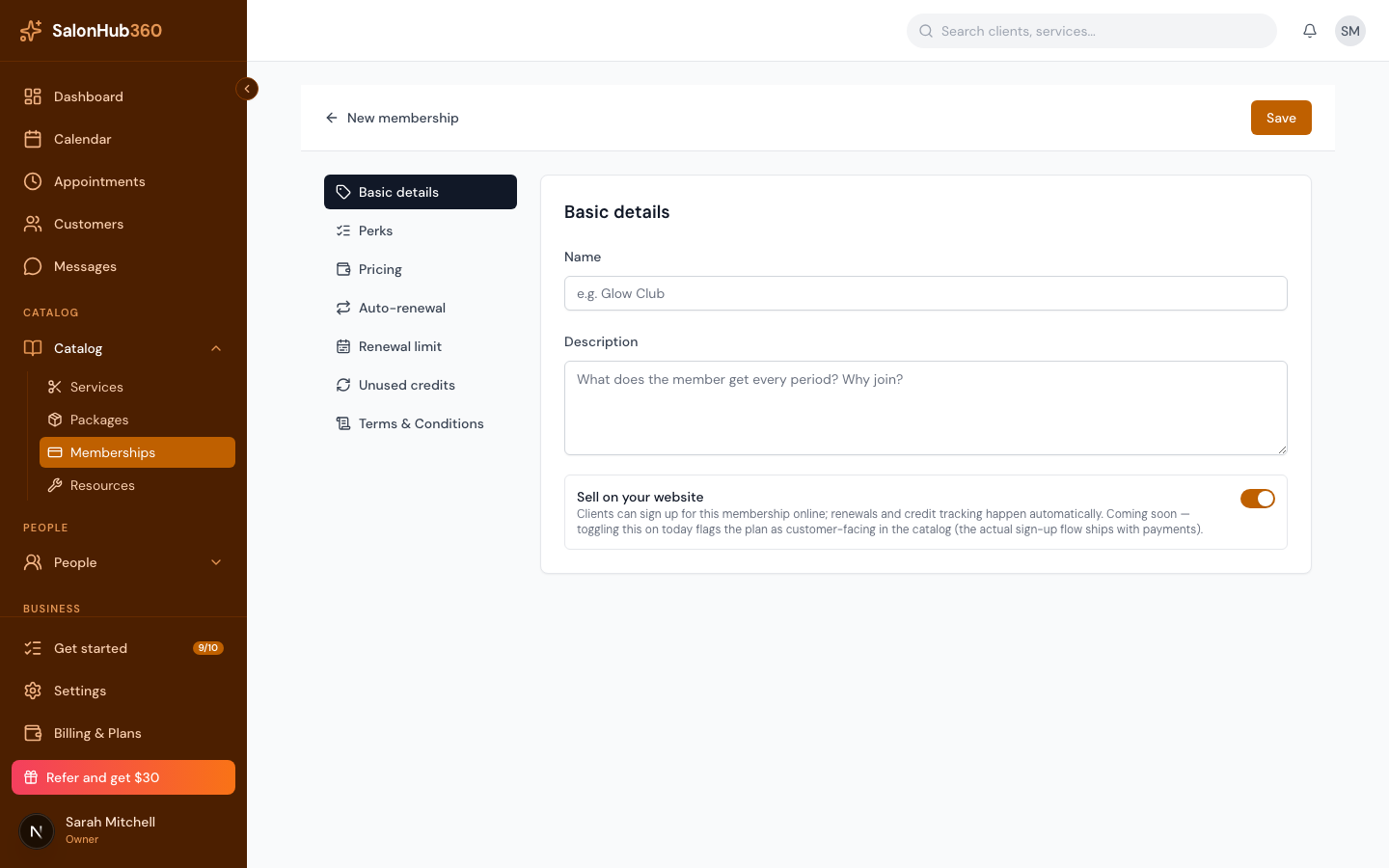
-
Open Perks. Pick a service from the dropdown and click Add, then set Credits / period — how many of that service the member gets each cycle. Add more services as needed.
<!-- CAPTURE: route=/catalog/memberships/new | login=owner | state=new membership, Perks with services | highlight=Credits / period field | viewport=1440x900 -->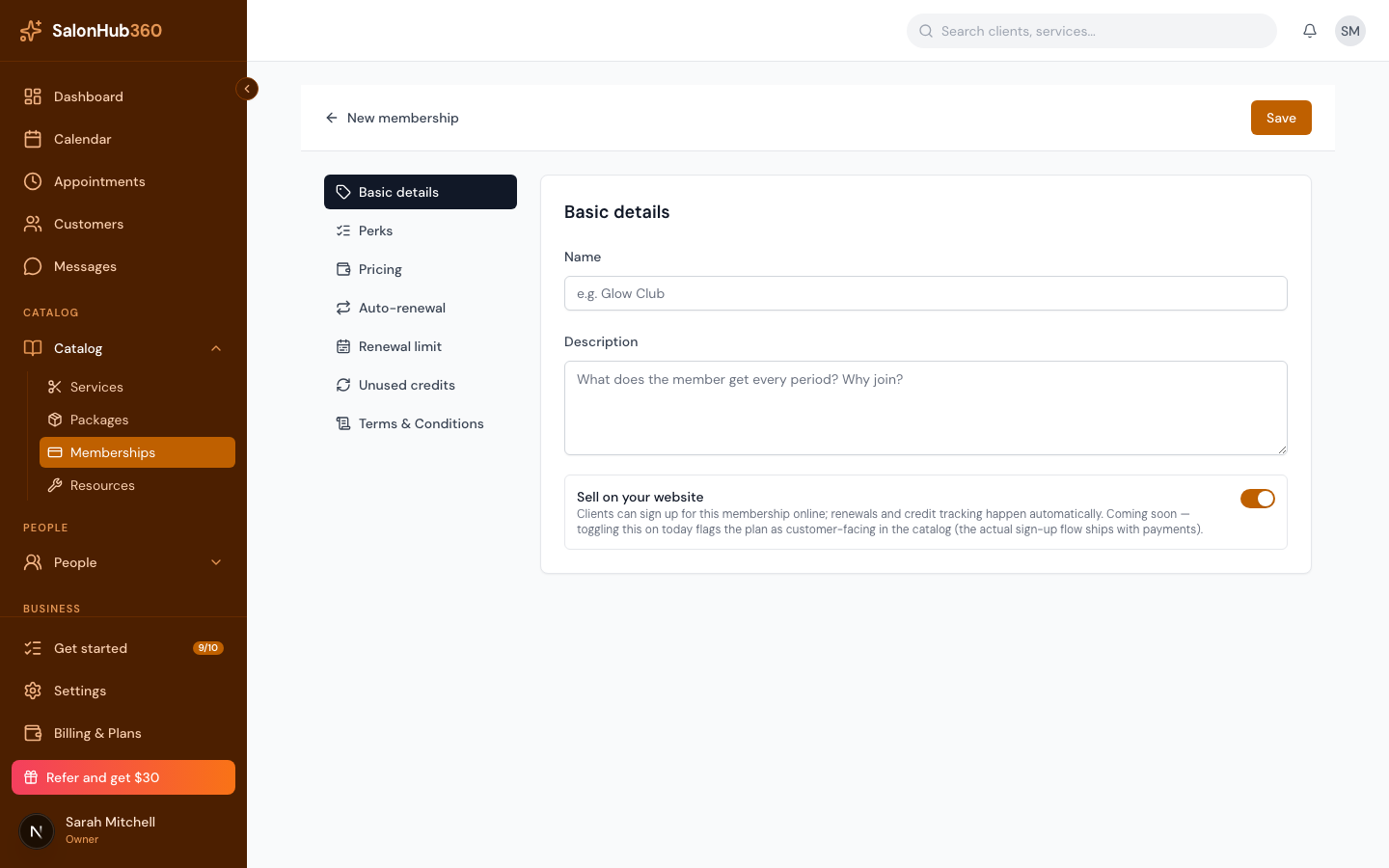
-
Open Pricing and set the Membership price charged each period. SalonHub360 shows the member's savings versus à-la-carte.
<!-- CAPTURE: route=/catalog/memberships/new | login=owner | state=new membership, Pricing | highlight=Membership price field | viewport=1440x900 -->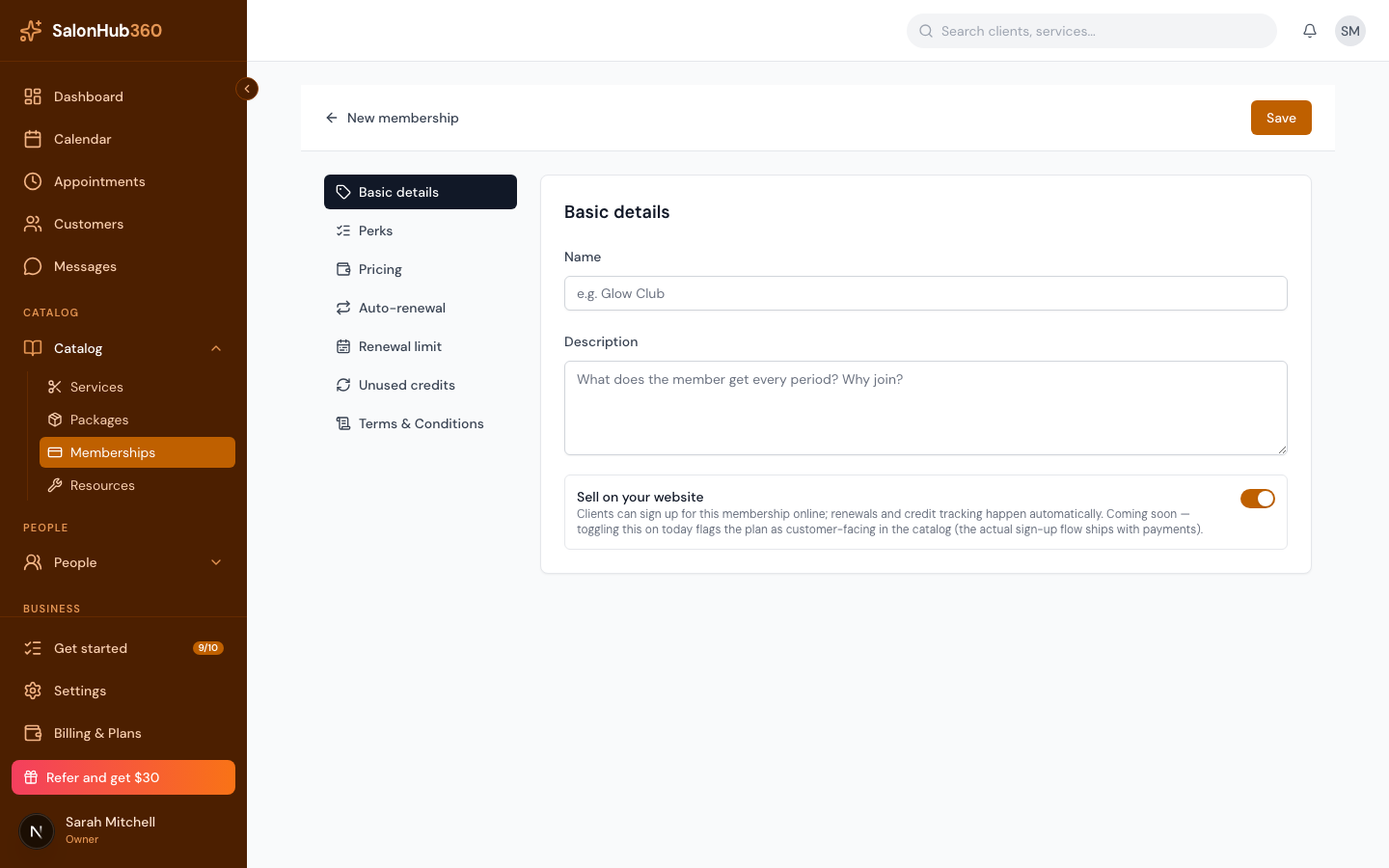
-
In Auto-renewal, choose the Time period — Weeks, Months, Quarters, or Years.
-
(Optional) Set a Renewal limit to cap how many times it renews, turn on Carry over under Unused credits to roll leftover credits into the next period, add any Terms & Conditions, then click Save.
Manage your memberships
Your memberships list shows each plan's name, perks (services and credits), price with its period, rollover setting, and status. Click Edit to change a plan — edits keep working whether or not Payments is live yet.
Note: You can build and manage plans today, but selling memberships requires SalonHub360 Payments. The in-app banner reads: "You can build and manage plans here today. Selling memberships to customers (Stripe-backed recurring billing) lights up with the payments milestone — the catalog edits keep working regardless." Set them up now; you'll be able to sell them once Payments is on.
Tip: For a one-time pre-paid bundle instead of a recurring plan, see Create a package.
Related articles