
Set cancellation & no-show fees
Requirements
- Available on: All plans
- Device access: Web & mobile browser
- Permission: Owner
Cancellation and no-show fees help you recover lost time when a client cancels late or doesn't show. You define the rules under Settings → Policies; SalonHub360 tracks when a fee applies.
Before you start
These fees are recorded as soon as you turn them on, but they can only be charged to a card once your SalonHub360 Payments account is active. Until then, SalonHub360 flags the fee on the appointment so you can collect it your own way.
How to set your fees
-
From the left menu, open Settings, then select the Policies tab.
<!-- CAPTURE: route=/settings?tab=policies | login=owner | state=Policies tab, Cancellation policy card visible | highlight=Cancellation policy card | viewport=1440x900 -->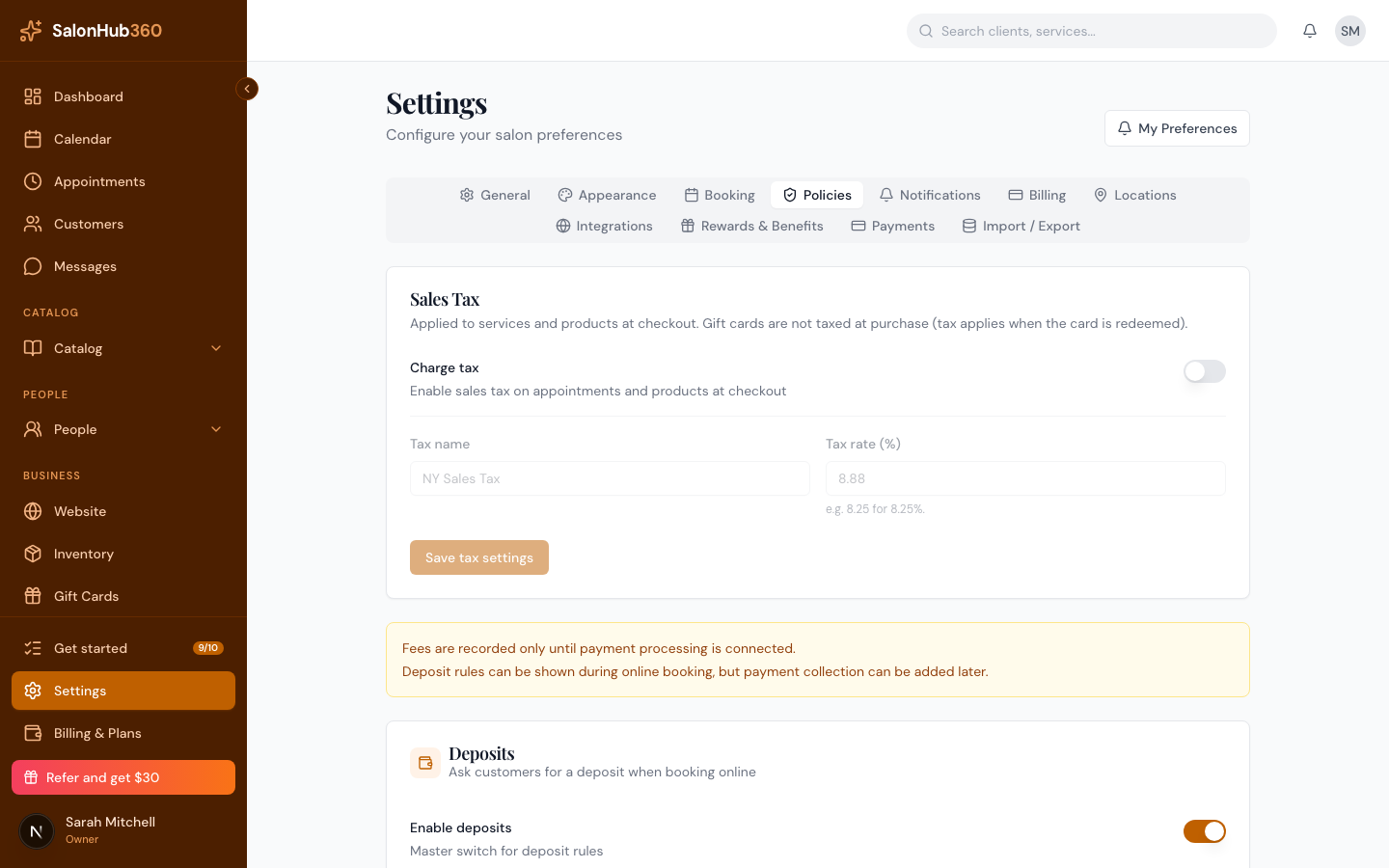
-
In the Cancellation policy card, turn on Enable cancellation policy and set a Cancellation window (hours) — cancellations later than this may incur a fee. To charge for late cancellations, turn on Charge a late-cancellation fee and pick a Cancellation fee type (Fixed ($) or Percentage (%)) with an amount.
<!-- CAPTURE: route=/settings?tab=policies | login=owner | state=cancellation window 24 + fee enabled | highlight=Cancellation window field | viewport=1440x900 -->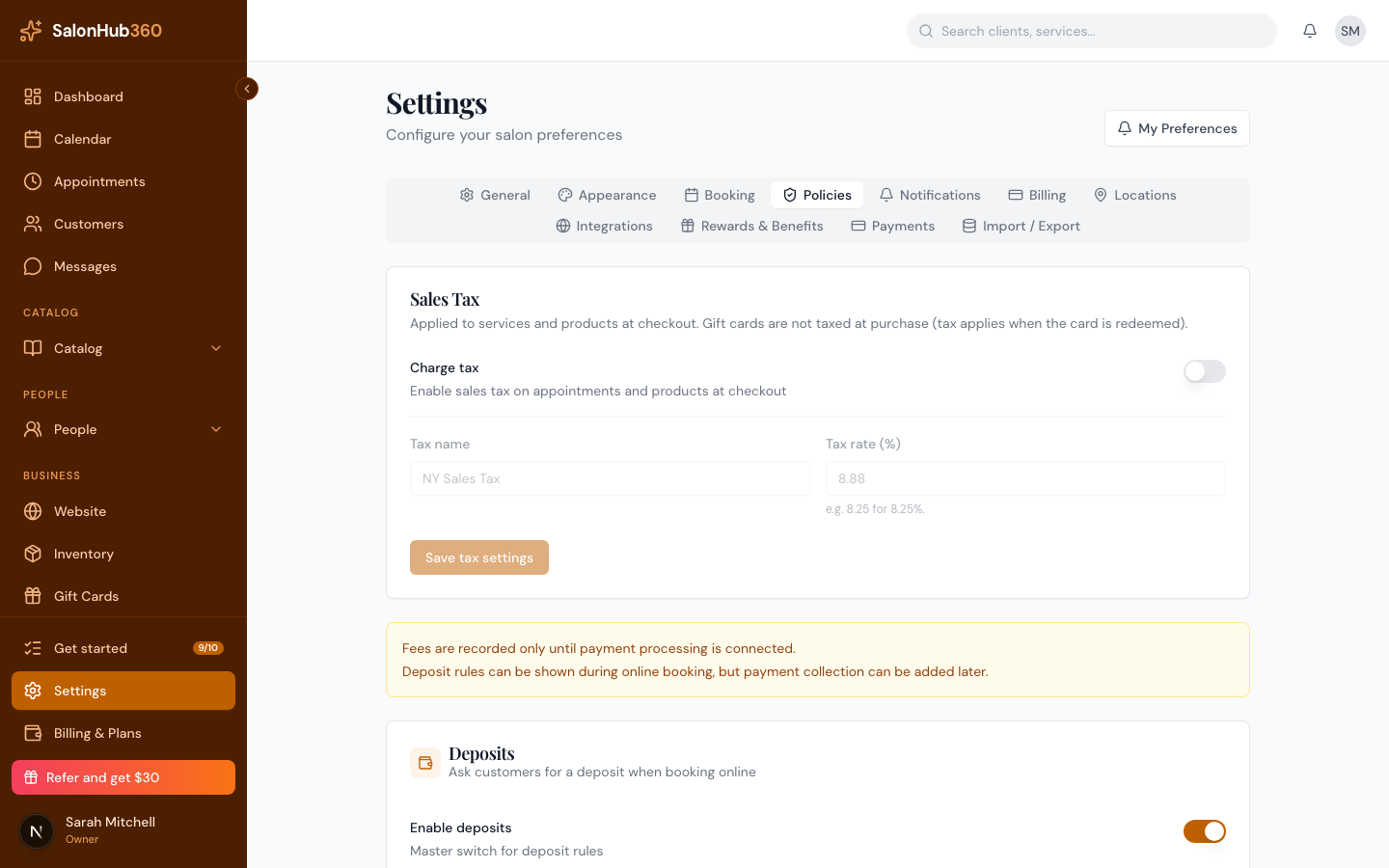
-
In the No-show fee card, turn on Charge a no-show fee and choose the No-show fee type and amount.
<!-- CAPTURE: route=/settings?tab=policies | login=owner | state=no-show fee enabled, percentage set | highlight=No-show fee type | viewport=1440x900 -->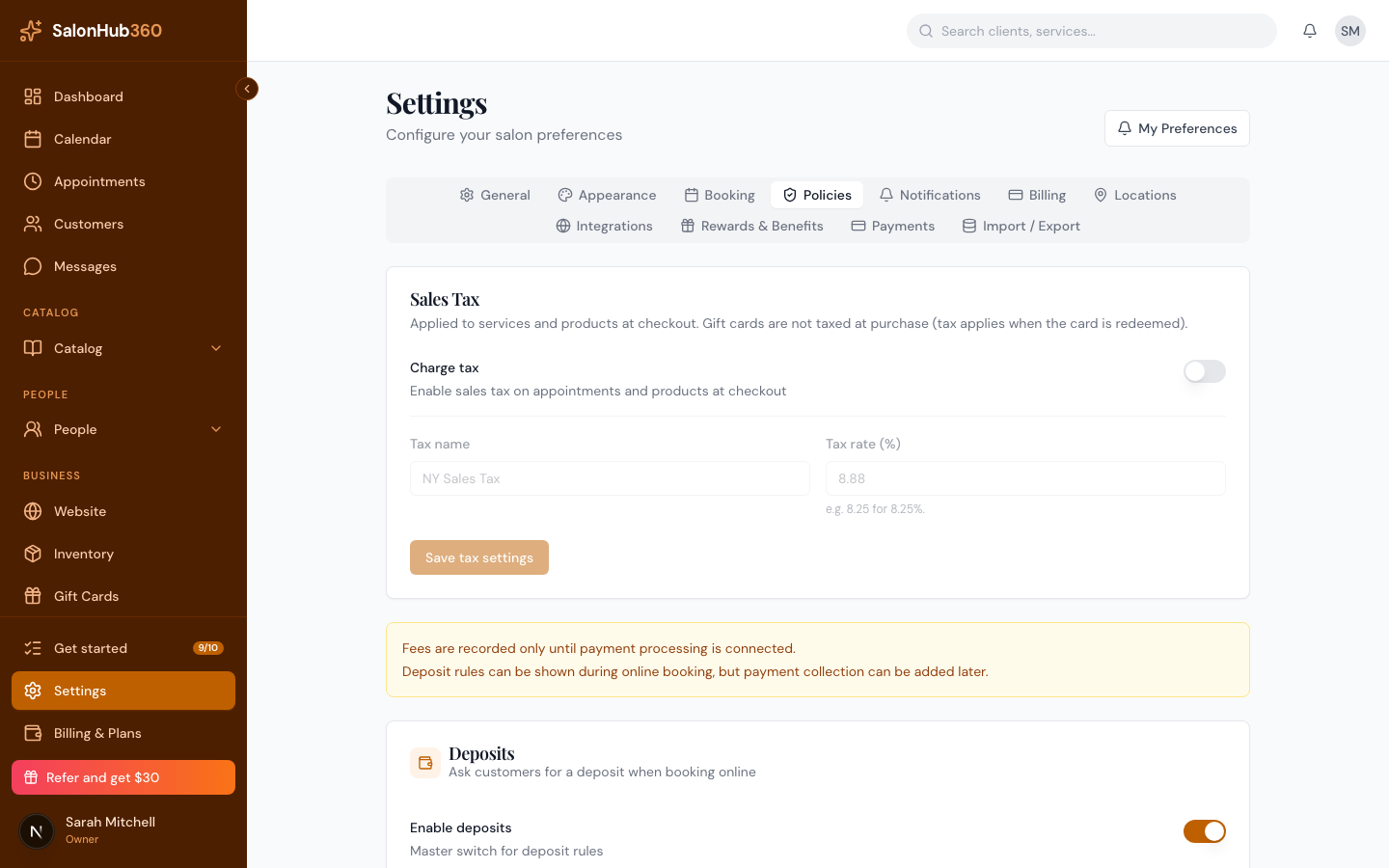
-
Click Save changes.
Charging a fee on an appointment
When an eligible appointment is cancelled late or marked no-show, its detail panel shows the fee. If the client has a card on file and Payments is active, click Charge cancellation fee or Charge no-show fee to collect it. The collected amount appears on the appointment as a Cancellation fee collected or No-show fee collected line.
Note: A no-show fee is flagged when staff mark the appointment as a no-show; a cancellation fee is flagged when a client cancels inside your window. Charging the fee to a card requires an active Payments account and a saved card — otherwise, record the amount however you collect it.
Tip: Deposits are another way to protect against no-shows. See Collect a deposit at booking.
Related articles