
Payment status on your appointments list
Requirements
- Available on: All plans
- Device access: Web & mobile browser
- Permission: Owner or Manager (anyone with payment access)
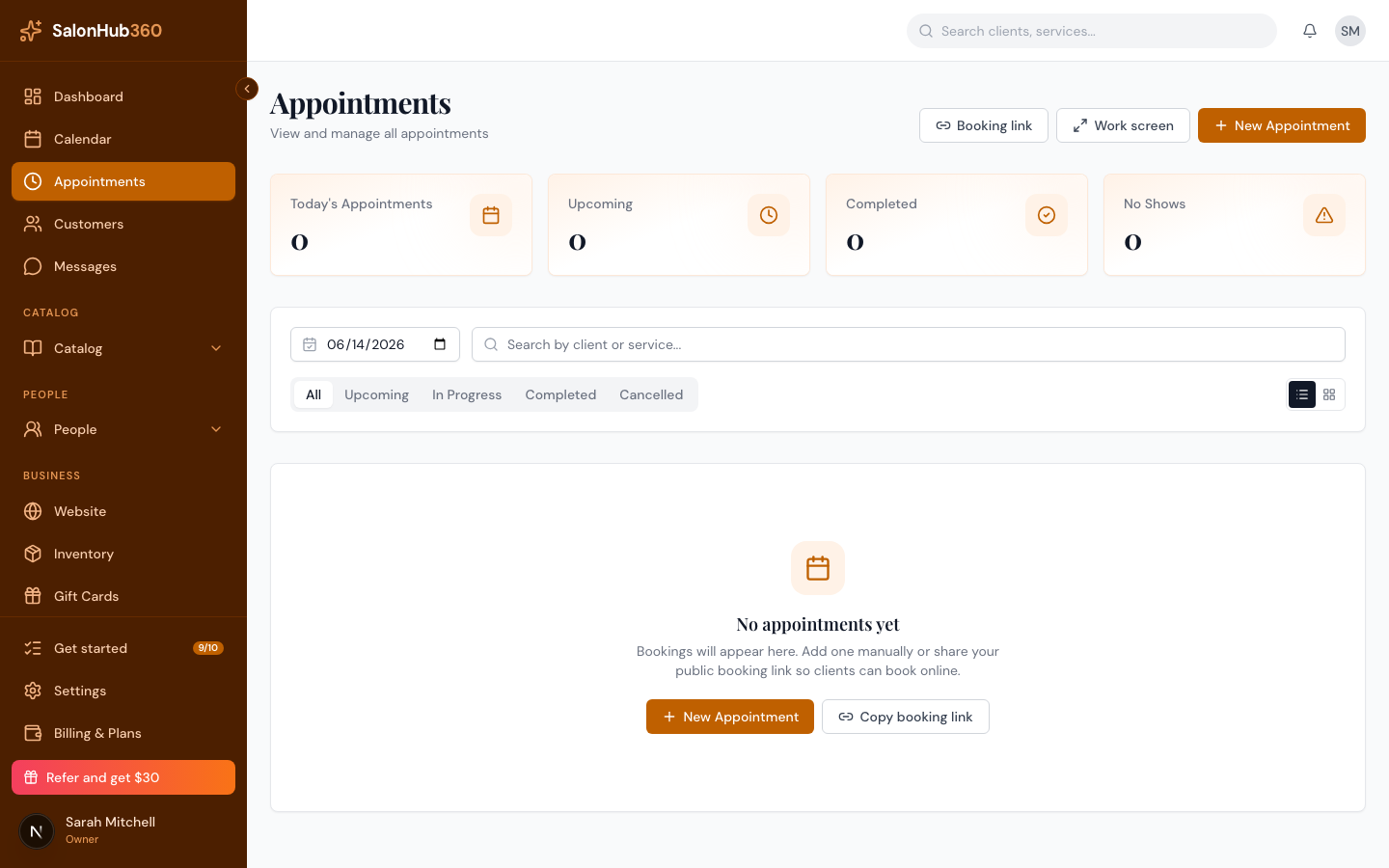
Each appointment on your Appointments list shows a small payment badge next to its status, so you can tell at a glance what's been paid without opening every appointment.
What the badges mean
| Badge | Meaning |
|---|---|
| Paid (green) | The appointment is paid in full. |
| Balance due $X (amber) | A payment is expected and part of it is still outstanding. |
| Partially refunded (gray) | Some of the payment has been refunded. |
| Refunded (gray) | The full payment has been refunded. |
| (no badge) | Nothing is owed yet — for example, an upcoming appointment with no payment taken. |
How the badge is decided
- A Balance due badge appears only when a payment is genuinely expected. Upcoming appointments with no payment yet, and cancelled or no-show appointments, don't show a balance-due badge — so the list isn't cluttered with amounts you're not collecting.
- Refund badges take priority: once any amount is refunded, the badge reflects the refund rather than the original paid state.
Tip: Click any appointment to open its detail panel, where the Payments section shows the full breakdown and the actions to Record Payment or Refund. See How to take a payment for an appointment.
Related articles