
How to set up SalonHub360 Payments
Requirements
- Available on: Starter and above
- Device access: Web & mobile browser
- Permission: Owner
Set up SalonHub360 Payments to accept card payments from your clients and have your earnings deposited to your bank. Setup is a secure, guided process powered by Stripe that you complete without leaving SalonHub360.
Before you start
You'll move through a short Stripe form that collects your business details, your identity, and the bank account where you want to be paid. Have these handy — see What you'll need to verify your account for the full list.
How to set up SalonHub360 Payments
-
In the left menu, open Settings, then select the Payments tab.
<!-- CAPTURE: route=/settings/payments | login=owner | state=not started | highlight=SalonHub360 Payments card | viewport=1440x900 -->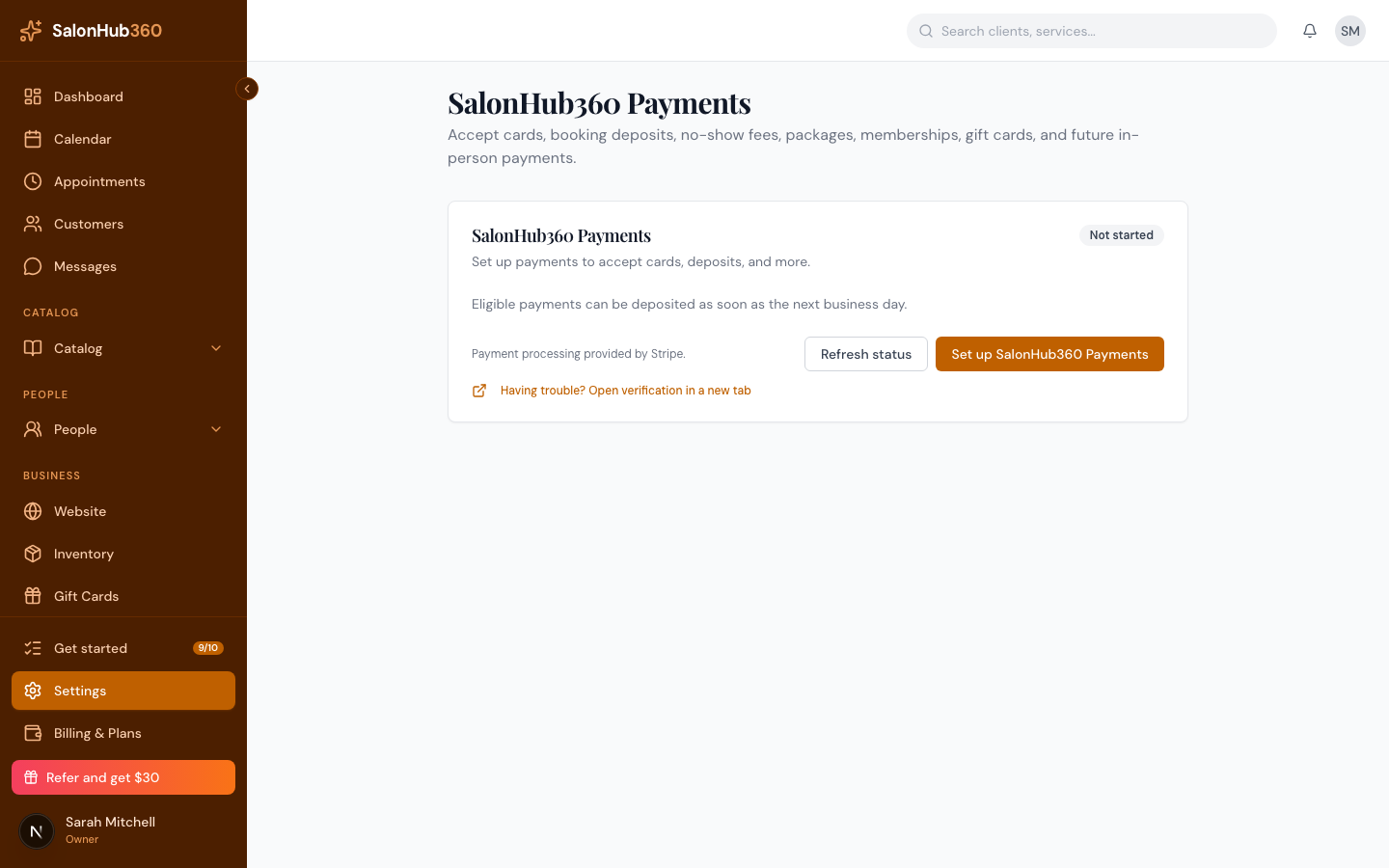
-
Click Set up SalonHub360 Payments.
<!-- CAPTURE: route=/settings/payments | login=owner | state=not started | highlight=Set up SalonHub360 Payments button | viewport=1440x900 -->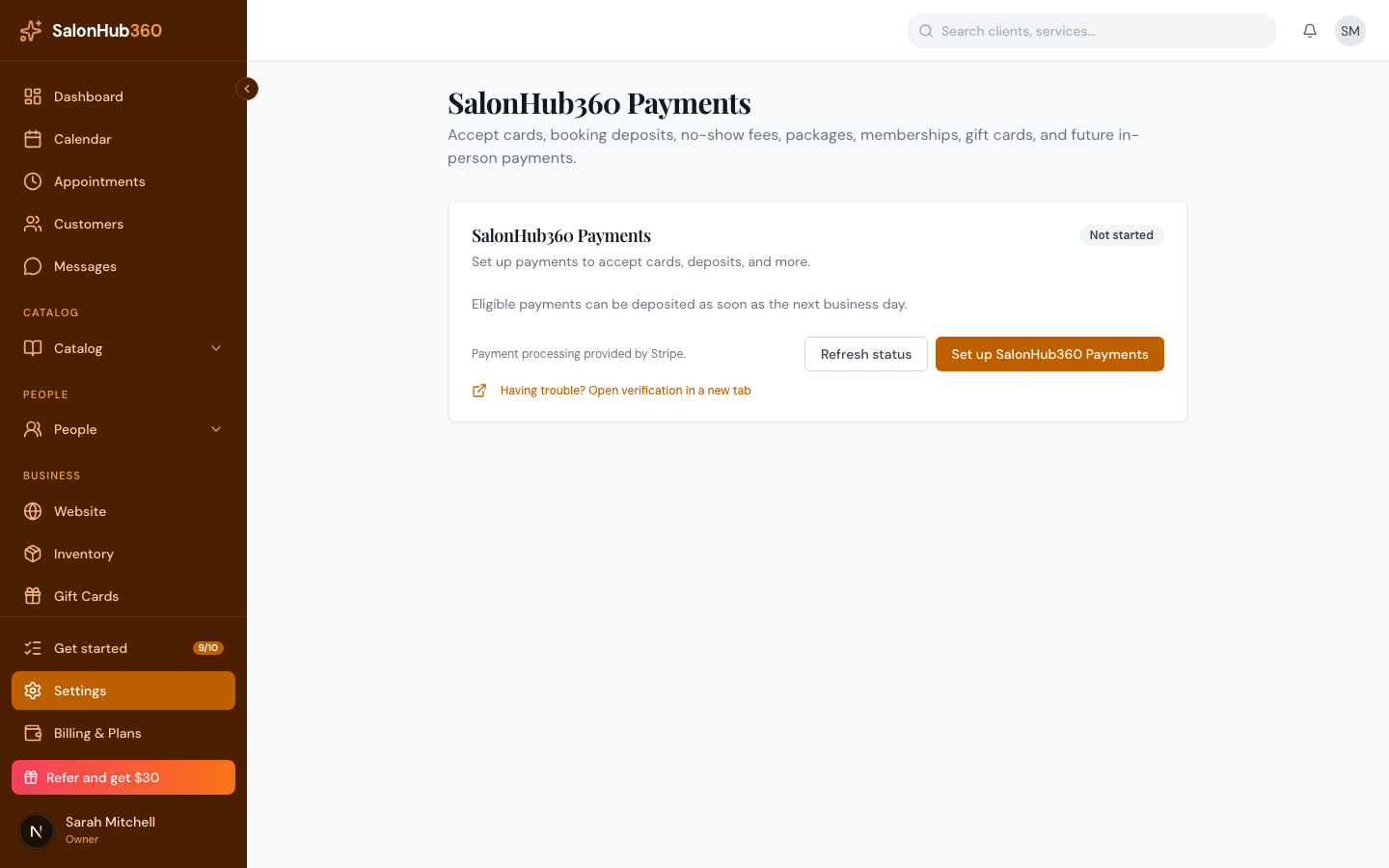
-
Complete the secure setup form. You'll enter your business details, your identity information, and your bank account for payouts. Your information goes straight to Stripe — SalonHub360 never sees your full bank or ID numbers.
<!-- CAPTURE: route=/settings/payments | login=owner | state=onboarding step (demo/test only) | viewport=1440x900 -->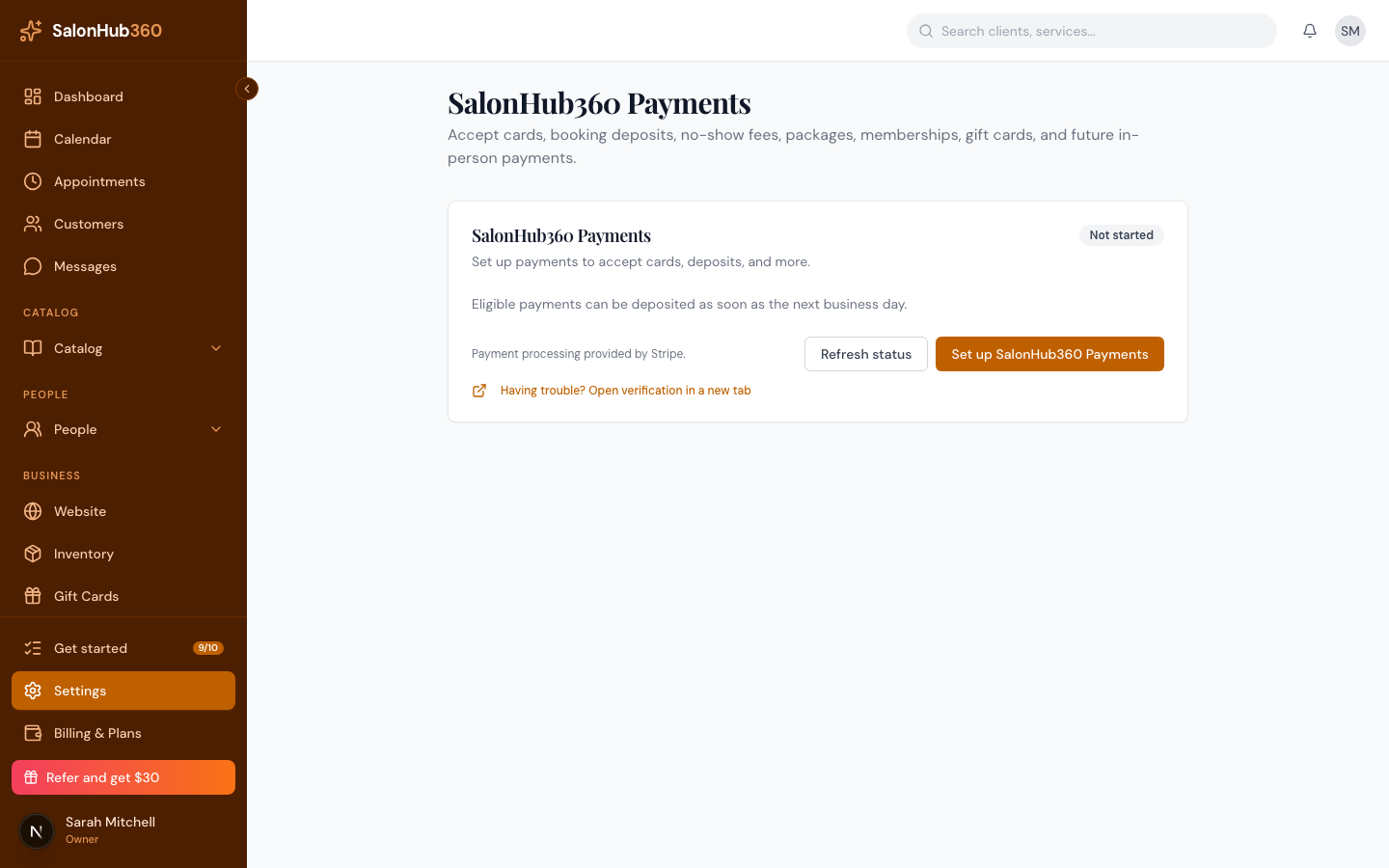
-
Submit the form. Stripe verifies your details — this is usually instant, but can take a little longer if more information is needed.
-
When your account shows Active, you're ready to take card payments and receive payouts.
<!-- CAPTURE: route=/settings/payments | login=owner | state=active | highlight=Active status badge | viewport=1440x900 -->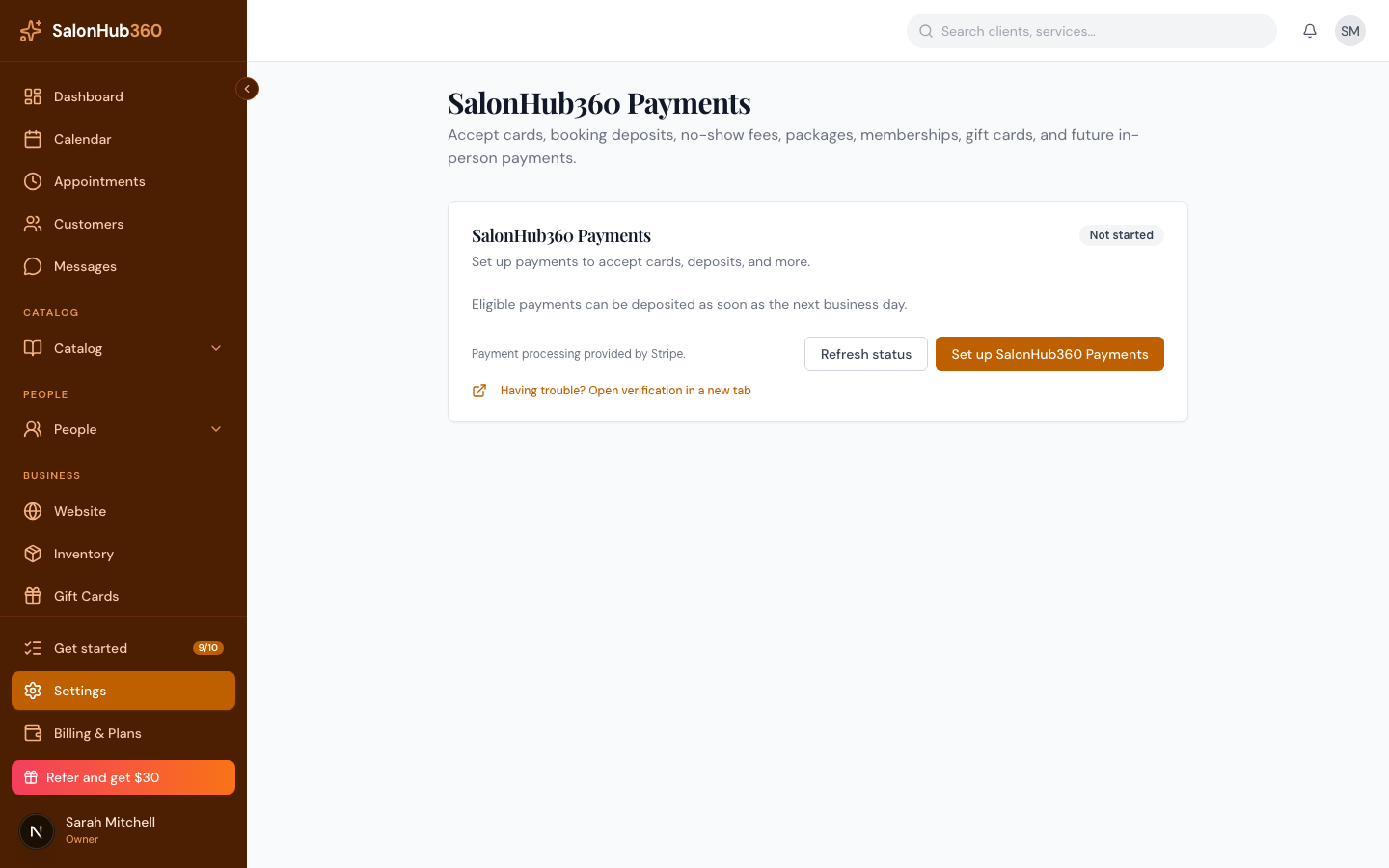
Note: You can't accept card payments, online deposits, or cancellation/no-show fees until your account is Active (verification complete). You can keep using SalonHub360 for booking and scheduling in the meantime.
Tip: If setup pauses and asks for more details, that's normal — see What you'll need to verify your account and "Action required": resolve a verification hold.
Related articles