
Set up taxes (tenant, location & per-service)
Requirements
- Available on: All plans
- Device access: Web & mobile browser
- Permission: Owner
SalonHub360 can add sales tax to services and products at checkout. You set a default rate for your business, then optionally override it per location or per service for full control.
How tax is decided (precedence)
For each line, SalonHub360 uses the most specific setting that applies, in this order:
- Service — a per-service rate (or a service marked non-taxable) wins over everything.
- Location — a location's override rate, or a tax-exempt location, applies next.
- Business default — your tenant-wide rate is the fallback.
If none is set, no tax is added. Tips are never taxed.
Set your business default rate
-
From the left menu, open Settings, then select the Policies tab.
<!-- CAPTURE: route=/settings?tab=policies | login=owner | state=Policies tab, Sales Tax card visible | highlight=Sales Tax card | viewport=1440x900 -->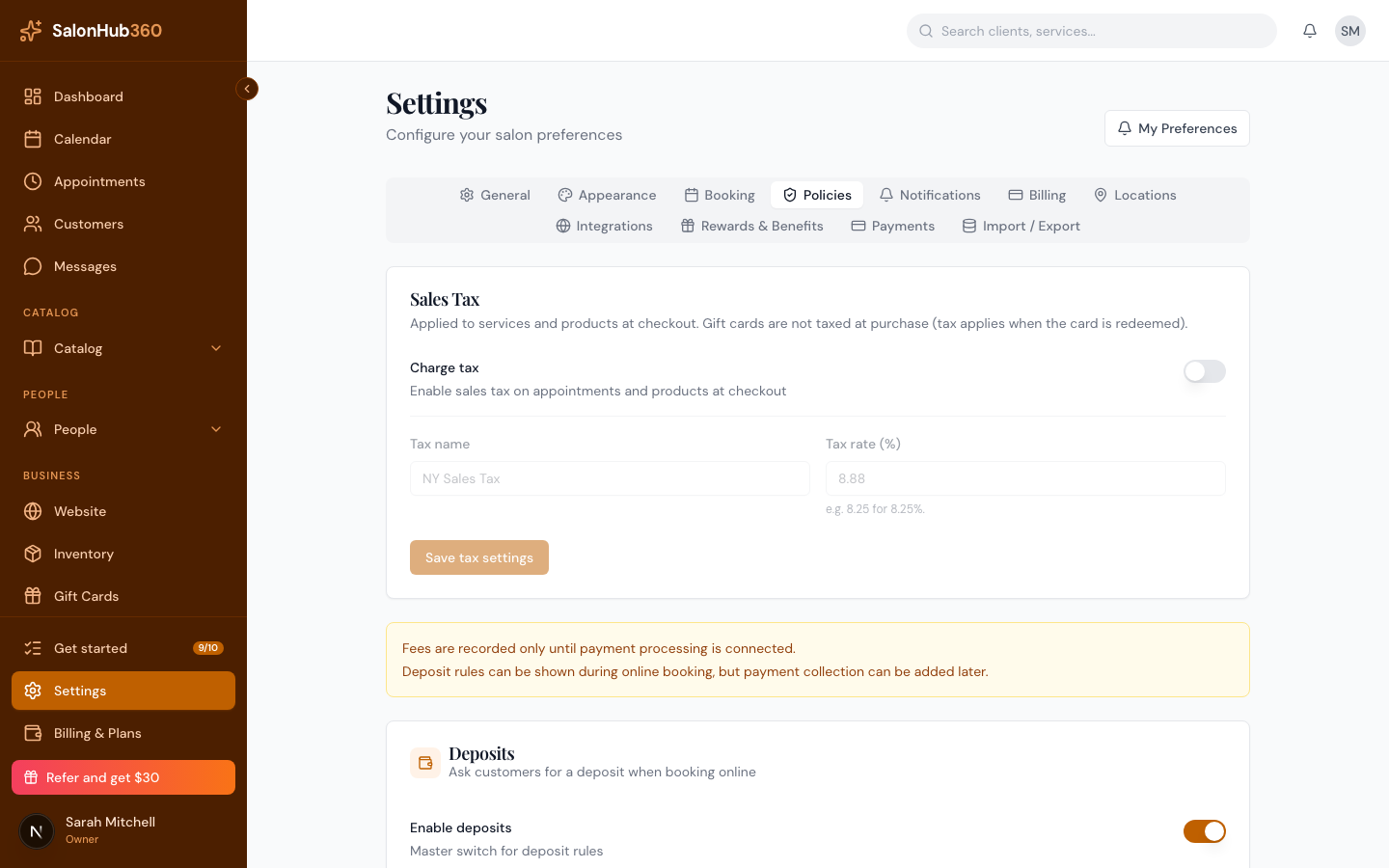
-
In the Sales Tax card, turn on Charge tax, set the Tax name (for example, Sales Tax) and the Tax rate (%) (for example, 8.25), then click Save tax settings.
<!-- CAPTURE: route=/settings?tab=policies | login=owner | state=Charge tax on, rate 8.25 entered | highlight=Tax rate field | viewport=1440x900 -->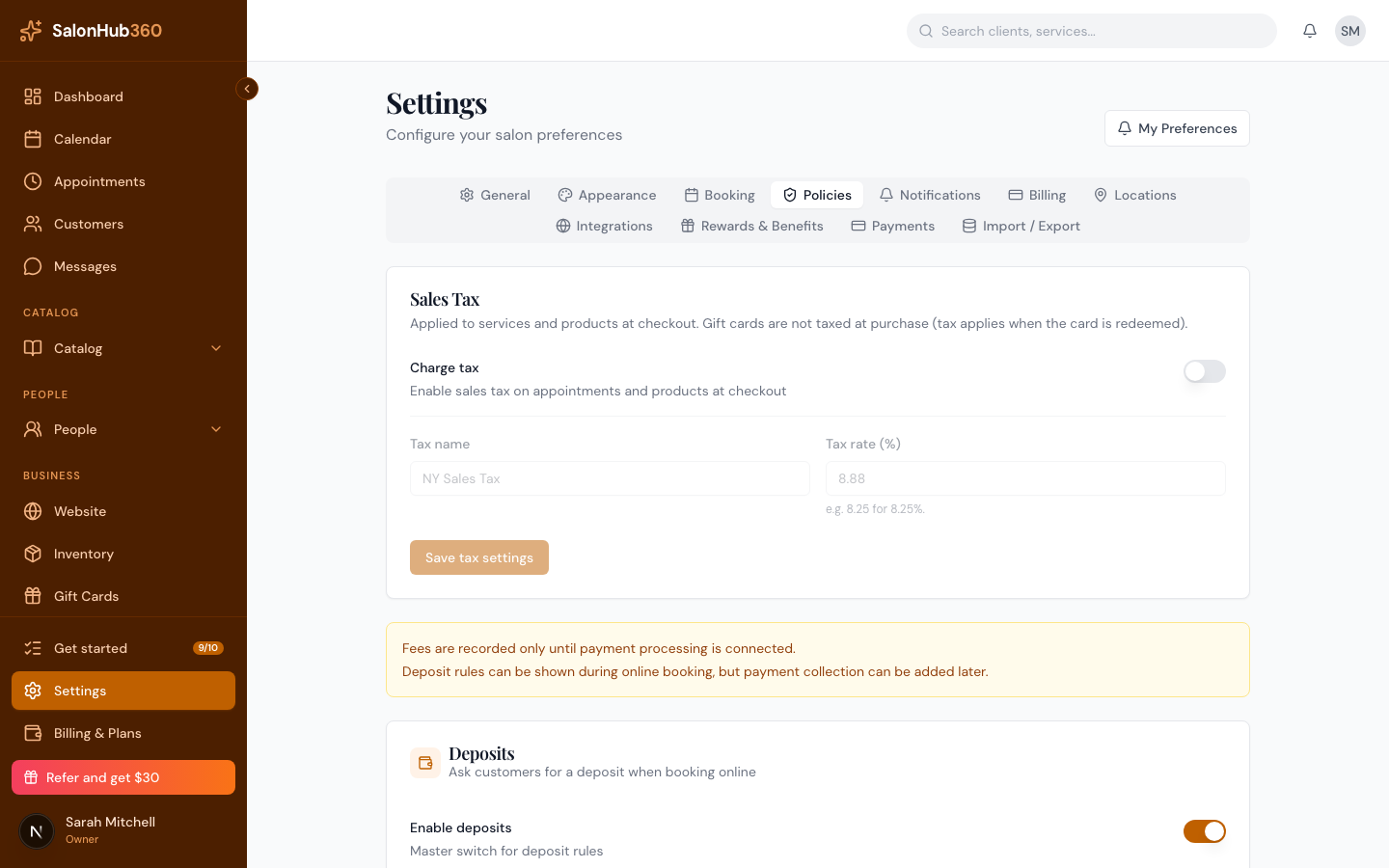
Override tax for a location (optional)
- In Settings, open the Locations tab and edit a location.
- Set Override tax rate (%) to use a different rate there, or tick Tax exempt so that location is never taxed. Leave the rate blank to keep the business default.
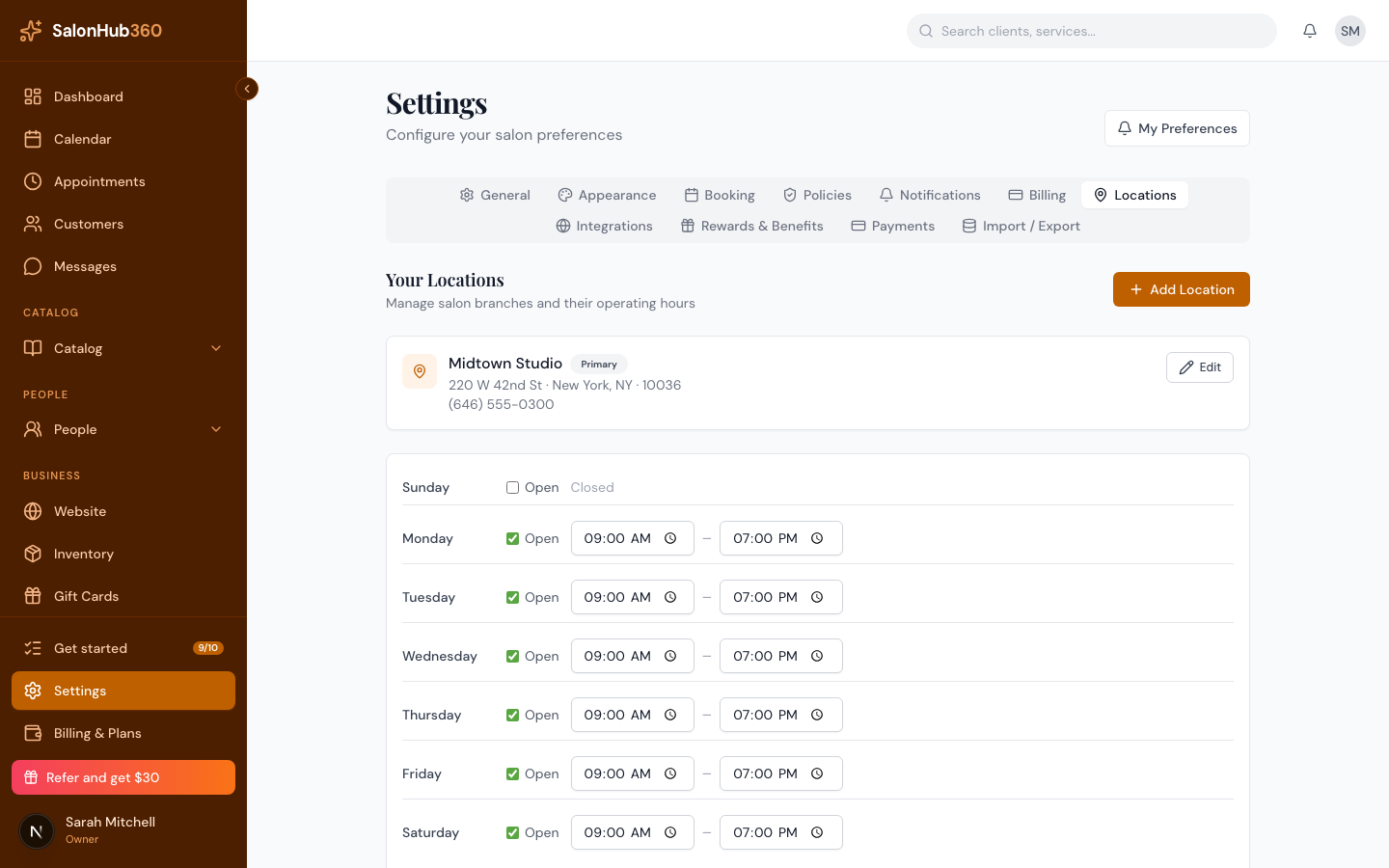 <!-- CAPTURE: route=/settings?tab=locations | login=owner | state=editing a location, tax override fields | highlight=Override tax rate field | viewport=1440x900 -->
Override tax for a service (optional)
- From the left menu, open Services and edit a service.
- Use Apply sales tax to control whether the service is taxed at all, set an Override tax rate (%) for this service, or give it a custom Tax label for receipts. Leave the override blank to use the location or business rate.
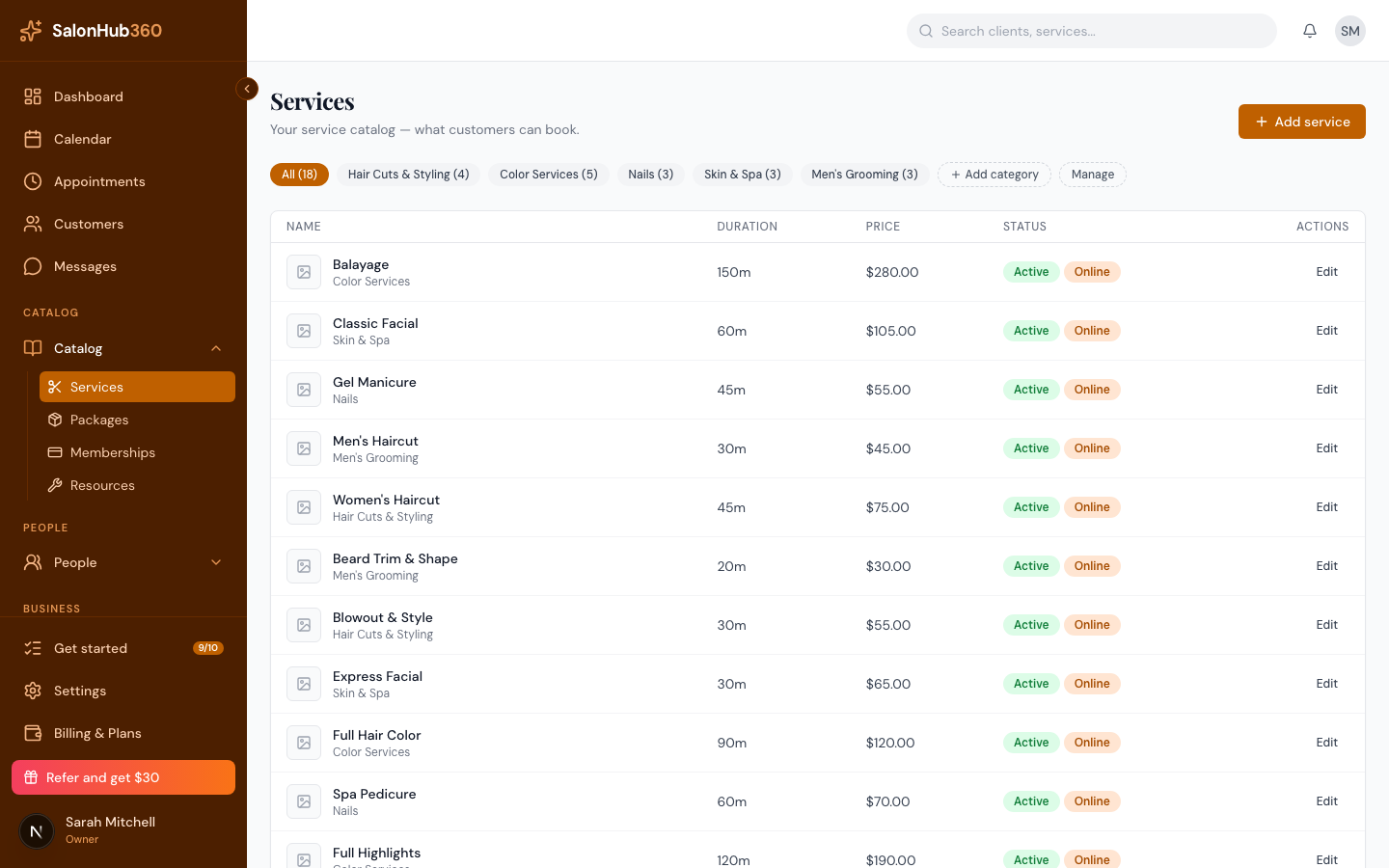 <!-- CAPTURE: route=/services | login=owner | state=service edit form, tax section | highlight=Apply sales tax checkbox | viewport=1440x900 -->
Note: The server always calculates tax from these saved settings at checkout — the amount you see is authoritative. When tax applies, the appointment's Payments summary breaks out Subtotal and Tax separately.
Tip: Gift cards aren't taxed when purchased — tax applies when the card is redeemed for a service or product.
Related articles