
Clients: Create your account & sign in
Requirements
- Available on: All plans
- Device access: Web & mobile browser
- Permission: Client
Create a free SalonHub360 account — or sign in to the one you already have — to view your appointments, track your rewards, and message any salon you book with. It's one account for every SalonHub360 salon, not a separate login per salon.
Open the sign-in page
Tap Sign in at the top of any SalonHub360 salon's booking page, or go straight to my.salonhub360.com. Either way you land on the same Welcome screen, because it's the same account no matter which salon sent you there.
How to sign in
-
Enter your Email and Password, then tap Sign in.
<!-- CAPTURE: route=/hub/login | login=none (public, signed out) | state=sign-in form | viewport=1440x900 -->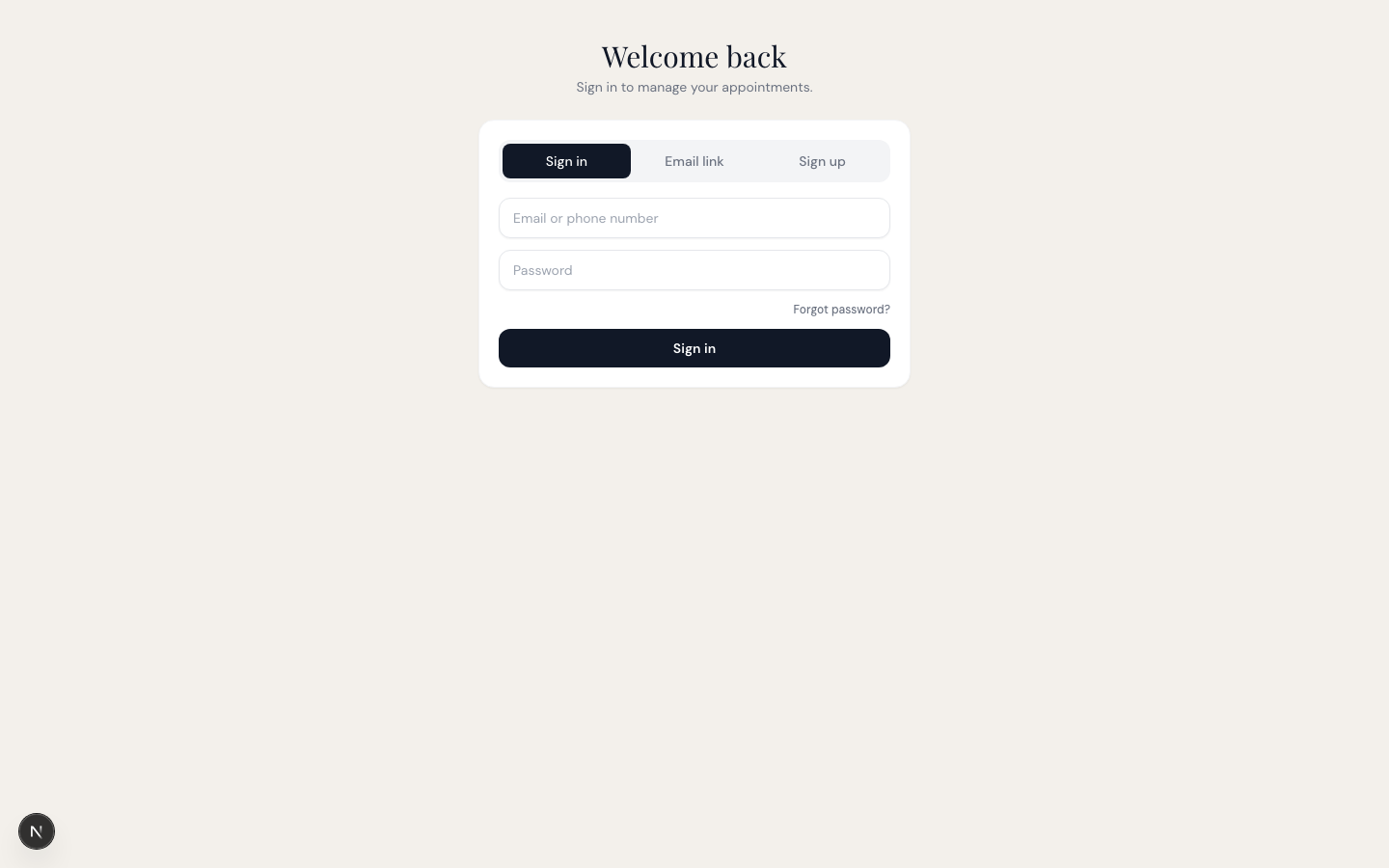
-
You'll arrive at your account home, showing your appointments across every salon you've booked with, plus Rewards, Messages, Favorites, and Discover.
How to create a new account
-
From the sign-in page, tap Create one. Fill in your First name, Last name, Email, Password, and Phone (optional), then tap Create account.
<!-- CAPTURE: route=/hub/register | login=none (public, signed out) | state=create-account form | viewport=1440x900 -->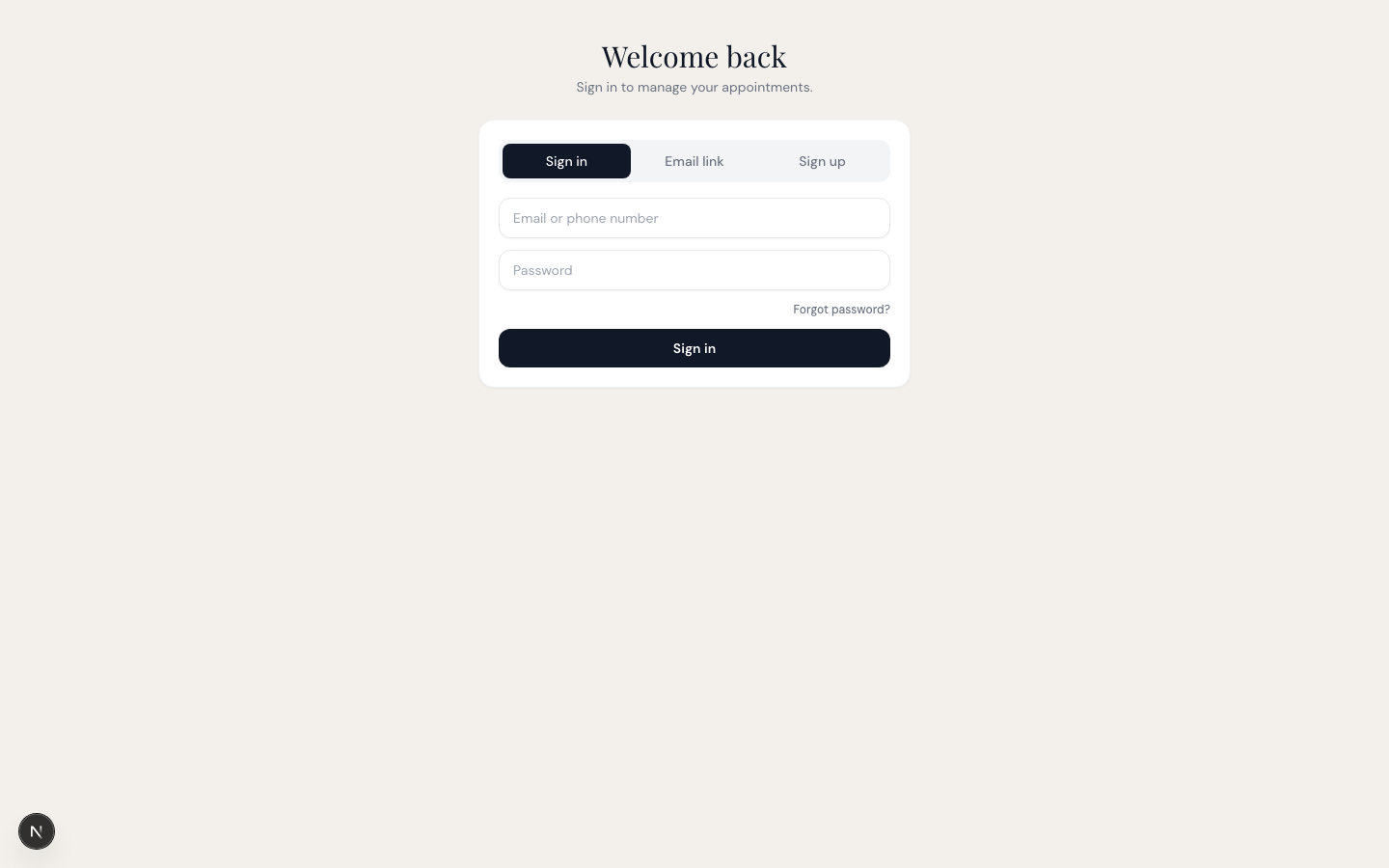
-
You're signed in right away. You can also create this same account at the end of booking a visit — see Clients: How to book an appointment online — and it already remembers that booking.
If you forgot your password
On the sign-in page, tap Forgot password?, enter your email, and tap Send reset link. You'll see a message confirming an email is on its way if an account exists. Open it, follow the link to set a new password, then sign in with it.
Note: Your SalonHub360 account works everywhere — sign in once from any salon's page and you'll see every salon you've booked with in one place. You don't need a separate account for each salon.
Tip: Once you're signed in, see Clients: View, reschedule or cancel appointments and Clients: Your rewards & stamps.
Related articles