
Update your bank account & payout details
Requirements
- Available on: Starter and above
- Device access: Web & mobile browser
- Permission: Owner
Changed banks, or need to fix your deposit details? Update the account where your payouts land at any time.
How to update your bank account
-
Open Settings → Payments and click Manage account & payouts.
<!-- CAPTURE: route=/settings/payments | login=owner | state=active, manage open | highlight=account management | viewport=1440x900 -->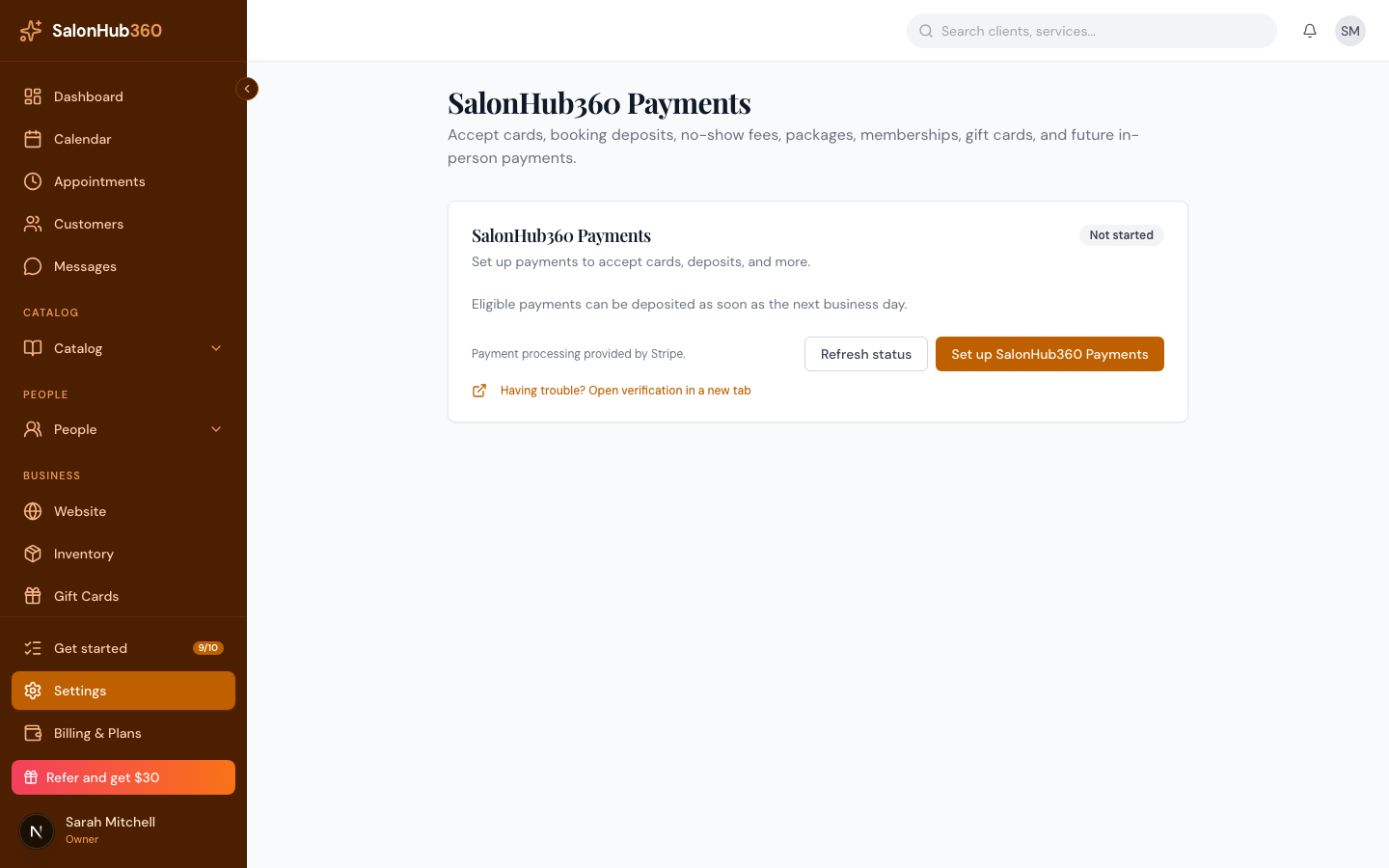
-
Open your bank account / payout details and enter your new account information.
<!-- CAPTURE: route=/settings/payments | login=owner | state=bank details (demo/test only) | viewport=1440x900 -->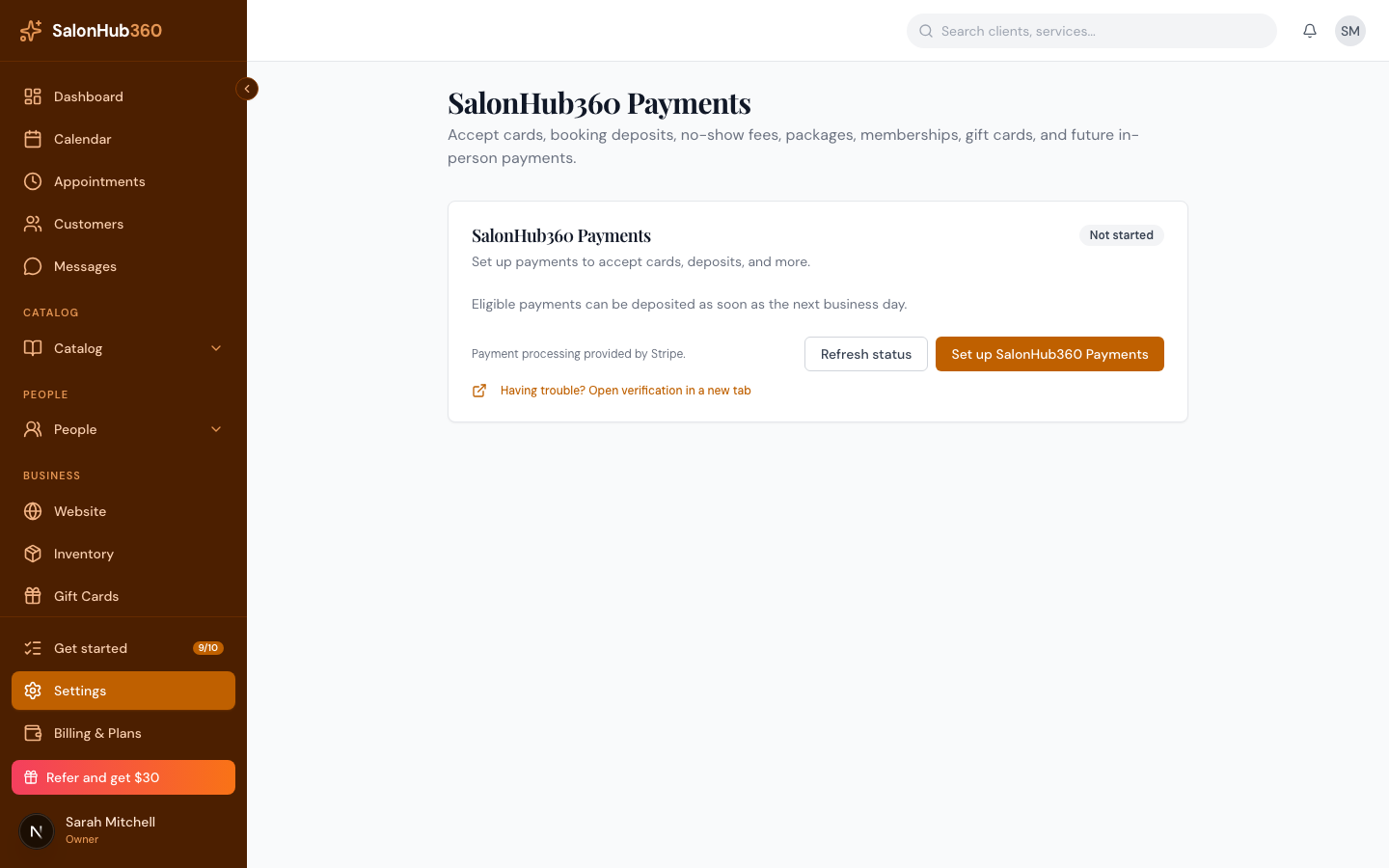
-
Save. Future payouts go to the updated account.
Note: If a payout ever fails (for example, a closed account), payouts pause until you update your details here — then they resume automatically. Your information is handled securely by Stripe; SalonHub360 never sees your full bank number.
Related articles