
"Action required": resolve a verification hold
Requirements
- Available on: Starter and above
- Device access: Web & mobile browser
- Permission: Owner
Sometimes Stripe needs a little more information to keep your payments running — for example after a bank change, or when a document expires. When that happens you'll see an "Action required" message. Here's how to clear it quickly.
How to resolve it
-
You'll get an in-app alert and an email ("Action needed to keep accepting payments"), and your Payments page shows an Action required badge. Open Settings → Payments.
<!-- CAPTURE: route=/settings/payments | login=owner | state=restricted/action-required | highlight=Action required badge | viewport=1440x900 -->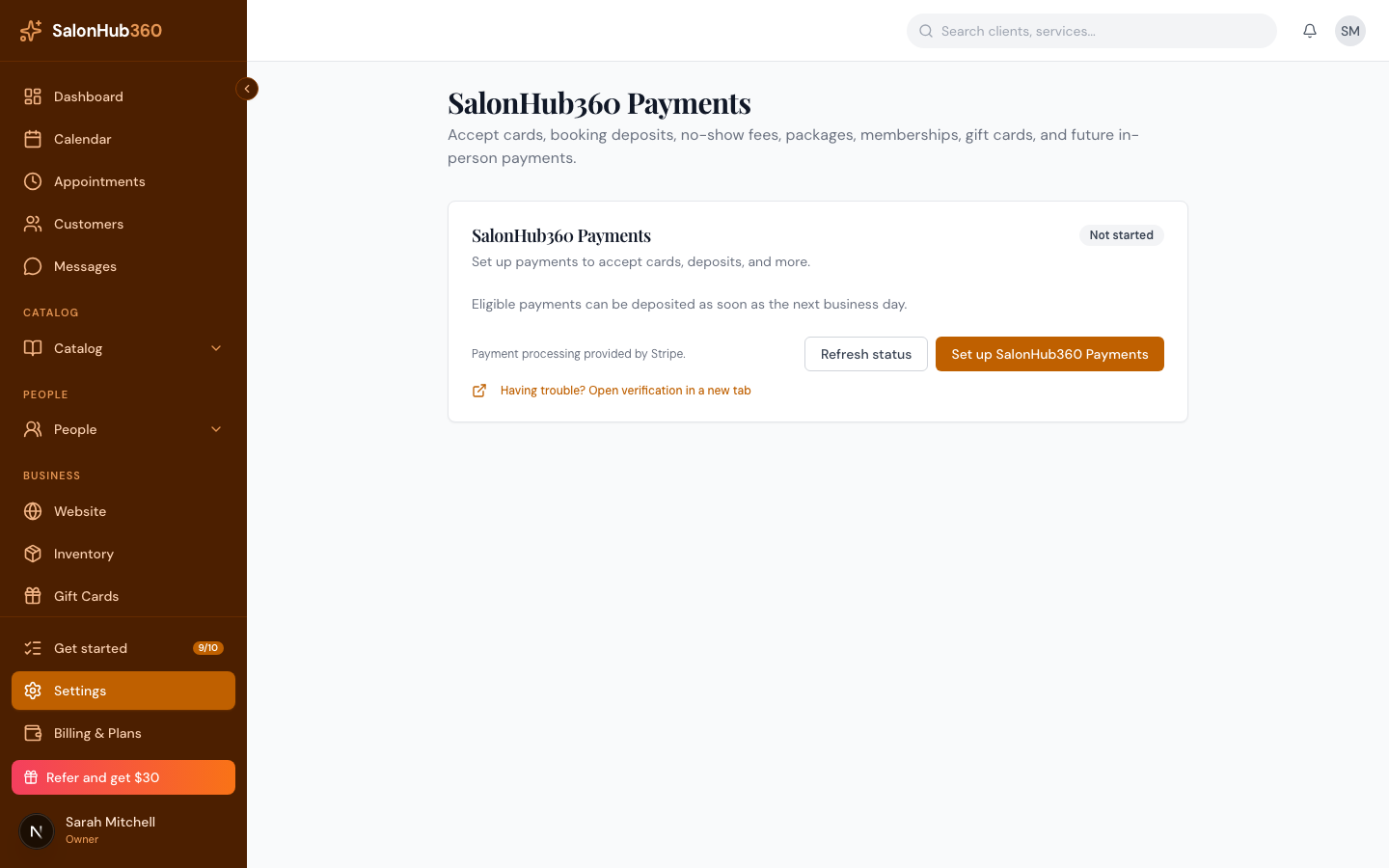
-
Read the information still needed list, then click Continue setup (or Resolve).
<!-- CAPTURE: route=/settings/payments | login=owner | state=requirements list | highlight=Continue setup button | viewport=1440x900 -->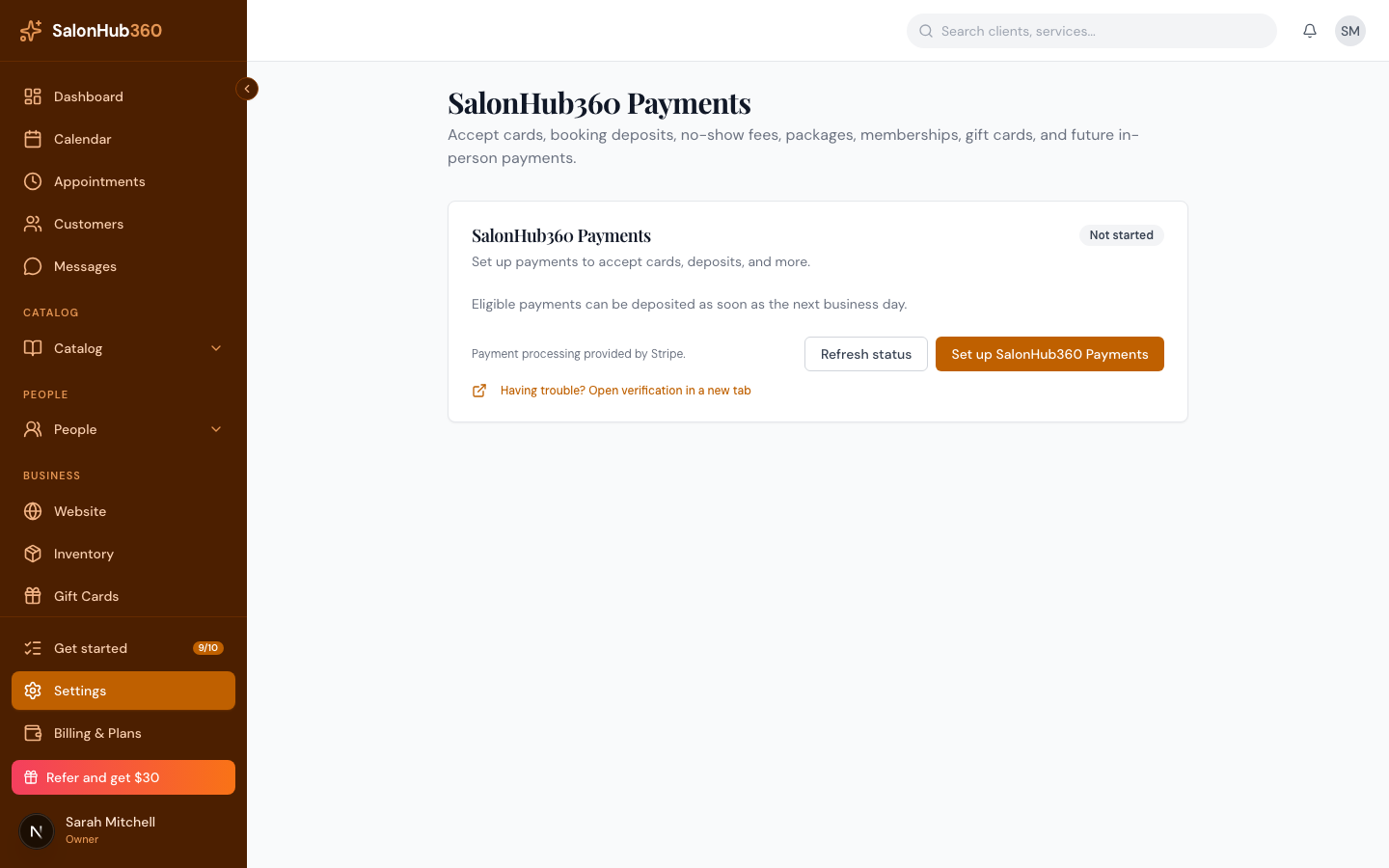
-
Complete the secure Stripe prompts. This might be your full SSN, a photo ID, or updated bank details — see What you'll need to verify your account.
-
Click Refresh status. Once everything checks out, the badge clears and you're back to Active.
Note: While an item is outstanding, card payments and payouts may be paused. Resolving it promptly keeps your money moving. Booking and scheduling keep working the whole time.
Related articles