
Review your balance & payouts
Requirements
- Available on: Starter and above
- Device access: Web & mobile browser
- Permission: Owner
See how much you've earned, what's on the way to your bank, and your full payout history — all in one place.
How to review your payouts
-
Open Settings → Payments.
<!-- CAPTURE: route=/settings/payments | login=owner | state=active | highlight=Manage account & payouts | viewport=1440x900 -->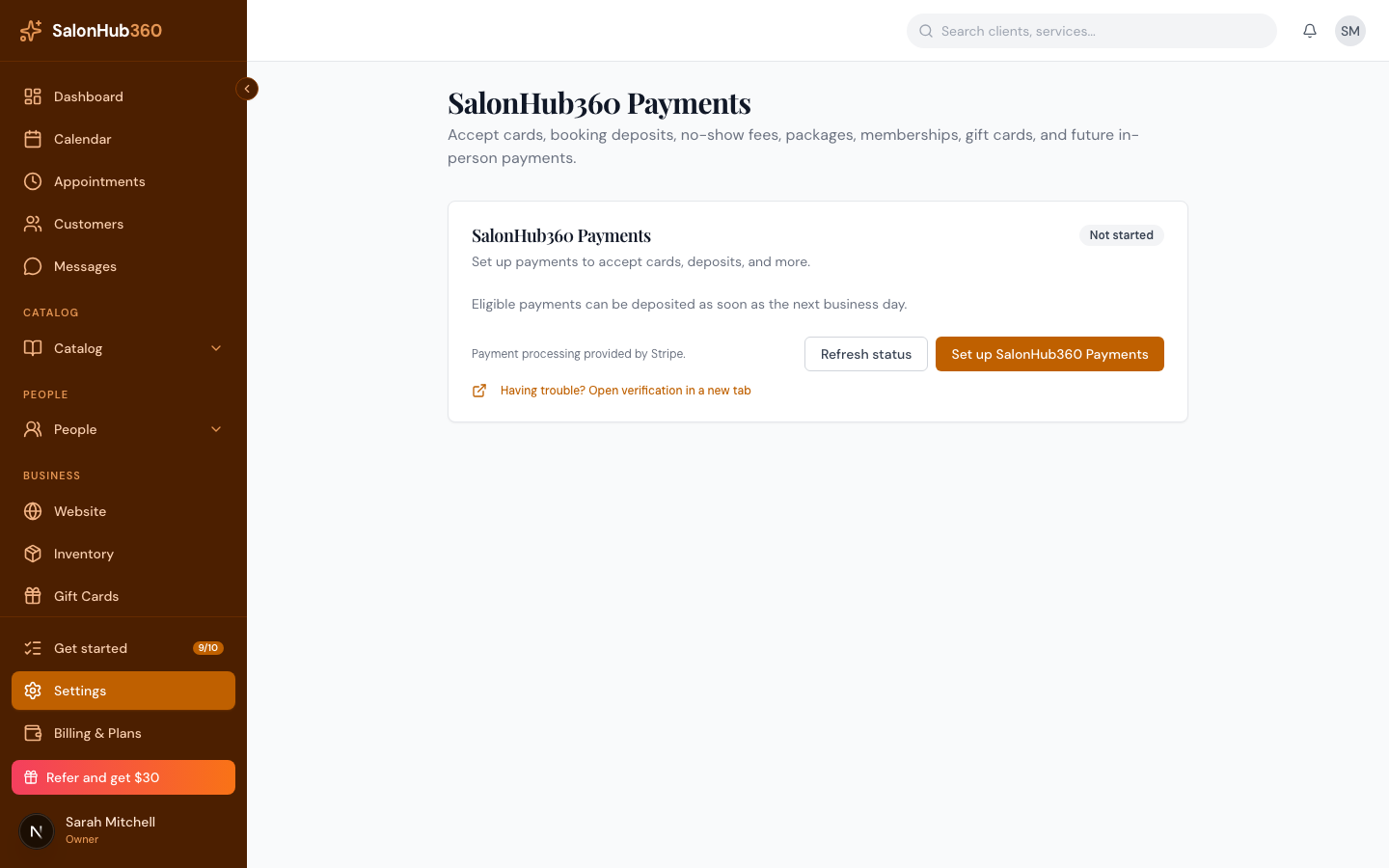
-
Click Manage account & payouts.
<!-- CAPTURE: route=/settings/payments | login=owner | state=active, manage open | viewport=1440x900 -->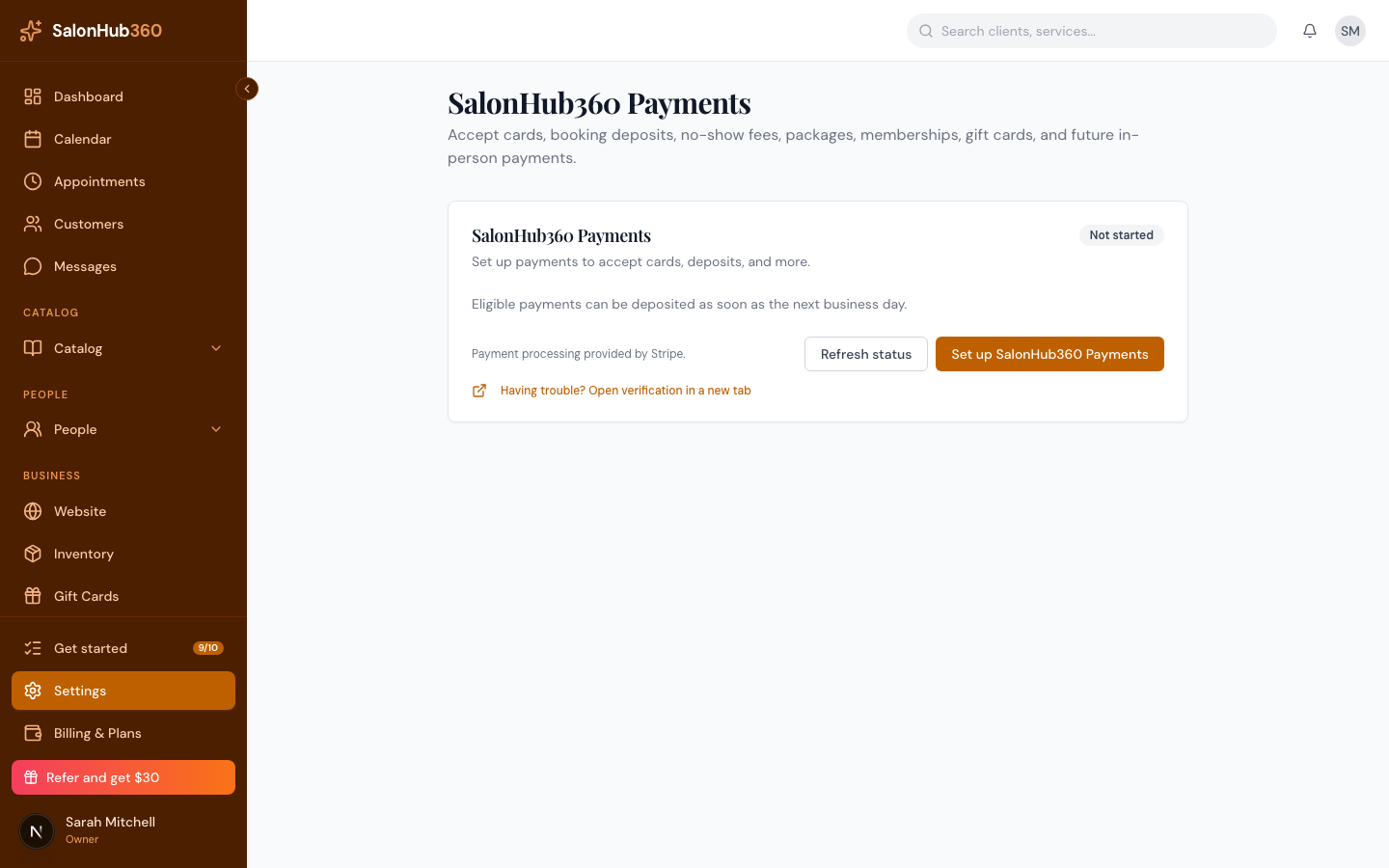
-
Review your available balance, the amount on the way to your bank, your next expected payout date, and your payout history.
<!-- CAPTURE: route=/settings/payments | login=owner | state=payouts view | viewport=1440x900 -->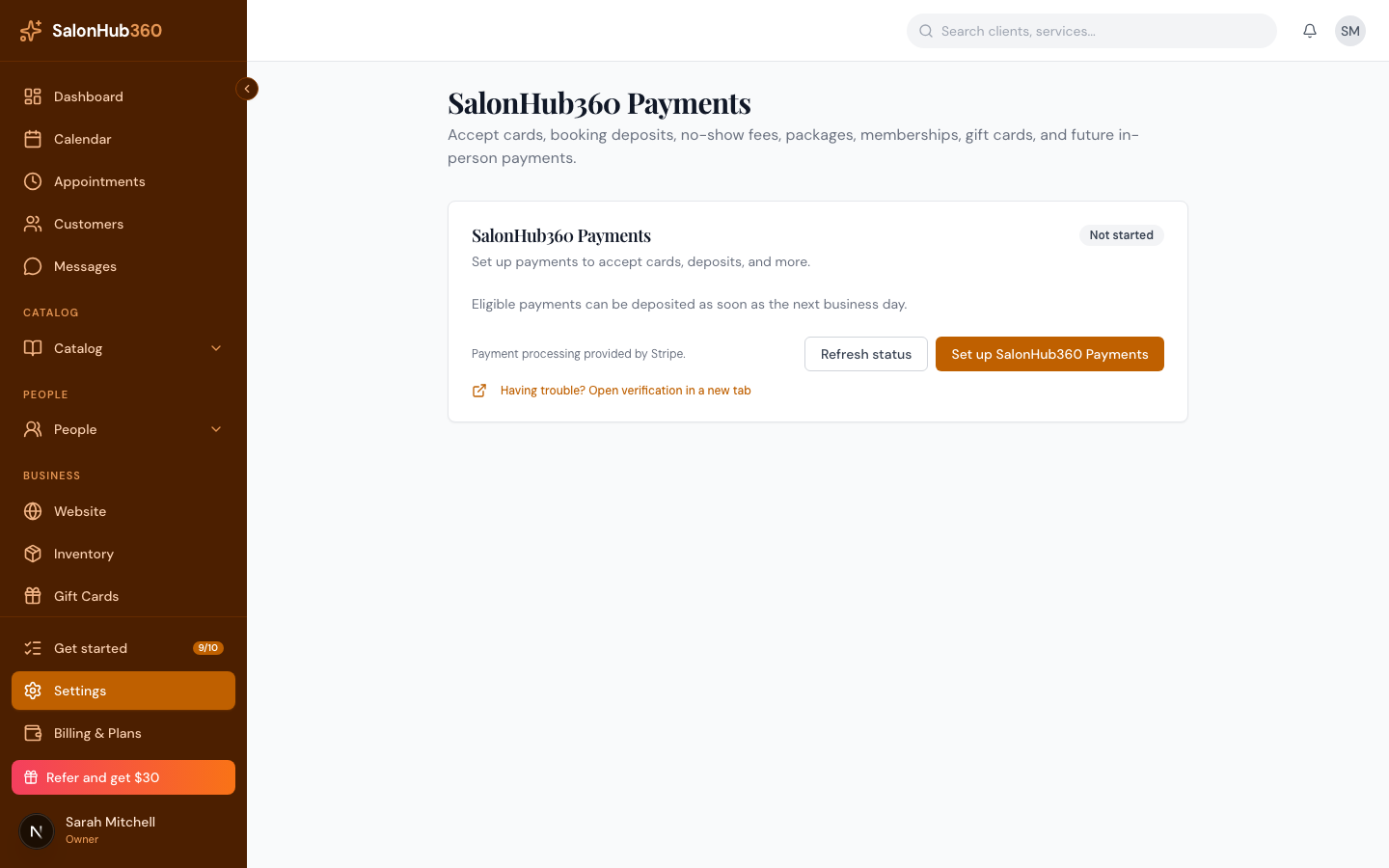
Note: This view is available once your account is Active. If you don't see it yet, finish setting up SalonHub360 Payments.
Tip: Need your money sooner, or to change how often you're paid? See Your payout schedule and Instant Payouts.
Related articles