
How to create your salon account
Requirements
- Available on: All plans
- Device access: Web & mobile browser
- Permission: Anyone (no account needed)
Create your salon and owner account in a couple of minutes. When you sign up, SalonHub360 sets up your salon, starts your free trial, signs you in, and drops you on your dashboard — ready to start setup.
How to create your salon account
-
Go to the sign-up page at /register. You'll see the Create your salon form.
<!-- CAPTURE: route=/register | login=none | state=empty form | highlight=Create your salon card | viewport=1440x900 -->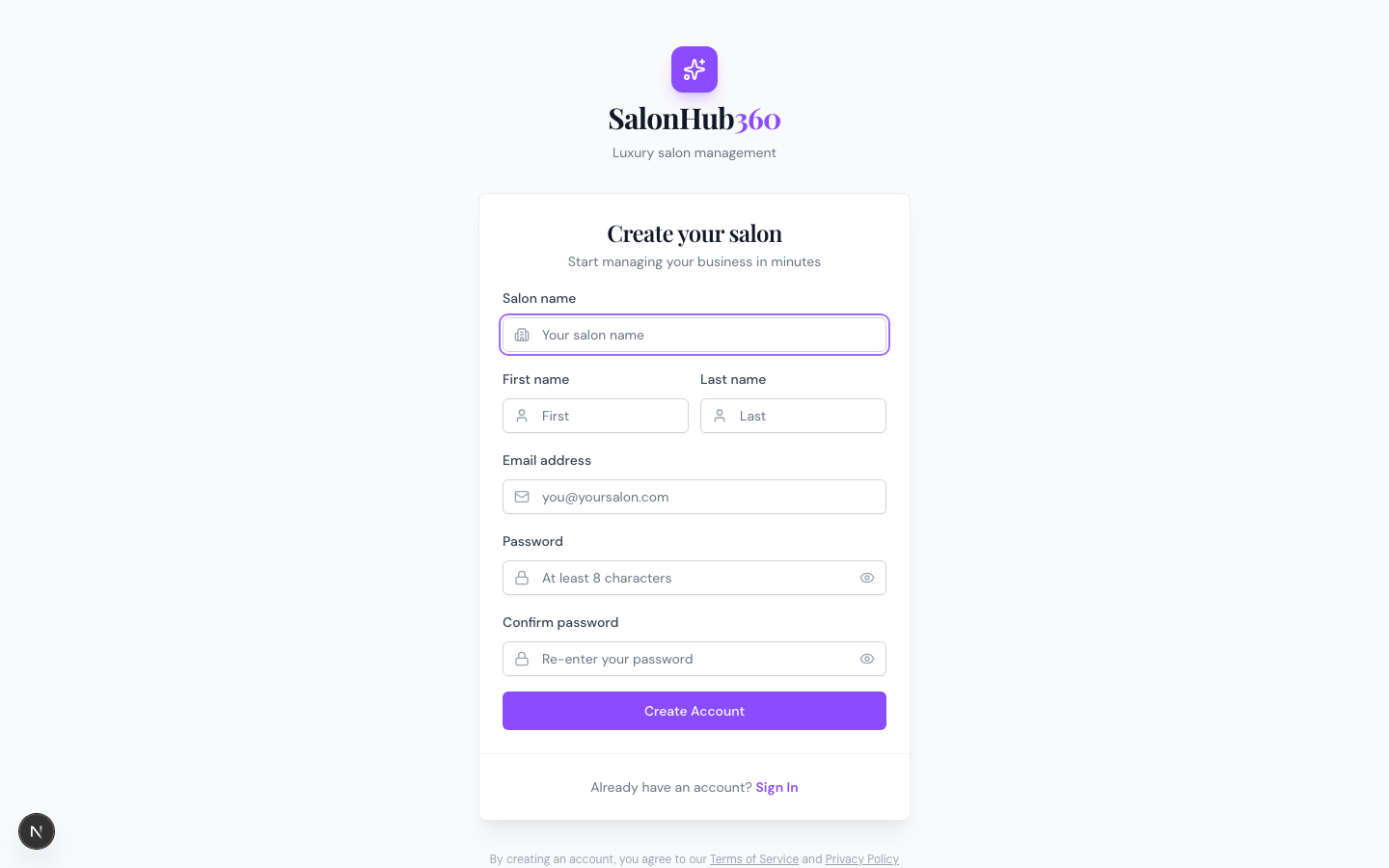
-
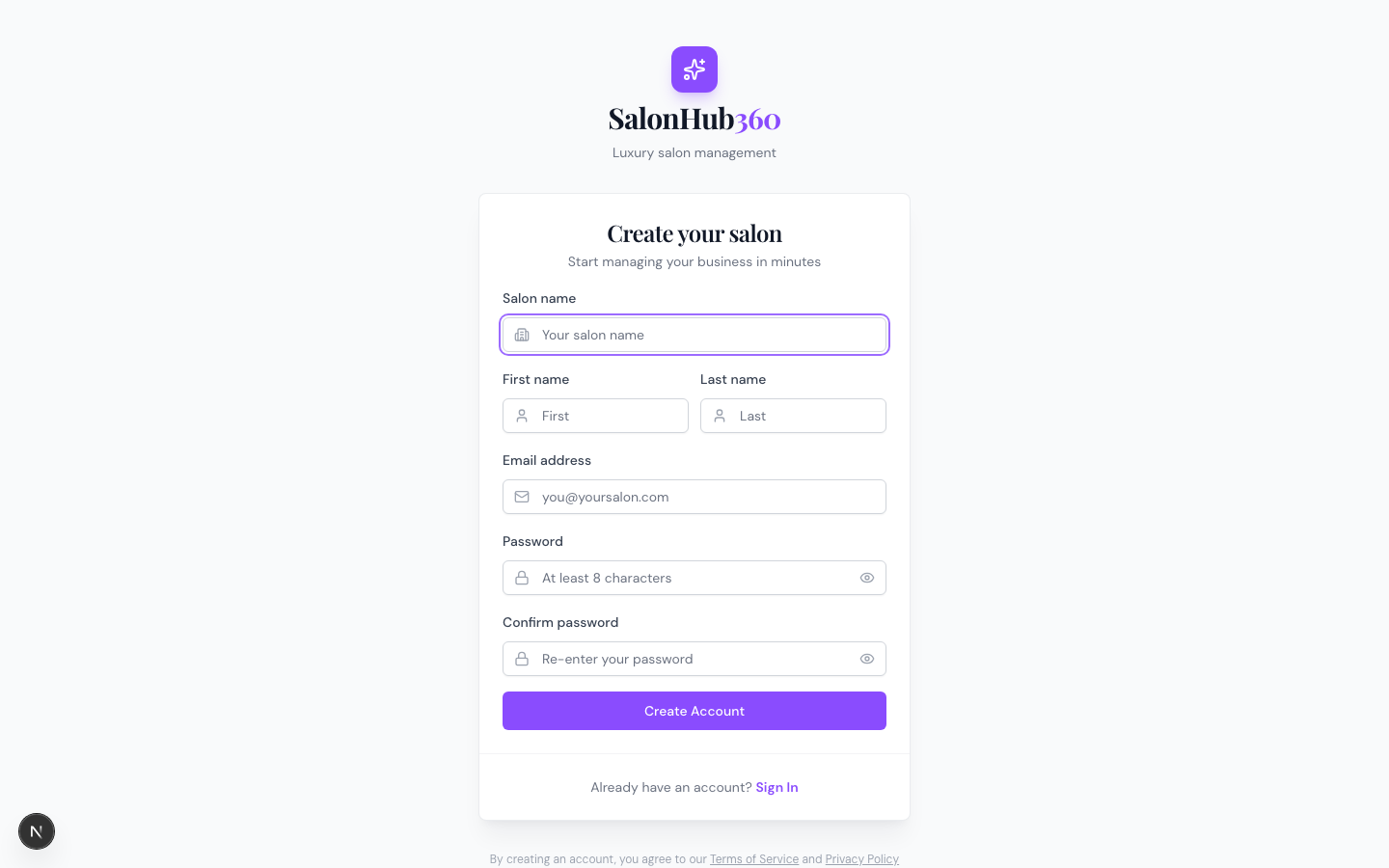
Fill in your details:
- Salon name — your business name (used to create your booking-site address).
- First name and Last name — the owner's name.
- Email address — you'll use this to sign in.
- Password and Confirm password — at least 8 characters, entered twice so they match.
-
Click Create Account. SalonHub360 creates your salon, signs you in, and takes you straight to your dashboard.
<!-- CAPTURE: route=/dashboard | login=owner | state=fresh salon, setup checklist visible | highlight=Get ready to take bookings card | viewport=1440x900 -->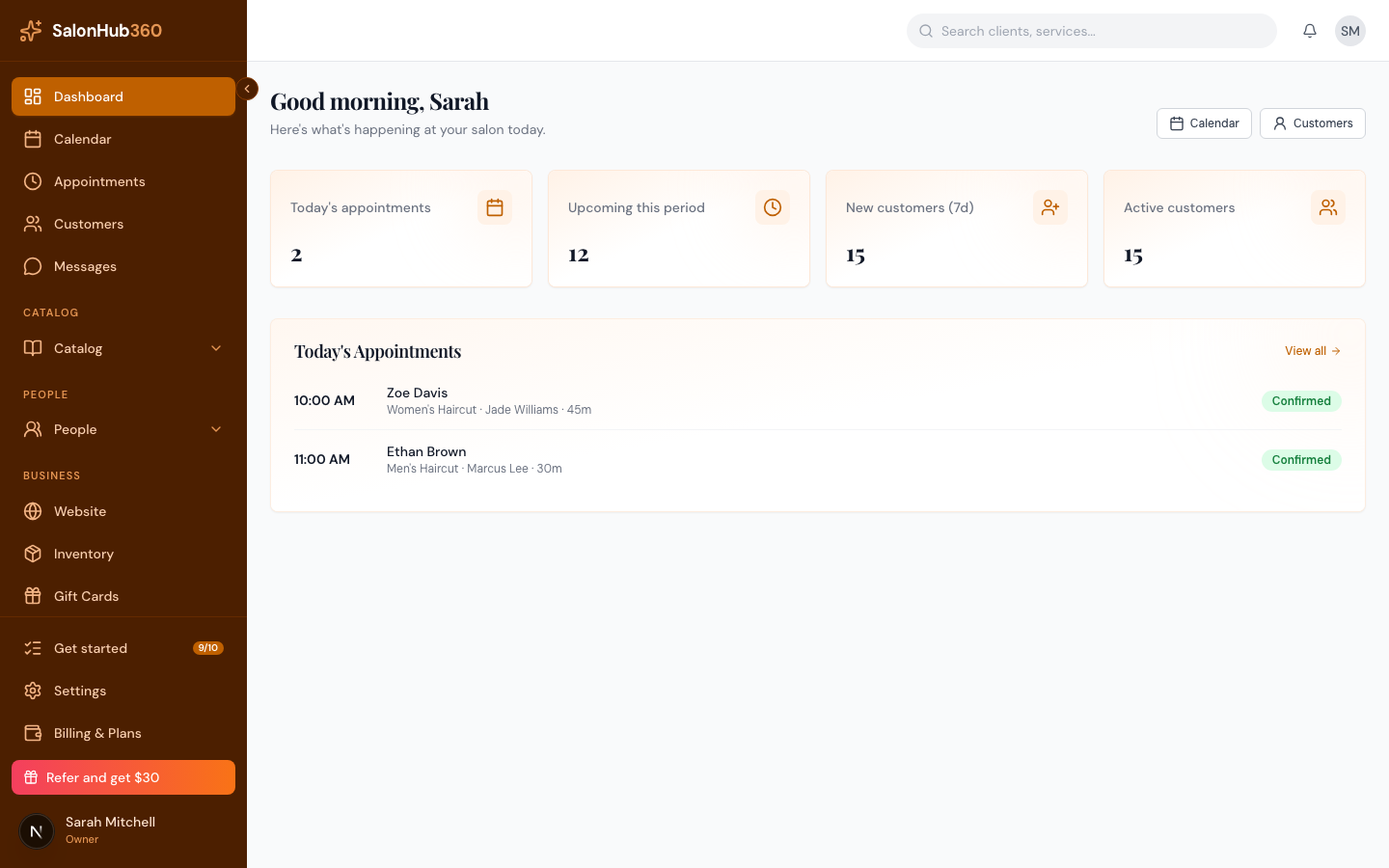
What happens when you sign up
- You're placed on the Growth plan with a free trial, so you can explore everything right away.
- Your booking-site address (a subdomain like
your-salon.sites.salonhub360.com) is created automatically from your salon name. If the name is already taken or is a reserved word, SalonHub360 adds a number or adjusts it so your address still works. - You become the Owner, with full access to settings, billing, and Payments.
Note: Your first step after signing up is the Setup checklist on your dashboard — it walks you through everything needed to accept online bookings. See How to get booking-ready.
Tip: Already have a salon account? Use Sign In on the sign-up page to log in instead. Staff members don't sign up here — an owner or manager adds them from the Team area.
Related articles