
Add your location & business hours
Requirements
- Available on: All plans
- Device access: Web & mobile browser
- Permission: Owner
Your location and its opening hours tell the booking engine where clients come and when you're open. Both are required before your booking page can generate any time slots, so this is one of the first things to set up.
How to add a location
-
Open Settings, then the Locations tab, and click Add Location.
<!-- CAPTURE: route=/settings?tab=locations | login=owner | state=Locations tab | highlight=Add Location button | viewport=1440x900 -->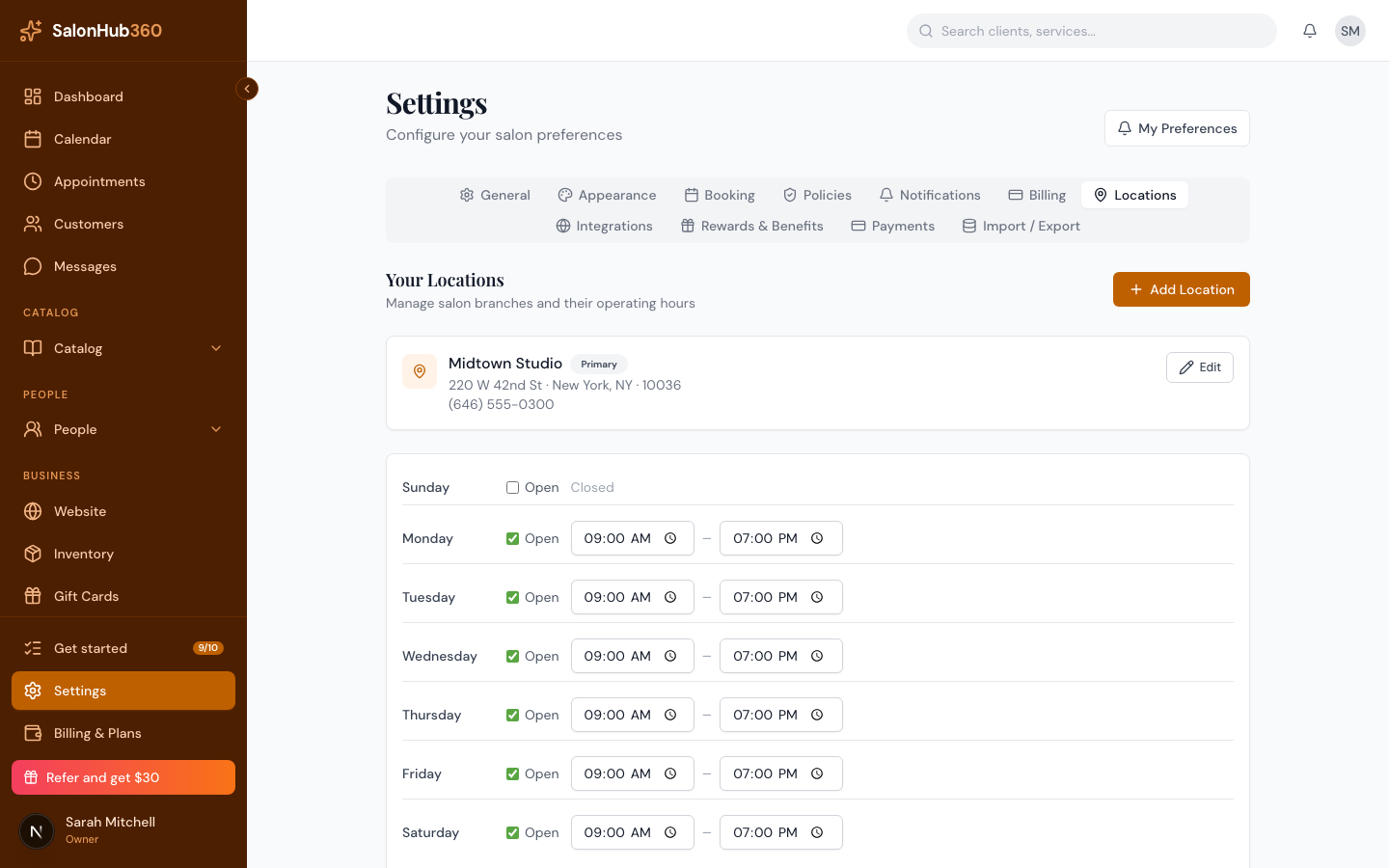
-
In the Add location dialog, enter your Location name, Address, City, State, and ZIP / Postal code. Phone is optional. (You can also set an override tax rate here, but you can leave that blank for now.)
<!-- CAPTURE: route=/settings?tab=locations | login=owner | state=Add location dialog filled in | highlight=Add location button | viewport=1440x900 -->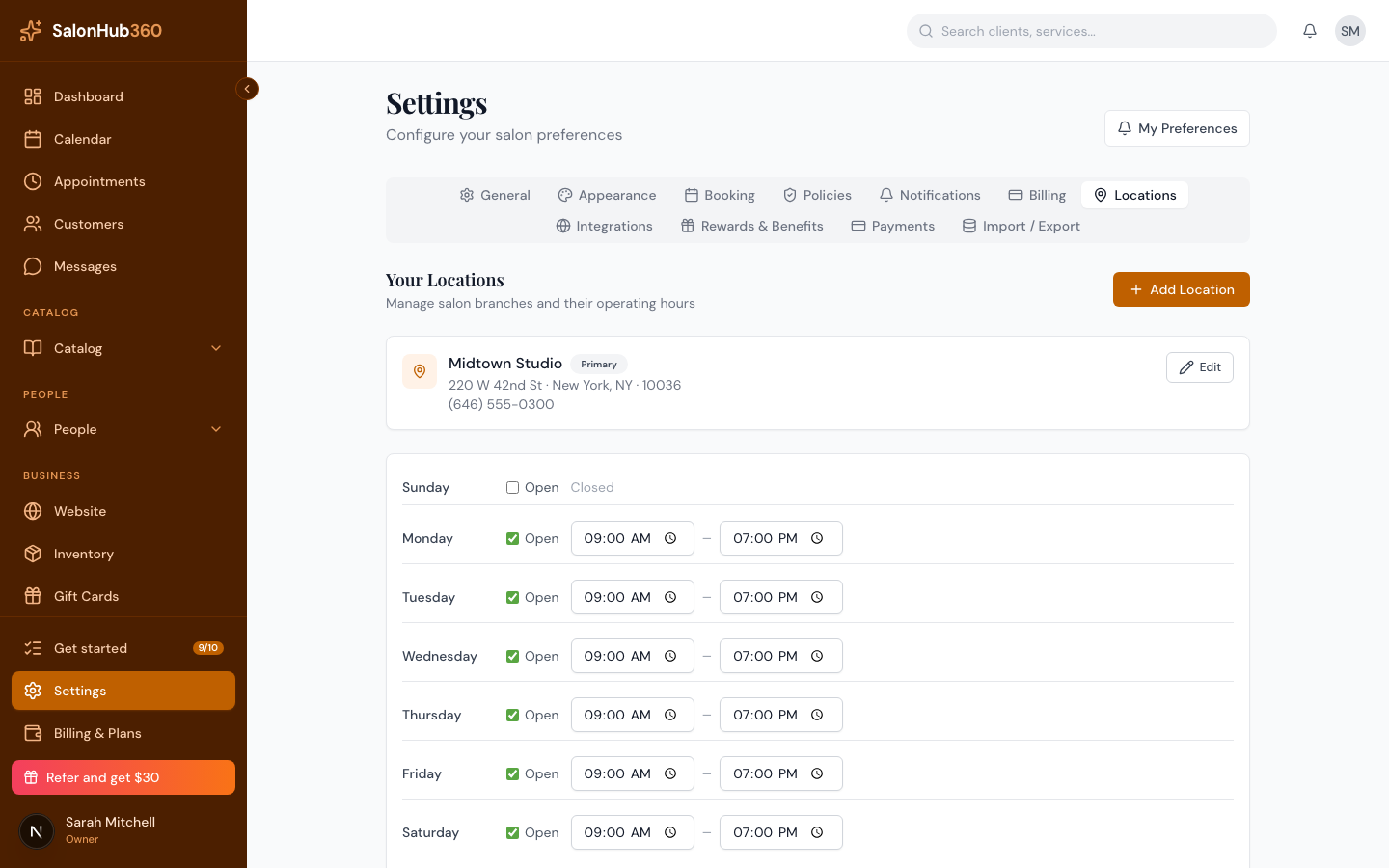
-
Click Add location. It appears in Your Locations. Your first location is automatically your Primary location (marked with a Primary badge) — the one used to detect your time zone. Use Edit on any location to change its details later.
<!-- CAPTURE: route=/settings?tab=locations | login=owner | state=one location with Primary badge | highlight=Primary badge | viewport=1440x900 -->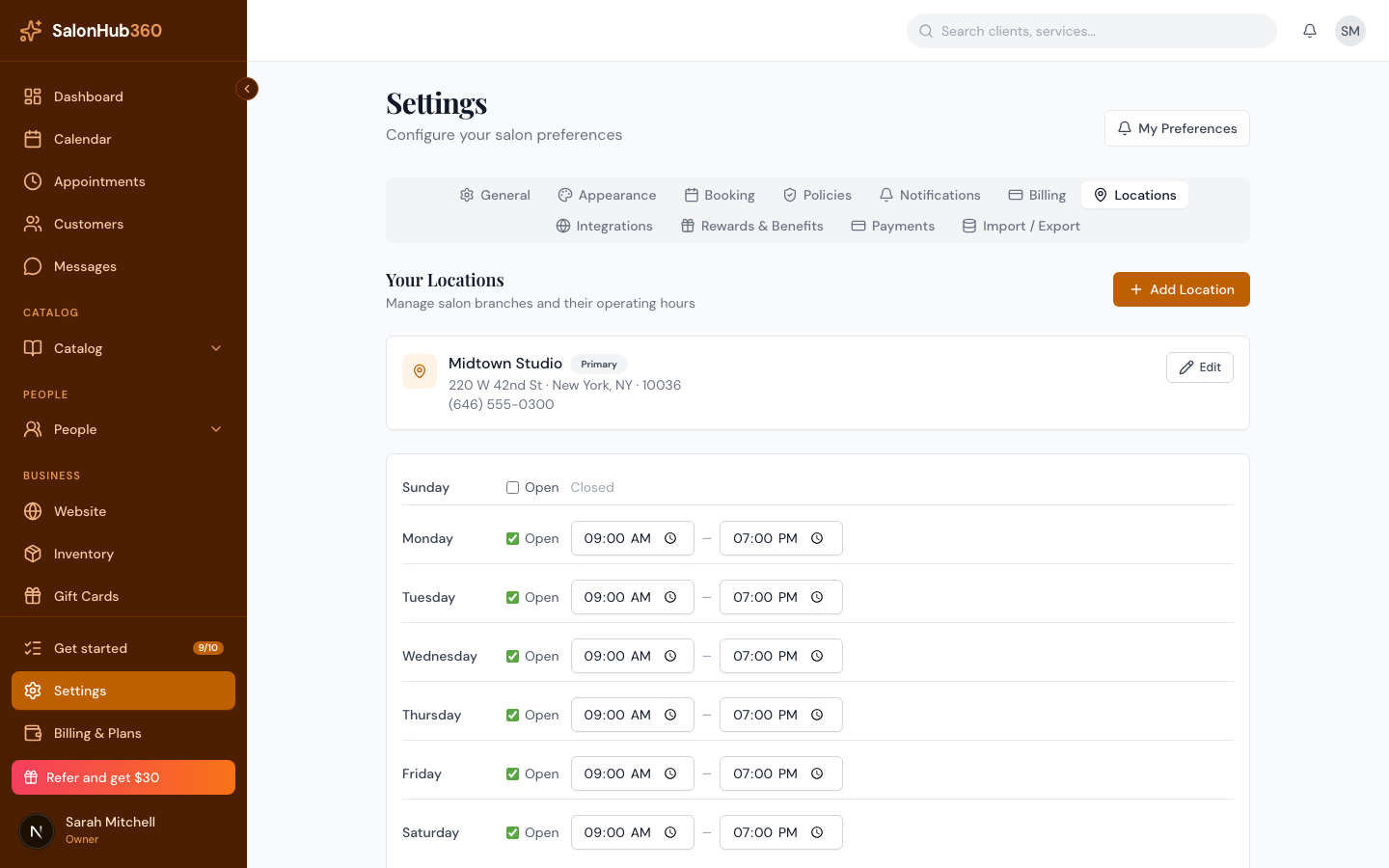
How to set business hours
-
Below your locations, find the business hours editor. (If you have more than one location, pick the one you're editing from the Location dropdown first.)
-
For each day, tick Open and set the opening and closing times. Leave a day unticked to mark it Closed.
<!-- CAPTURE: route=/settings?tab=locations | login=owner | state=hours editor with weekdays open | highlight=a day's open toggle and time fields | viewport=1440x900 -->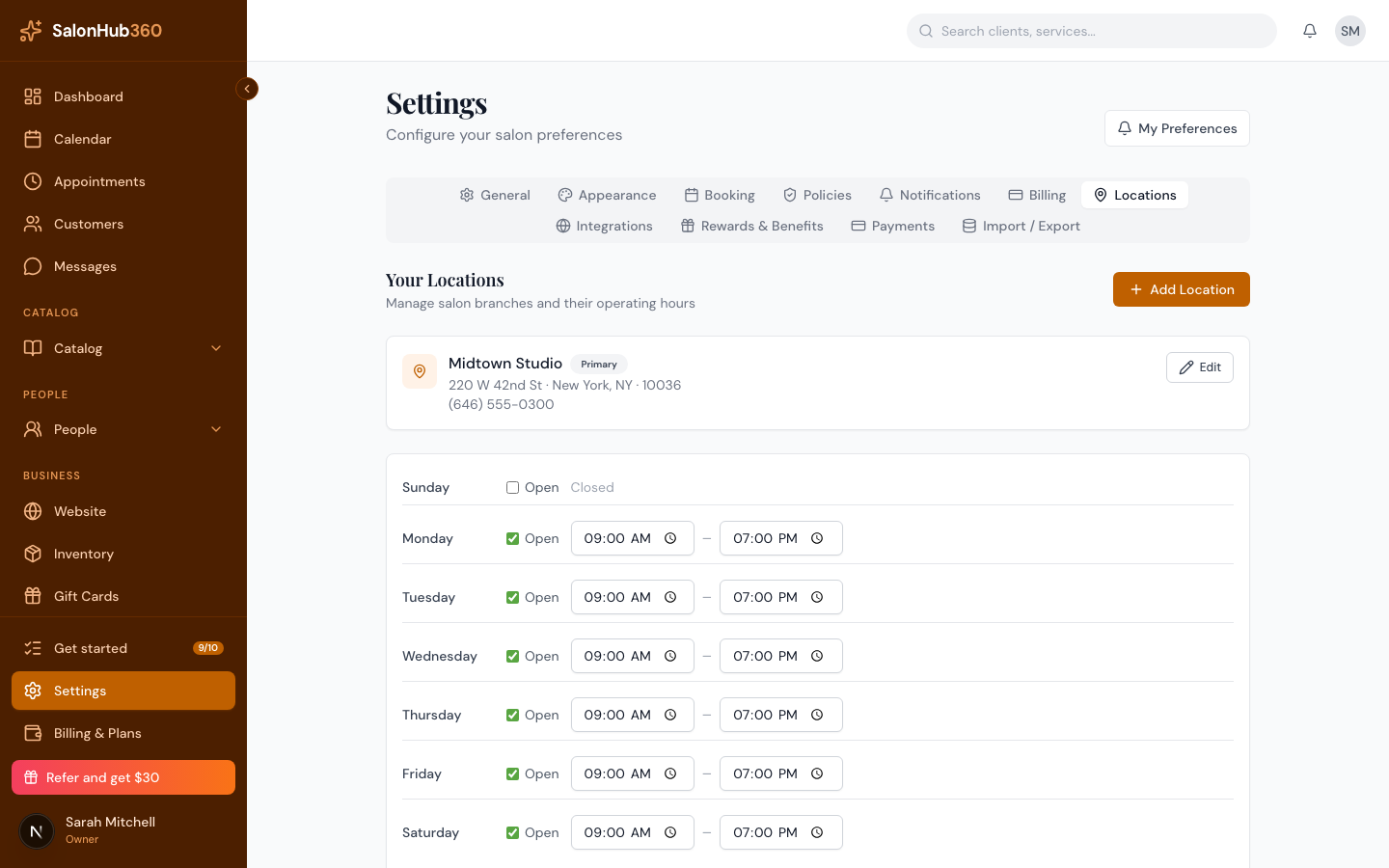
-
Click Save hours.
Note: No open hours means no bookable time slots. If your booking page says it isn't accepting bookings yet, make sure each day you operate is set to Open with valid times — a location with every day closed counts as having no hours.
Tip: Hours set here are your salon's opening hours. Each staff member also has their own weekly schedule; the booking engine offers a slot only when both the location is open and the staff member is working. Finish the rest of setup in How to get booking-ready.
Related articles