
Rewards & retention reports
Requirements
- Available on: Starter and above
- Device access: Web & mobile browser
- Permission: Owner or Manager
See how your loyalty program is performing, where your gift card balances stand, and which clients are due for a nudge — all on one page.
How to use the Rewards & Retention report
-
In the left menu, open Reports, then open Rewards & Retention (at /reports/rewards).
<!-- CAPTURE: route=/reports/rewards | login=owner | state=data present (demo) | highlight=Rewards & Retention heading | viewport=1440x900 -->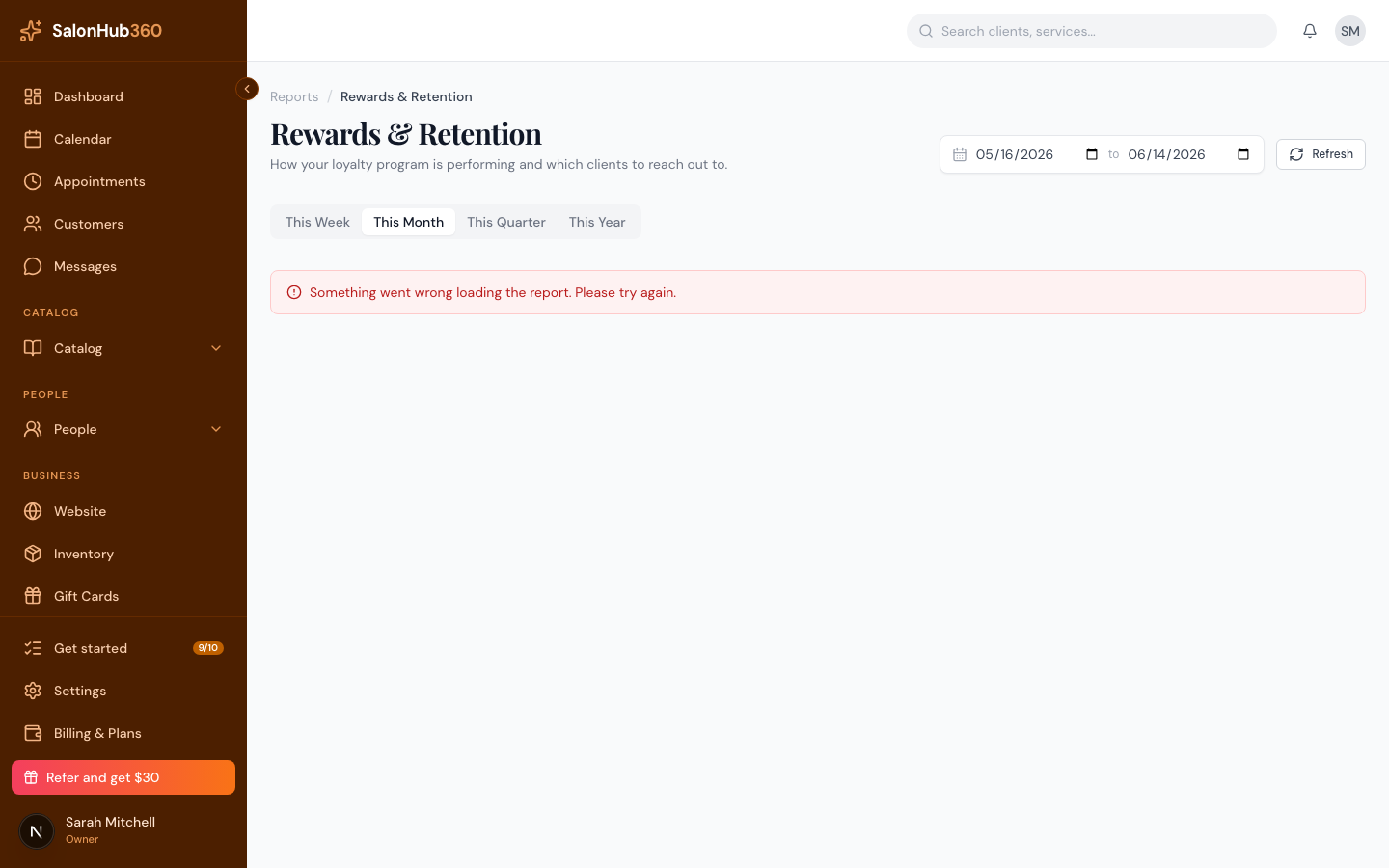
-
Choose a period with the date filter — presets include This Week, This Month, This Quarter, and This Year — and use Refresh to reload.
-
Review the three sections:
- Rewards activity — clients who earned stamps, stamps given, vouchers earned and used, and the value of rewards given back to clients.
- Gift cards — cards sold or reloaded, value redeemed, and the value clients haven't used yet.
- Coming back — your repeat-visit rate, program members, and a list of clients who may need a nudge.
-
In the Gift cards section, click Export cards to download a CSV of outstanding gift cards (this button appears when there are cards with a balance).
<!-- CAPTURE: route=/reports/rewards | login=owner | state=outstanding cards present | highlight=Export cards button | viewport=1440x900 -->
Note: Gift card sales also count toward Total Revenue on your main dashboard; the outstanding balance here is a point-in-time figure. For client privacy, the lapsed-client list shows first names and the last four digits of a phone number only.
Tip: To set up the stamp-card program these numbers track, see Set up your stamp-card rewards program.
Related articles