
How to set up your stamp-card rewards program
Requirements
- Available on: All plans
- Device access: Web & mobile browser
- Permission: Owner
Your rewards program is a digital stamp card: clients earn one stamp per completed visit, and when they reach a milestone you choose, they earn a reward. Setup takes a couple of minutes from Settings → Rewards & Benefits.
Before you start
Decide two things: how many stamps a full card should take, and what reward(s) clients get along the way. You can build a reward right inside the setup flow, or create them first — see Create reward types.
How to set up your program
-
In the left menu, open Settings, then go to Rewards & Benefits.
<!-- CAPTURE: route=/settings/rewards | login=owner | state=program not yet configured | highlight=page header | viewport=1440x900 -->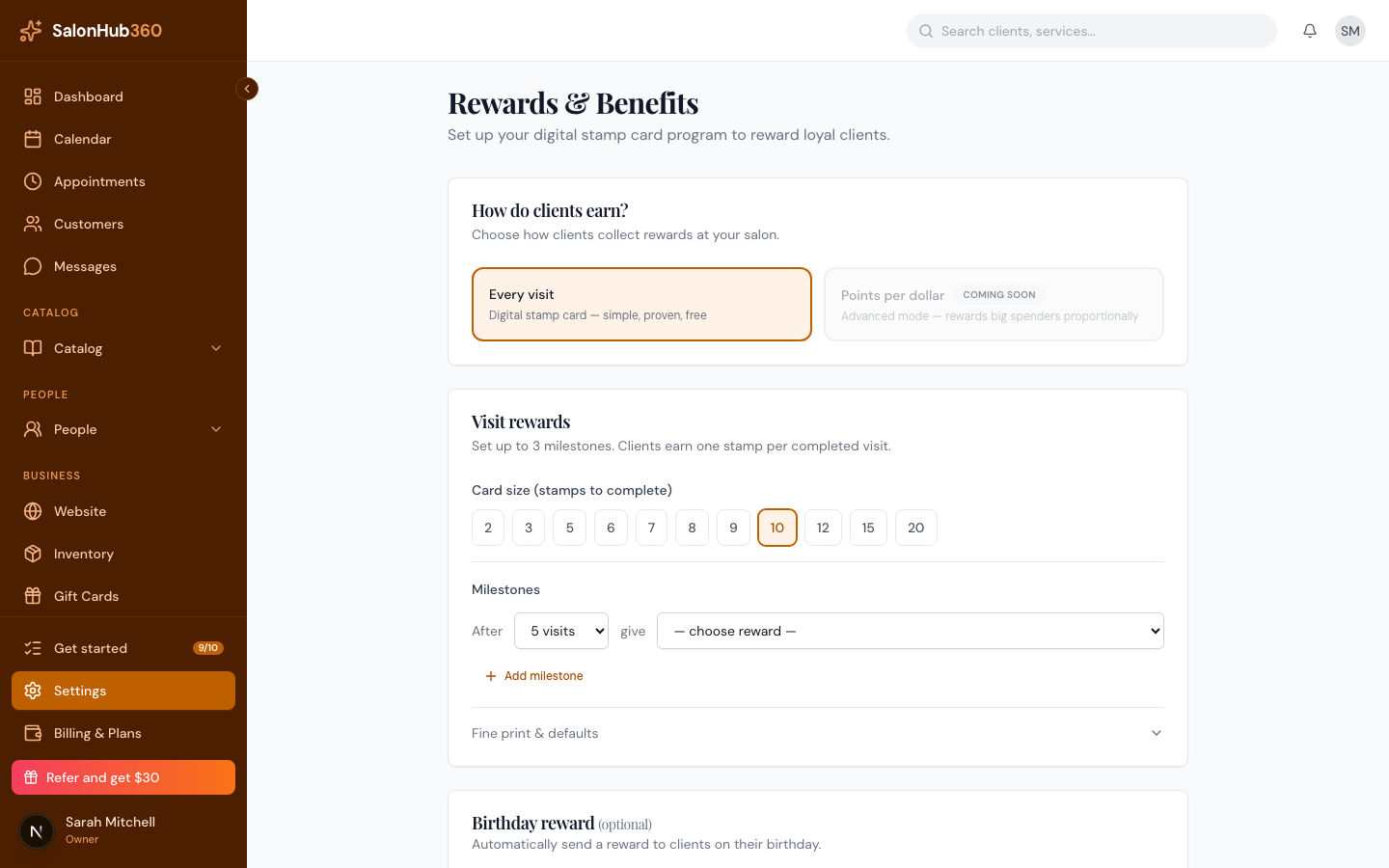
-
Under How do clients earn?, leave Every visit selected. This is the digital stamp card — simple, proven, and free.
-
Under Visit rewards, choose your Card size (stamps to complete) — for example 10.
<!-- CAPTURE: route=/settings/rewards | login=owner | state=card size selected | highlight=card size buttons and milestone row | viewport=1440x900 -->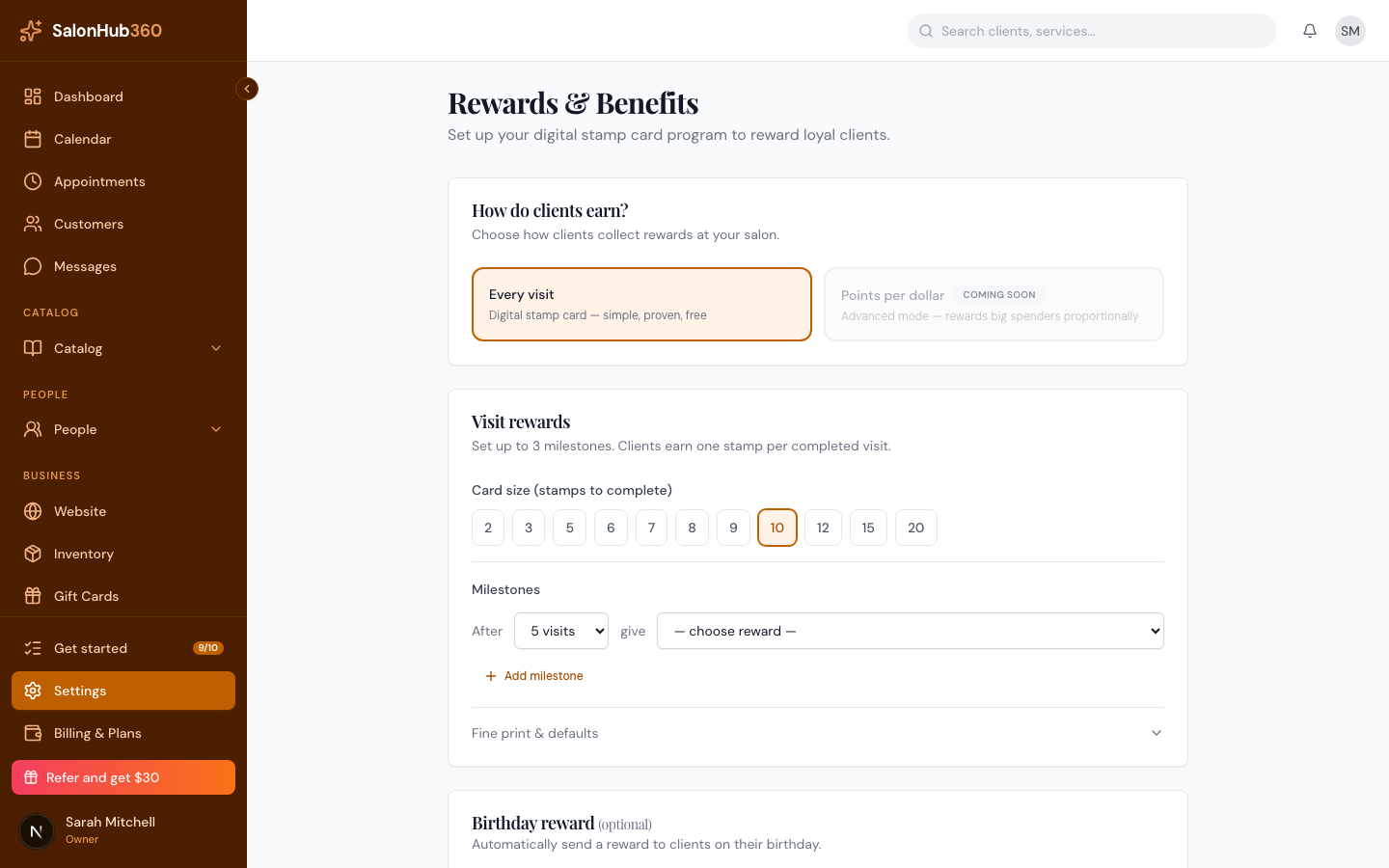
-
Set your Milestones. Each milestone reads "After N visits give [reward]." Pick the stamp count, then choose a reward (or select + Create new reward… to build one on the spot). Add up to three milestones with Add milestone.
-
(Optional) Click Fine print & defaults to set a minimum spend to earn a stamp, a maximum stamps per day, and how long earned reward vouchers stay valid before they expire.
-
When you're ready to go live, turn on Turn on my program at the bottom.
<!-- CAPTURE: route=/settings/rewards | login=owner | state=program toggle on | highlight=Turn on my program switch | viewport=1440x900 -->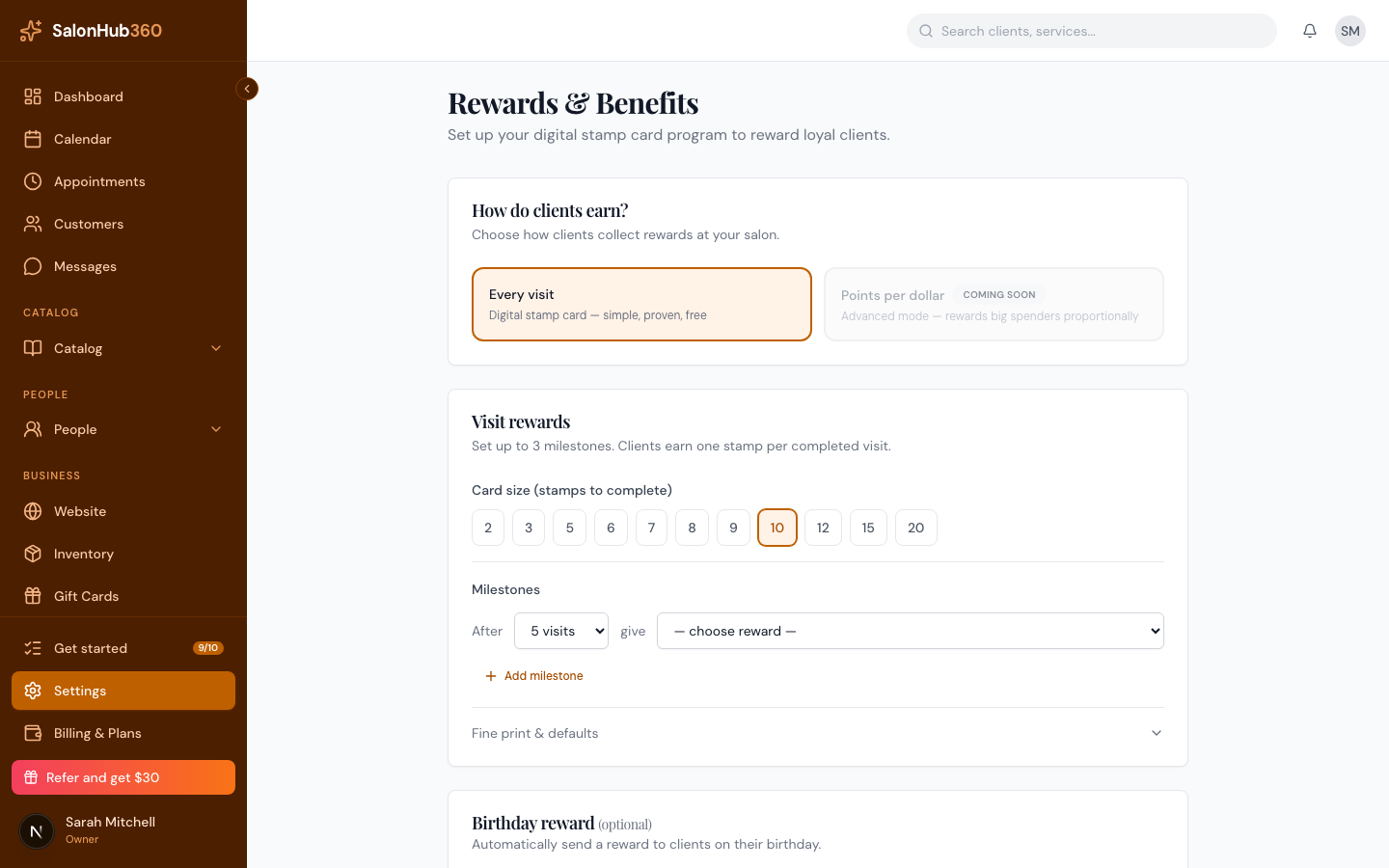
-
Click Save program. Your stamp card is now active and clients start earning automatically.
Note: The free plan supports a card with up to 2 milestones and the Dollar-off and Free-service reward types. Paid plans unlock a third milestone and the Percentage-off reward. You'll see a friendly prompt if you reach your plan's limit.
Tip: Want to automatically reward clients on their birthday too? That's set up just below the milestones — see Birthday rewards automation.
Related articles