
Link-based social messaging (SMS, Messenger & Instagram)
Requirements
- Available on: Starter and above (Website Builder)
- Device access: Web & mobile browser
- Permission: Owner or Manager
Let visitors message your salon the way they already chat — by text, Facebook Messenger, or Instagram. You add these buttons in the Website Builder, and replies land in your normal phone, Facebook, or Instagram inbox. No extra app connection required.
How to add social messaging buttons
-
In the left menu, open Website, then select the Messaging tab.
<!-- CAPTURE: route=/website | login=owner | state=Messaging tab (Starter+ demo) | highlight=Messaging tab | viewport=1440x900 -->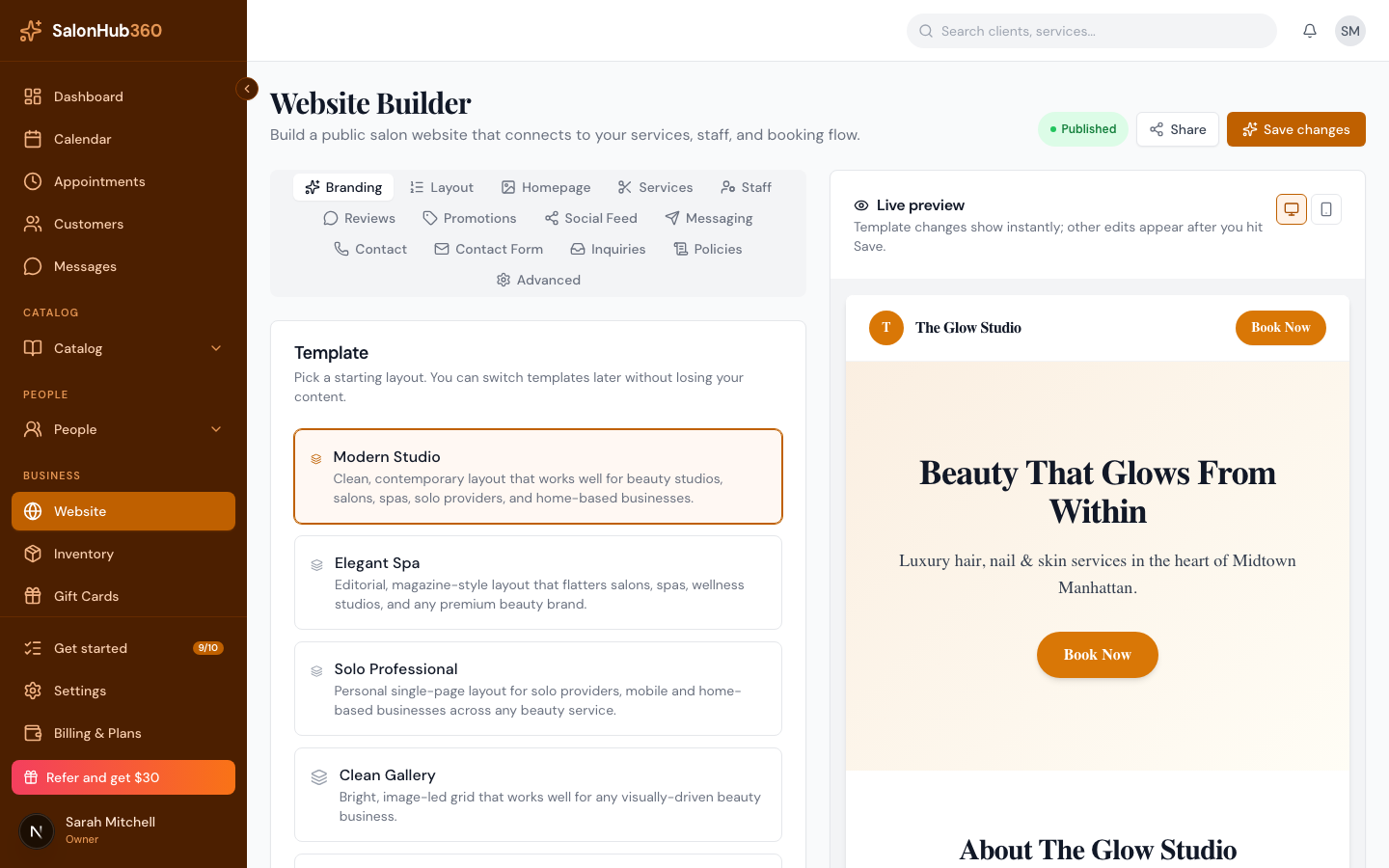
-
Turn on the channels you want and add your details:
- Enable Text Messaging — add your phone number (e.g.
(503) 555-1234). The public button reads Text Us. - Enable Facebook Messenger — paste your Facebook page link or username. The button reads Message on Facebook.
- Enable Instagram DM — paste your Instagram link or handle (with or without the
@). The button reads Message on Instagram.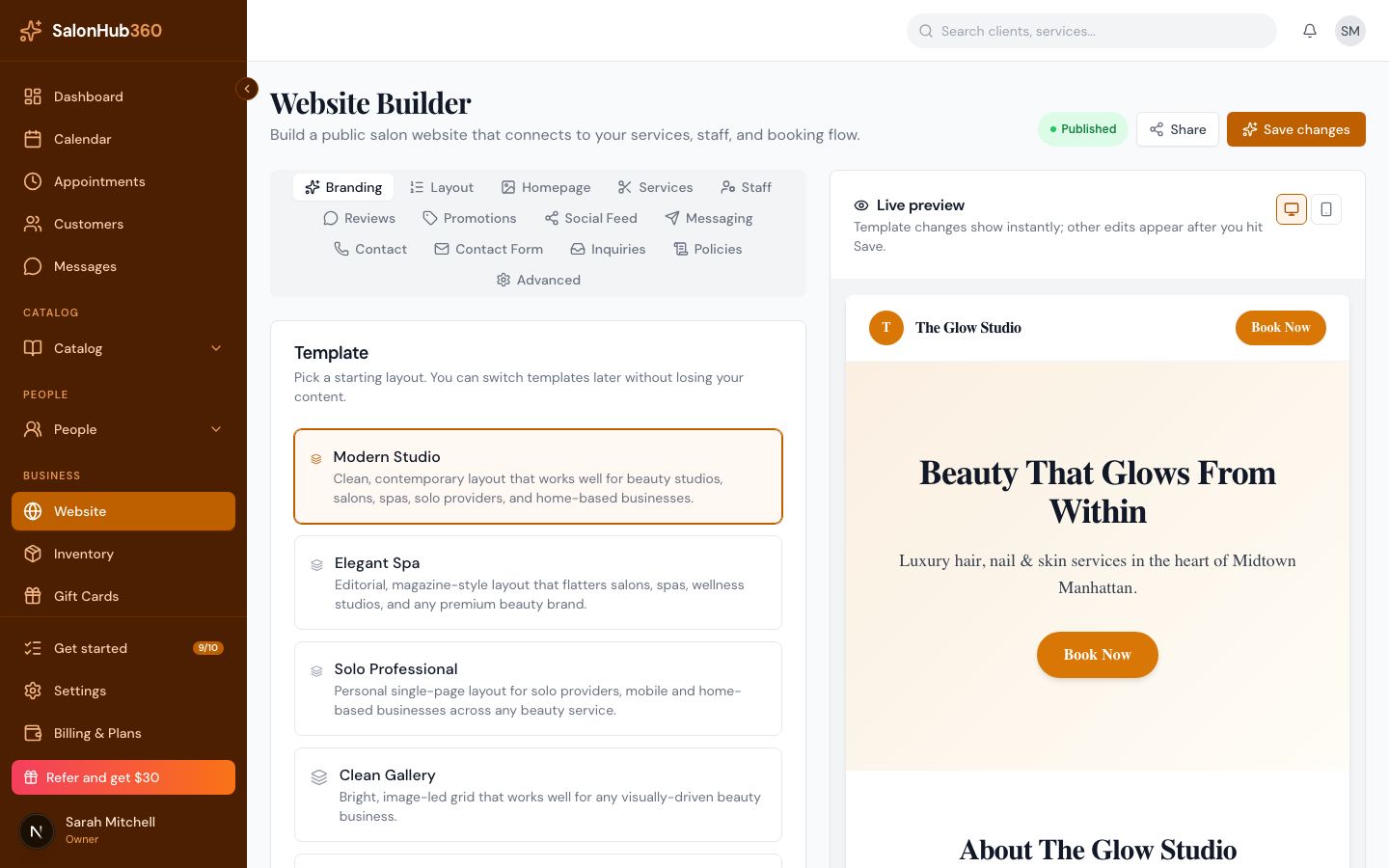
- Enable Text Messaging — add your phone number (e.g.
-
(Optional) Add a short Greeting (such as "Questions? Send us a message — we usually reply within a few hours.") to show above the buttons.
-
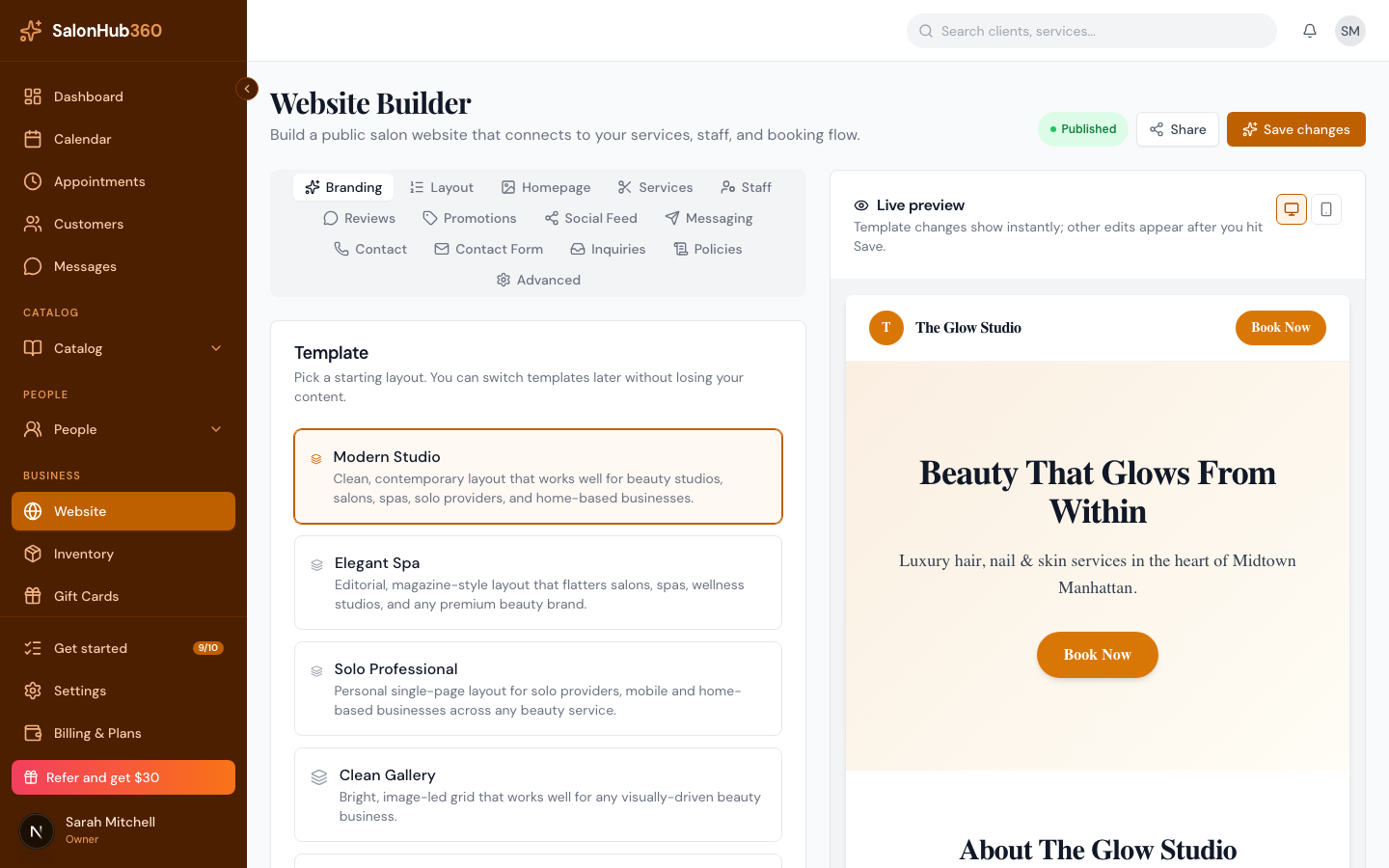
Decide where the buttons appear:
- Turn on the "Message Us" website section to add a block to your site (set its Heading and Subtext).
- Turn on the Floating "Message us" button to show a button in the corner of every page and your booking page.
-
Save your website changes and publish your site so the buttons go live. See Publish your site & your free subdomain.
Note: A channel only appears publicly when it's enabled and has a valid link or number. If none qualify, the section and the floating button stay hidden. The Preview updates live as you type.
Note: These buttons send visitors to your own phone, Facebook, or Instagram — they're separate from the in-app Messages inbox, which is two-way chat with clients inside SalonHub360. See Message clients from your inbox.
Tip: The Website Builder is available on the Starter plan and above. New to it? Start with Build your website.
Related articles