
How to create reward types
Requirements
- Available on: All plans (Percentage discount requires Growth and above)
- Device access: Web & mobile browser
- Permission: Owner
A reward is what a client actually receives when they hit a milestone on their stamp card — or on their birthday. You build rewards once, then attach them to milestones. You can create a reward from scratch or do it inline while setting up a milestone.
The three reward types
| Type | What the client gets | Available on |
|---|---|---|
| Dollar discount | A fixed amount off, e.g. $10 off | All plans |
| Free service | A specific service for free, e.g. a free manicure | All plans |
| Percentage discount | A percent off, e.g. 20% off | Growth and above |
Note: A dollar discount can be set between $1 and $500. A percentage discount can be 1%–100%. A free service is tied to one service from your menu.
How to create a reward
-
Open Settings → Rewards & Benefits. In a milestone row (or the birthday reward picker), open the reward dropdown and choose + Create new reward….
<!-- CAPTURE: route=/settings/rewards | login=owner | state=milestone reward dropdown open | highlight=Create new reward option | viewport=1440x900 -->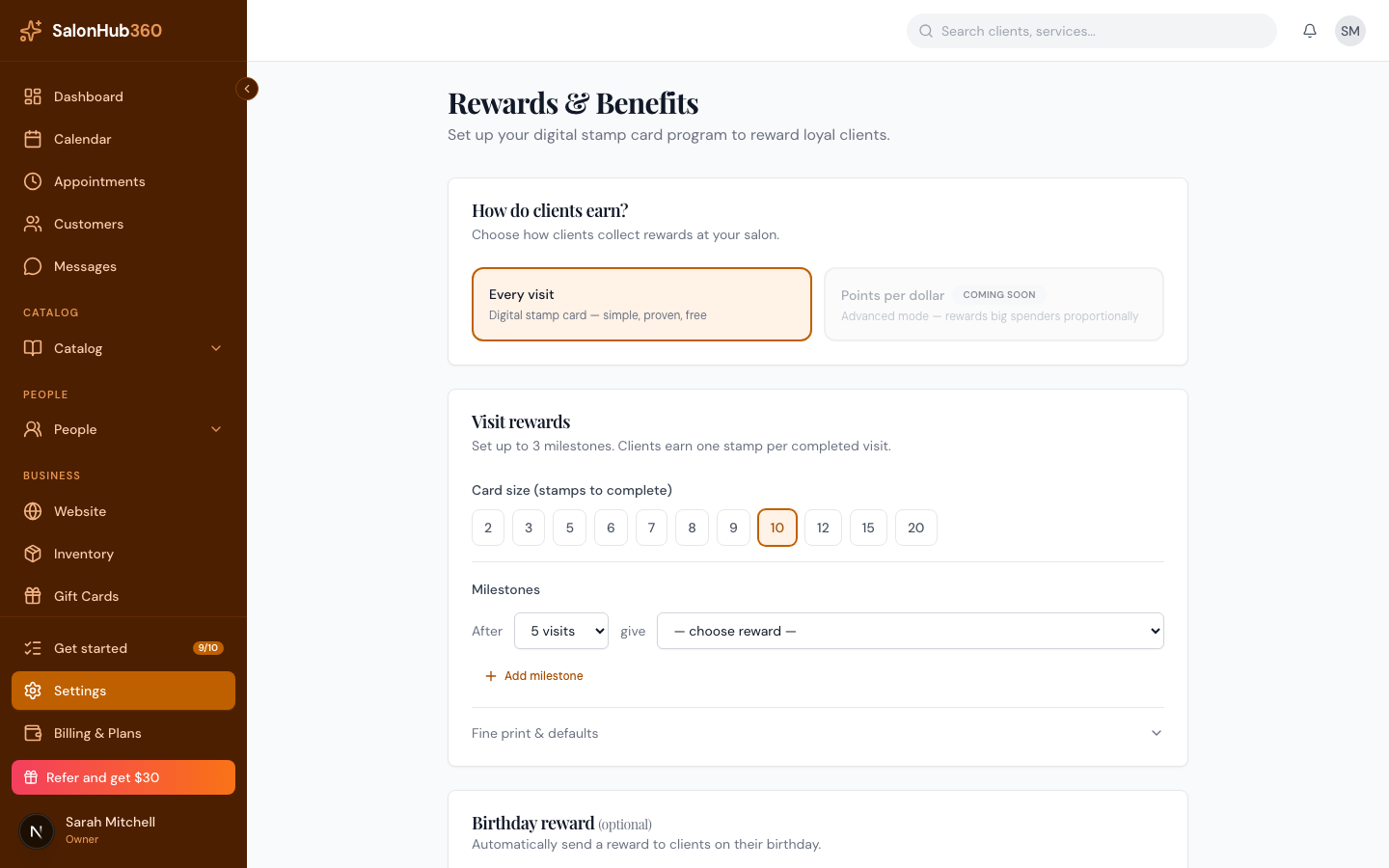
-
Give the reward a clear Reward name clients will recognize — for example "Free manicure" or "$10 off."
<!-- CAPTURE: route=/settings/rewards | login=owner | state=Create reward dialog open | highlight=name and type fields | viewport=1440x900 -->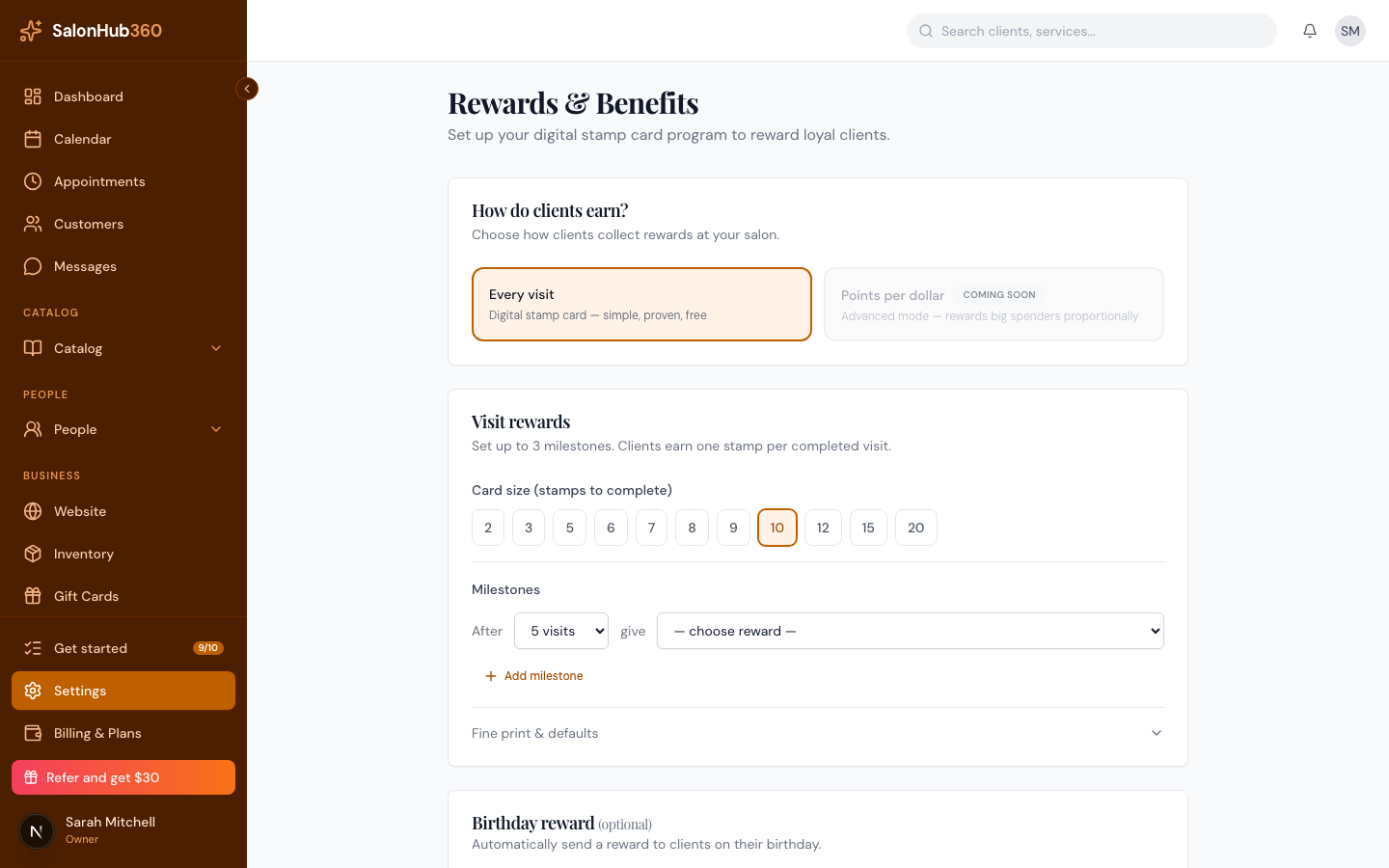
-
Choose a Type:
- Dollar discount — enter the amount in dollars.
- Free service — pick the service from the dropdown.
- Percentage discount — enter the percentage (available on Growth and above).
-
Click Create reward. It's added to your catalog and selected for that milestone.
Note: On the free plan, the Percentage discount option appears but is locked, with a prompt to upgrade. Dollar discount and Free service are available on every plan.
Tip: Keep reward names short and specific so they read clearly on the client's stamp card and in reward notifications. Once a reward is in your catalog you can reuse it across multiple milestones.
Related articles