
How to share your booking link
Requirements
- Available on: All plans
- Device access: Web & mobile browser
- Permission: Owner or Manager
Grab your public booking link and post it wherever clients can tap — your Instagram bio, Google profile, text replies, or email signature — so they can book themselves in.
How to copy your booking link
-
In the left menu, open Appointments.
<!-- CAPTURE: route=/appointments | login=owner | state=appointments list loaded | highlight=Booking link button | viewport=1440x900 -->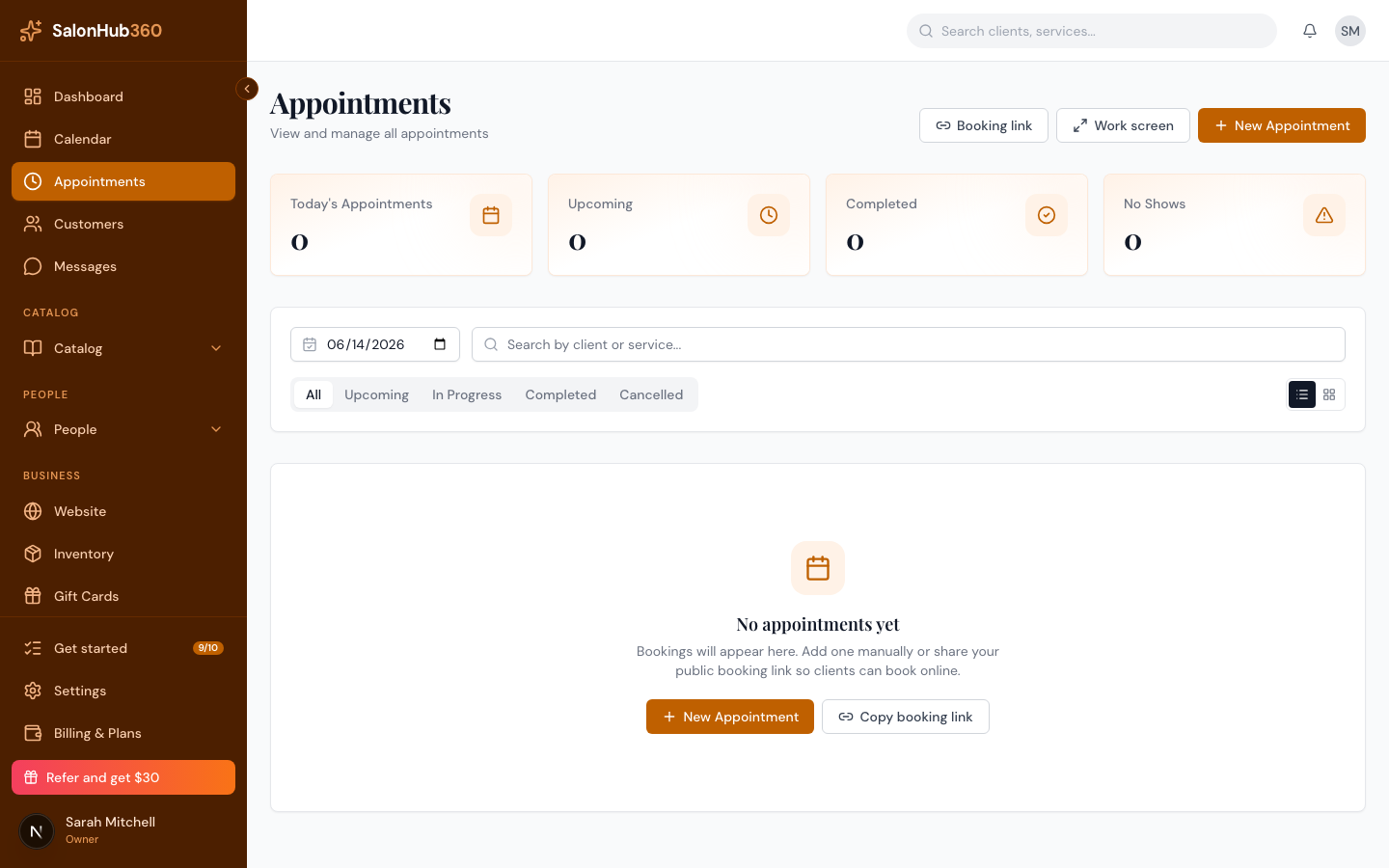
-
Click Booking link in the top-right. A small panel opens showing your Public booking link.
<!-- CAPTURE: route=/appointments | login=owner | state=Booking link popover open | highlight=Public booking link field | viewport=1440x900 -->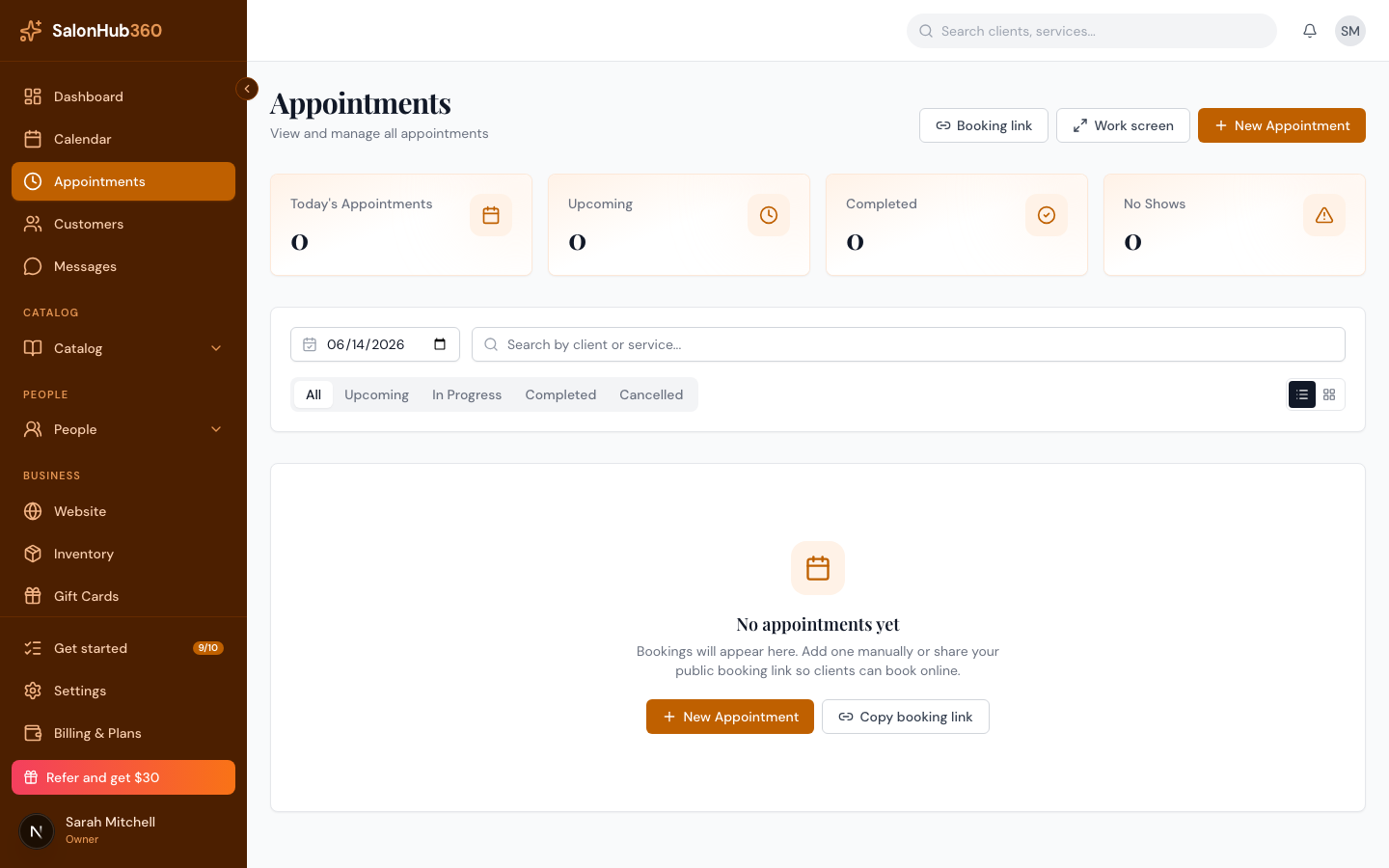
-
Click Copy to copy the link, or the open-in-new-tab icon to preview the page yourself.
-
Paste the link anywhere clients can reach it — social bios, your Google Business Profile, text messages, or email.
Note: Once your salon's free site is published, your booking page also lives at
{your-slug}.sites.salonhub360.com. Both links lead clients to the same booking flow.
Tip: Building a full public site? Your booking link is built into it automatically — see Publish your site & your free subdomain.
Related articles