
SMS credits & the SMS add-on
Requirements
- Available on: All plans
- Device access: Web & mobile browser
- Permission: Owner
SMS credits power text-message features like appointment reminders. This article shows where to find your credit balance and what to expect from the SMS add-on.
Where to see your SMS credit balance
-
In the left menu, open Billing & Plans and find the Usage & Limits section.
<!-- CAPTURE: route=/billing | login=owner | state=active plan | highlight=SMS credits row in Usage & Limits | viewport=1440x900 -->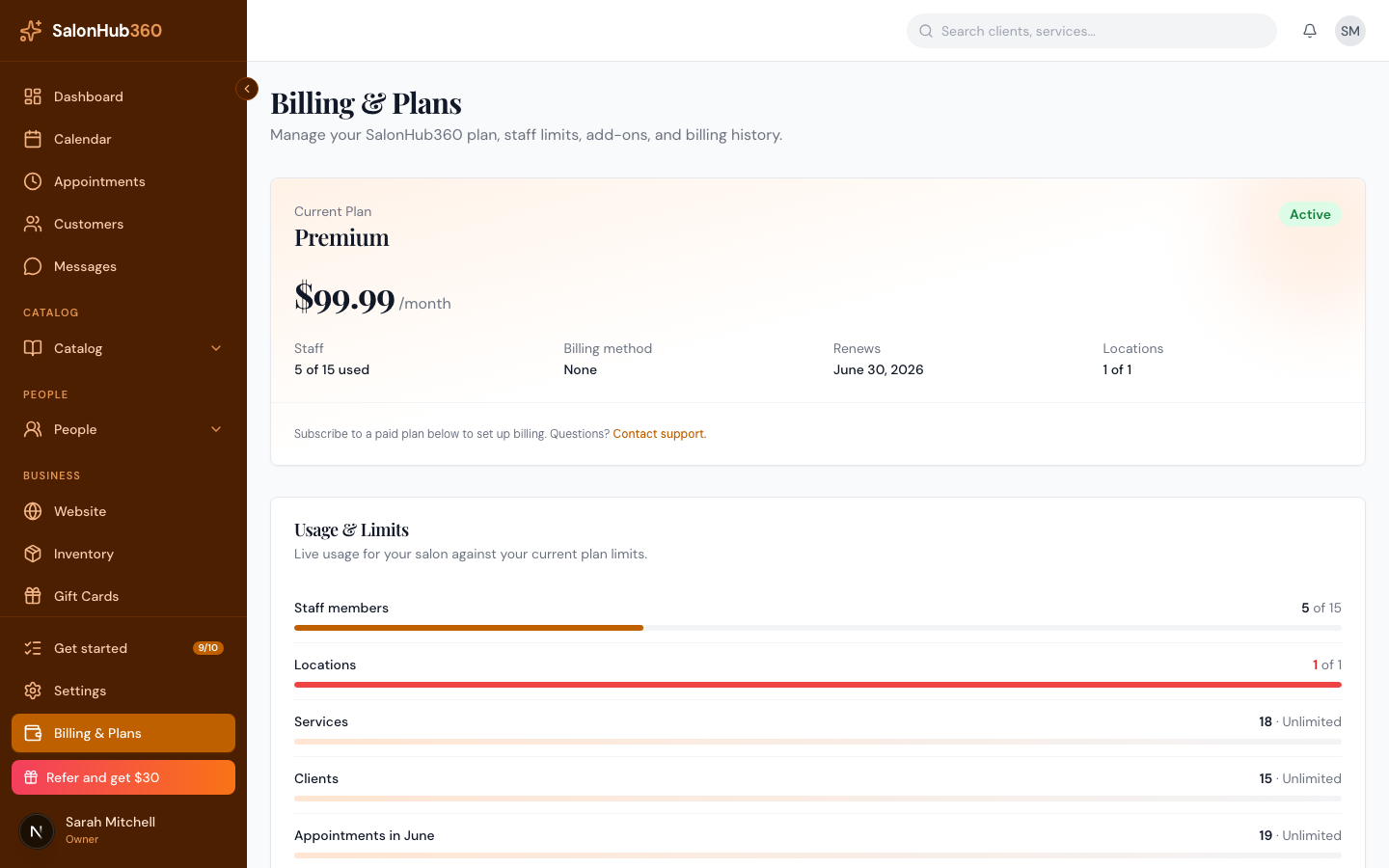
-
The SMS credits row shows your remaining balance. If the add-on is enabled, you'll see "Remaining credit balance for SMS reminders." If it isn't, you'll see "SMS add-on not enabled — credits will appear here once it is."
How credits are used
- Each text message SalonHub360 sends on your behalf (such as an appointment reminder) uses one credit.
- When your balance reaches zero, text sending pauses until more credits are added.
Buying more credits
In the Add-ons section, the SMS credits card ("Top up text credits for appointment reminders and campaigns.") currently shows Coming soon — self-serve top-ups aren't available in the app just yet.
Note: Until self-serve top-ups go live, SMS credits are enabled and topped up by the SalonHub360 team. If you need credits added, contact support.
Tip: Text message reminders are on Starter and above, and show as Coming soon until they're fully wired to SMS credits — appointment reminders go out by email today. To compare what each plan includes, see Understanding SalonHub360 plans.
Related articles