
The Enterprise plan
Requirements
- Available on: Enterprise (by agreement with SalonHub360)
- Device access: Web & mobile browser
- Permission: Owner
Enterprise is for salon groups and larger teams — more staff, more locations, every feature — at a price agreed with SalonHub360 for your salon. Unlike the other plans, you don't pick it from the plan cards: SalonHub360 sets it up for you after you've agreed a price.
How a salon moves to Enterprise
-
Agree your plan and price with our team — email sales@salonhub360.com or use Contact us on the Enterprise card in Billing & Plans.
-
SalonHub360 then sets your Enterprise price. What happens next depends on whether you already pay by card:
- You already pay for a plan by card — your salon moves to Enterprise right away, the same way an upgrade works. Unused time on your old plan is credited and the difference is charged to your card on file today. Your renewal date stays the same if you keep the same billing cycle (monthly or yearly).
- You don't have a card on file yet — you get an offer. Your plan does not change until you add a card and the first payment goes through.
-
Either way, you'll receive an email describing the change.
Activating an offer (no card on file yet)
-
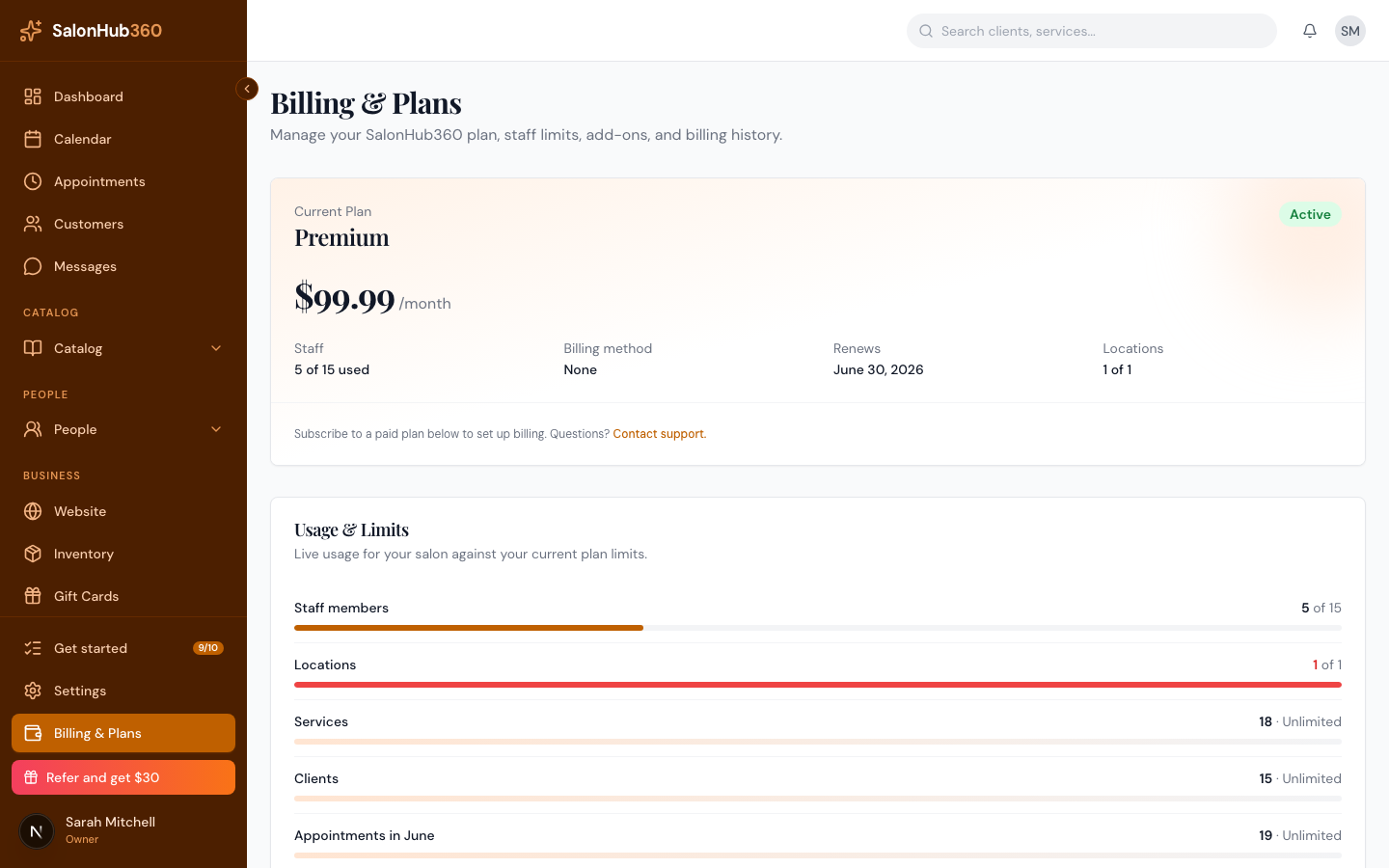
Open Billing & Plans. A banner at the top reads "SalonHub360 offered you Enterprise at $X / month. Add your card to activate."
-
Click Add card & activate. You'll be taken to a secure Stripe checkout showing the offered price.
-
Enter your card and confirm. When you return, your salon moves to Enterprise within a few seconds and you'll receive a welcome email. If you leave checkout without paying, nothing changes — the banner stays until you activate or SalonHub360 withdraws the offer.
Where to see your price and invoices
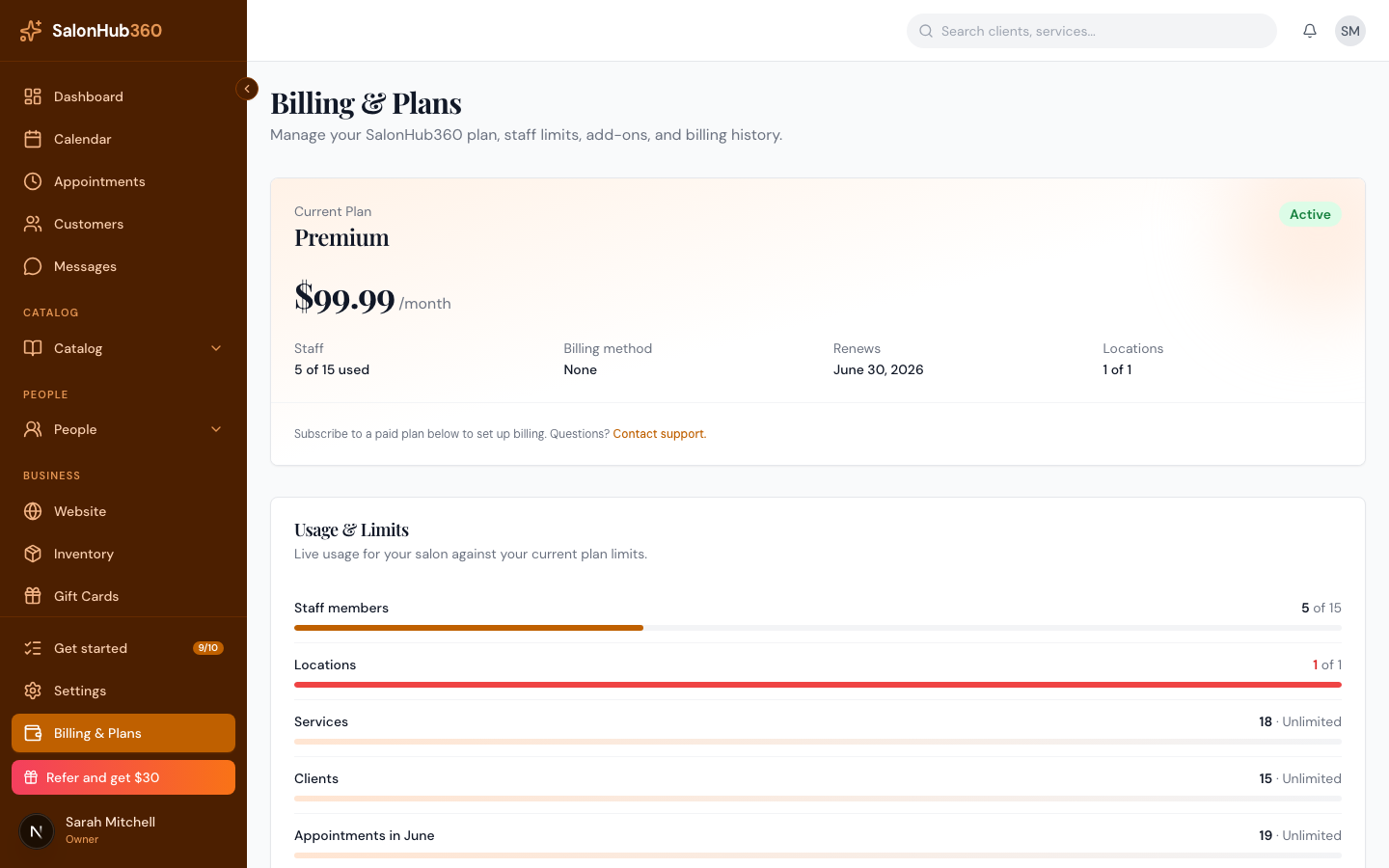
- Billing & Plans shows "Your plan: Enterprise — $X / month" (or / year) and your next charge date in place of the plan cards.
- If your price has been lowered, the panel shows the new price "from {date}" — the lower price starts at your next renewal, and you pay your current price until then.
- Manage Billing opens the Stripe billing portal, where you can update your card and download invoices and receipts — see Manage your billing & payment method.
Note: Enterprise is managed by SalonHub360, so the Upgrade, Downgrade, Switch billing and Cancel subscription buttons aren't shown. To change your price, your billing cycle or your plan, contact us — email sales@salonhub360.com. Price changes are emailed to you: an increase is charged to your card on file right away (prorated, like an upgrade); a decrease starts at your next renewal.
Note: Your text plan and add-ons are billed separately and aren't affected by moving to or from Enterprise.
Related articles